IPM25 User Manual
12
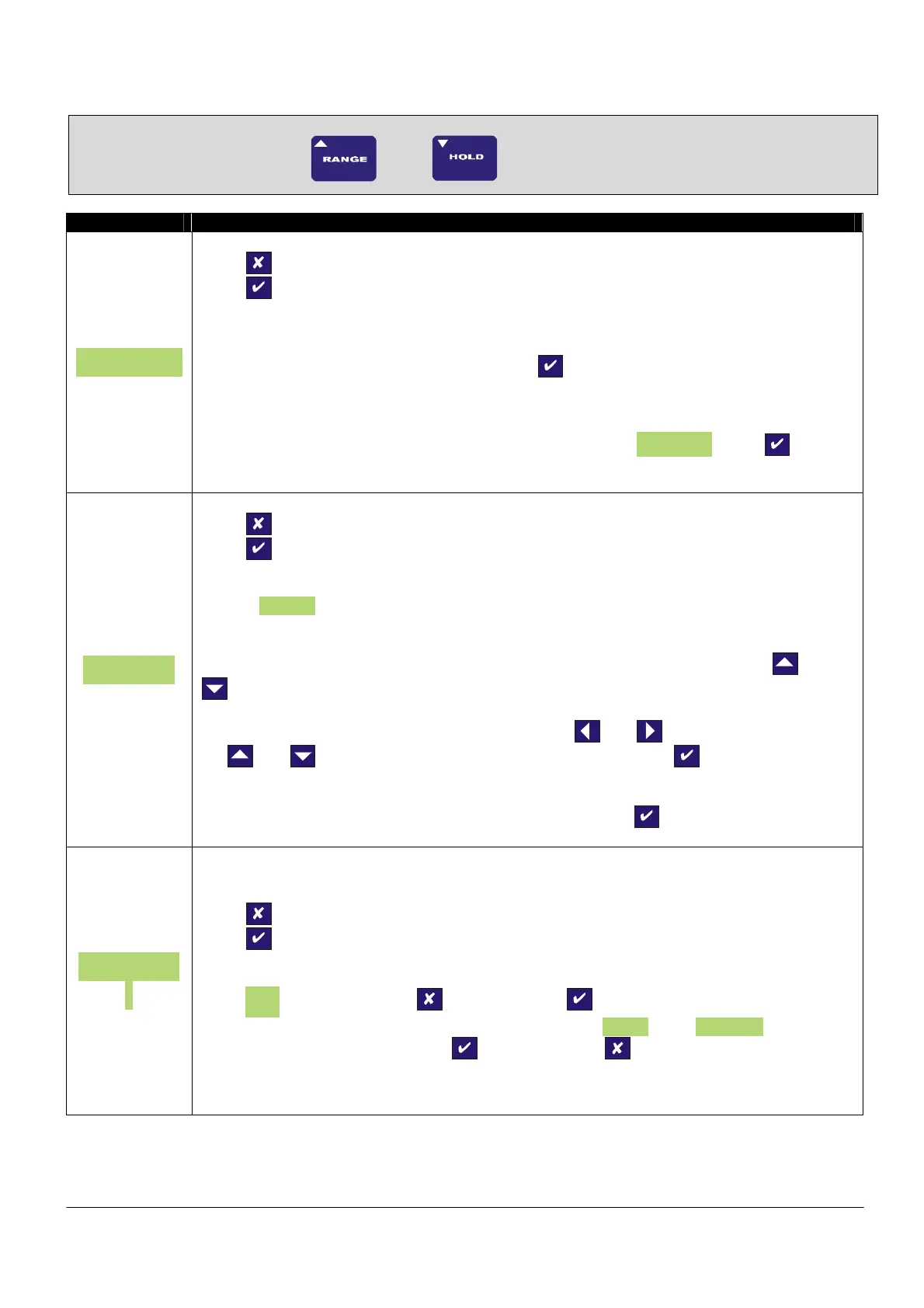
Calibration Menu
To enter the Calibration Menu, press and hold
and
buttons for 5 seconds
Parameter Set-up Information
SEnS 5.0
Press
To skip to next menu item
Press
To change sensor input sensitivity
This allows the calibration engineer to change the sensitivity range of the IPM25, when
connecting to sensors with a sensitivity of greater than 5mV/V. The IPM25 is factory set for
5mV/V. To ensure the unit is set to 5mV/V press
To select 50mV/V you need to power down the unit and access the internal circuit board. Move
link LK1 and place it onto JP1. Power on the IPM25 and return to this point of the calibration
menu. You will notice that the menu parameter has changed to SEnS 50.0, press to
change the sensitivity to 50mV/V and move on to the next parameter.
SEt rES
Press
to skip to next menu item
Press
to the set the display resolution
This parameter sets the decimal point position for the display and the resolution, i.e. a
value of 000.005 would display the reading to 3 decimal places and the readings will change in
steps of 0.005.
The decimal point position is moved one place to the right each time you press the
and
together.
Any value can be entered for the resolution, using the
and arrows to select a digit and
the
and arrows to increment or decrement the digits. Press to accept the value
and move onto the next parameter.
To save the settings and move on to the next parameter press
CALibrA
t
THIS MENU IS DISABLED WHEN TEDS IS ENABLED
Press
to skip to next menu item.
Press
to the enter the calibration routine
If you have chosen to enter the calibration routine you will be prompted whether you want to
select LiVE, if you do not press
,
otherwise press
. You will then be prompted to select
either of the other calibration methods, which in order, are tAbLE and CAL VAL to select
any of the calibration methods press
. Otherwise press
For more detailed calibration information, please refer to the calibration section of the manual.



 To Next Page