IPM25 User Manual
14
Millivolt per Volt Calibration Menu
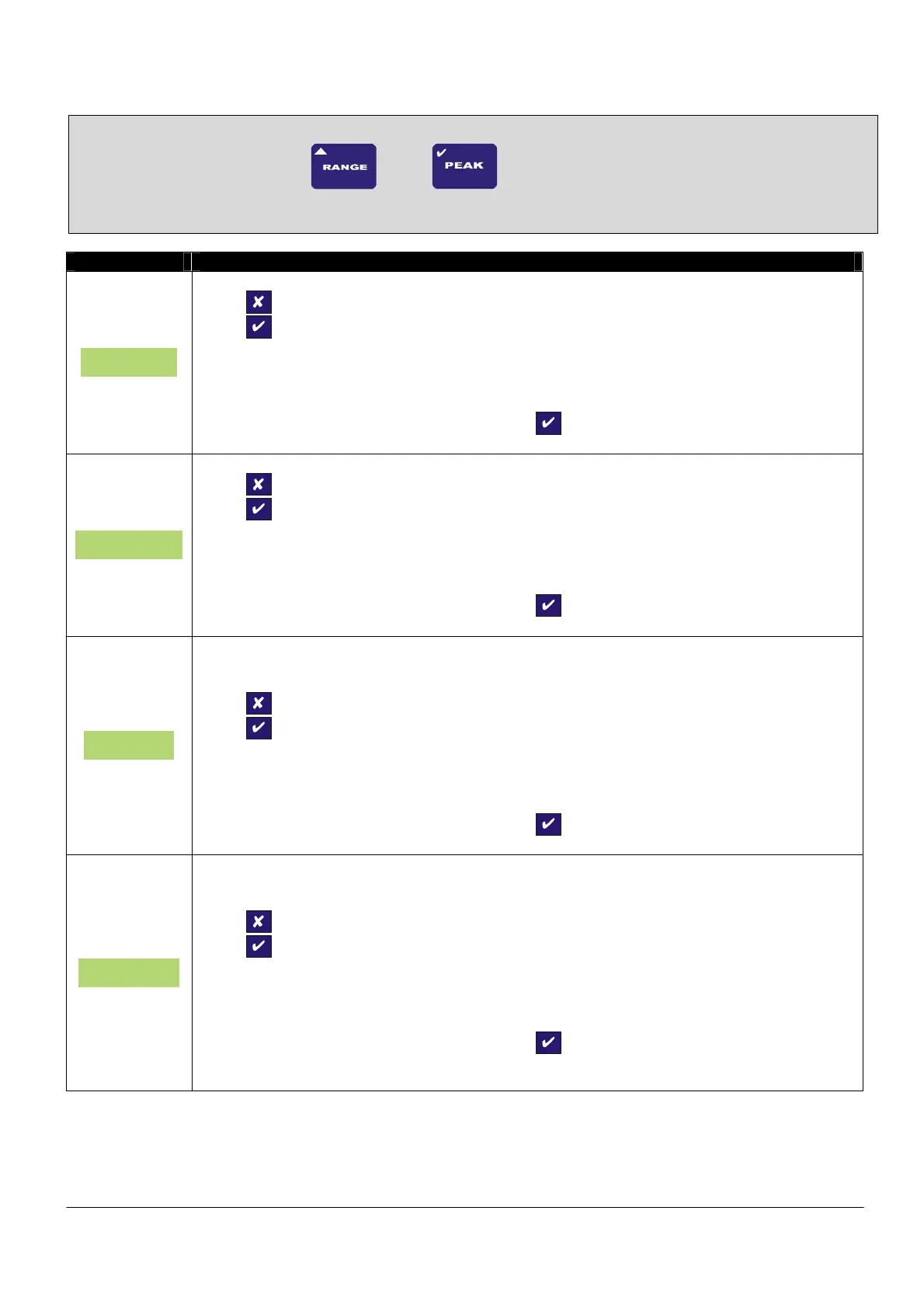
To enter the MilliVolt per Volt Calibration Menu, press and hold
and
buttons for 10 seconds
Parameter Set-up Information
5.0 gAIn
Press
To skip to next menu item
Press
To change the 5mV/V gain.
Here the factory gain calibration can be changed to a measured value (see Milli-Volt
Calibration Procedure – back end of manual).
Once the derived value has been entered Press
to confirm.
5.0 OFFS
Press
to skip to next menu item
Press
to change the 5mV/V offset.
Here the factory offset value can be changed to a measured value (see Milli-Volt Calibration
Procedure – back end of manual).
Once the derived value has been entered Press
to confirm.
50 gAIn
THIS CAN ONLY BE SET WHEN USING 50mV/V RANGE
Press
To skip to next menu item
Press
To change the 50mV/V gain.
Here the factory gain calibration can be changed to a measured value (see Milli-Volt
Calibration Procedure – back end of manual).
Once the derived value has been entered Press
to confirm.
50 OFFS
THIS CAN ONLY BE SET WHEN USING 50mV/V RANGE
Press
to skip to next menu item
Press
to change the 5mV/V offset.
Here the factory offset value can be changed to a measured value (see Milli-Volt Calibration
Procedure – back end of manual).
Once the derived value has been entered Press
to confirm.



 To Next Page