3.1 POWER SUPPLY AND START-UP
The indicator can be powered with a fitted 240 Vac external power adapter or just with the fitted battery.
NOTE: it is advisable to completely recharge the battery (12 hours) with the first installation of the instrument.
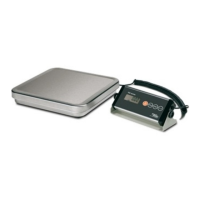
TO POWER the instrument through the 240 Vac mains put the AC/DC power plug in the appropriate socket under the
scale and the power adapter in the 240 Vac mains socket.
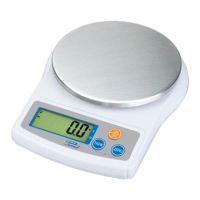
TO TURN ON the instrument press downwards the button under the scale until it turns on; then release it.
TO TURN OFF the instrument press upwards the button under the scale until it turns off; then release it.
After the self-check the scale will show “hi rES” (in case of NOT approved instrument) or “LEGAL” (in case of approved
instrument).
3.2 BATTERY POWERED
The weighing indicator can be operated from the battery if desired.
1.When battery goes low, the light will be turned on automatically.
It is the time to charge the battery with the AC power. If the scale goes on being used without proper charging, the
display window will show “BAT LO” every 10 minutes, and the scale would be shut down automatically after 50 minutes
of warning in order to protect the battery. Please charge the battery immediately, or the scale cannot be used.
2.The “Recharge” LED is orange when battery is being charged, and green when battery is fully charged.
3.
As the battery is used it may fail to hold a full charge. If the battery life becomes unacceptable then contact your
distributor
4. FRONT PANEL KEYS AND INDICATORS
4.1 FUNCTION OF THE KEYS
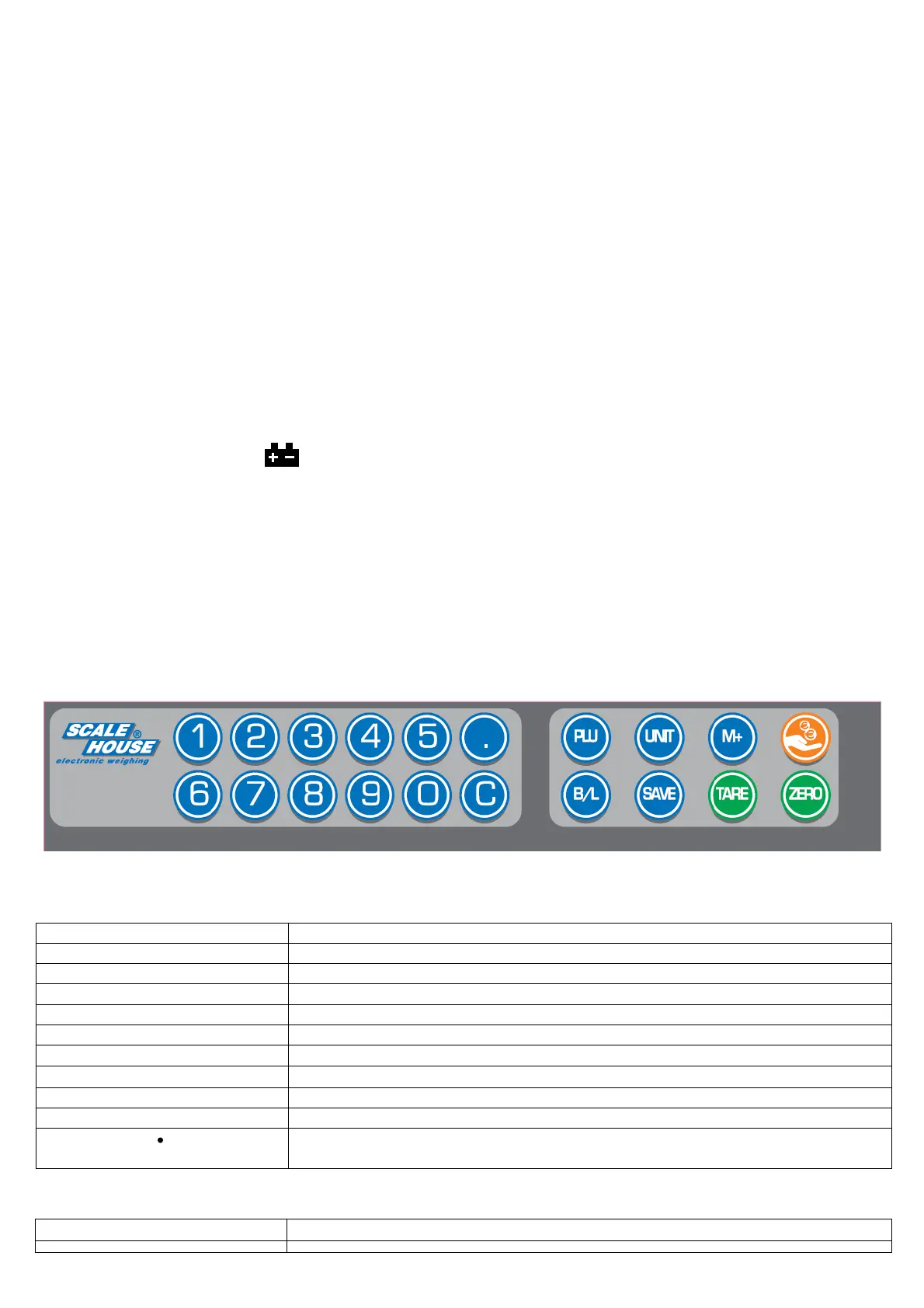
subtracts tare values and changes the
from gross mode (no tare) to net mode.
used to disable or enable the price and tare auto
used to set the backlight mode (ON/OFF/AUTO).
sed to do memory recall, give change and memory clear in one time.
It adds data to the accumulators
and executes the relative print
It is used to store unit price memory and recall unit price from memory.
s used for canceling the memorized data.
They are used for setting unit price data.
In the entry mode of the unit price with floating decimal point (see F14 step, section 7), this
allows to enter the decimal point of the price.
4.2 FUNCTION OF THE INDICATORS


 To Next Page