- 30 -
www.SCEPTRE.com
SCEPTRE E32 HDTV User Manual
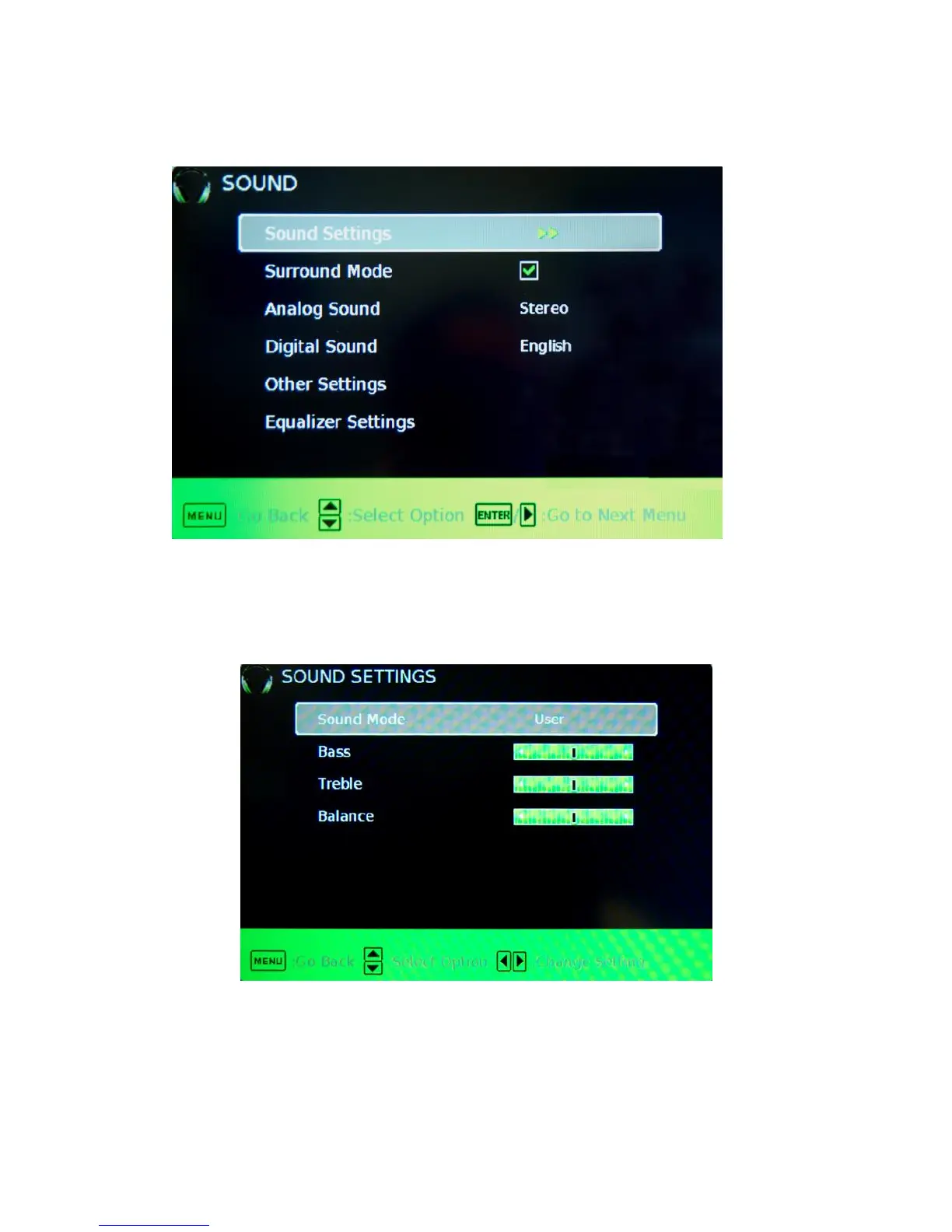
SOUND
This option allows users to adjust the TV’s sound functions.
1. Press MENU to open the OSD.
2. Press ◄ or ► to select SOUND and press ENTER.
3. Use ▲ or ▼ to select the one you want to adjust and ◄ or ► or ENTER to
adjust them.
I. SOUND SETTINGS
i. SOUND MODE – This feature switches between preset
settings (presets include standard, soft, user, and
dynamic).
ii. BASS – This feature adjusts the audio bass level of the
TV.
iii. TREBLE – This feature adjusts the audio treble level of
the TV.



 To Next Page