- 32 -
www.SCEPTRE.com
SCEPTRE E32 HDTV User Manual
CHANNEL
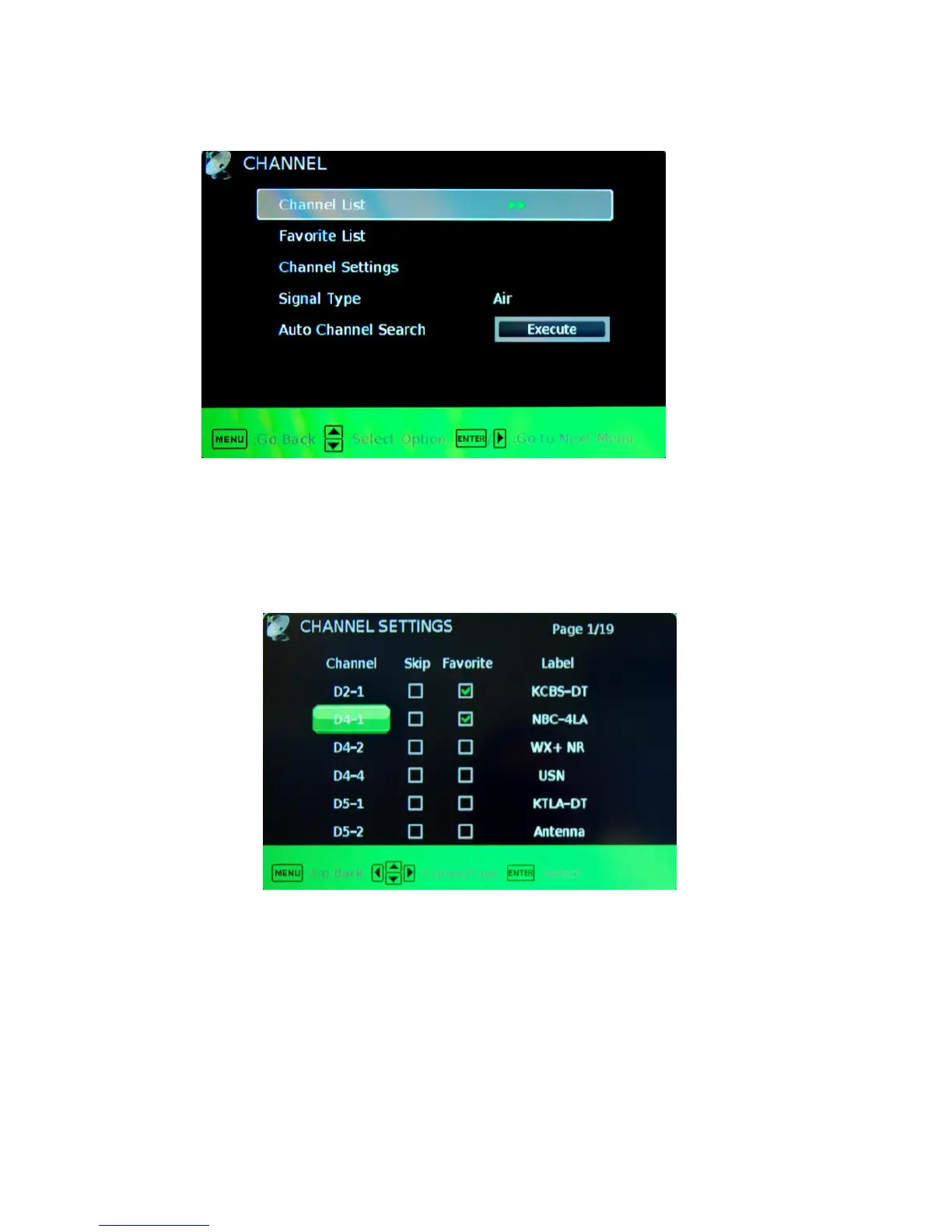
This option allows user to adjust the TV’s tuner functions.
1. Press MENU to open the OSD.
2. Press ◄ or ► to select CHANNEL and press ENTER.
3. Use ▲ or ▼ to select the one you want to adjust and ◄ or ► or ENTER to adjust them.
I. CHANNEL LIST – This feature gives you the list of channels currently found
by the TV.
II. FAVORITE LIST – This feature gives the favorite list of channels added.
III. CHANNEL SETTING
i. CHANNEL NUMBER – This feature shows the channel number.
ii. IN CHANNEL LIST – This feature tells you if you have chosen for
channel to be skipped.
iii. CHANNEL LABEL – This feature changes the name of the
channel.
iv. FAVORITE CHANNEL – This feature tells you if you have the
current channel in your favorite list. Press ENTER to add or
remove the current channel into the favorite list.
IV. SIGNAL TYPE – This feature allows you to switch between air (such as using
antenna) and cable.
V. AUTO CHANNEL SEARCH – This feature searches channels automatically
for you



 To Next Page