10 B1051302 Rev. B CDR Wireless Installation
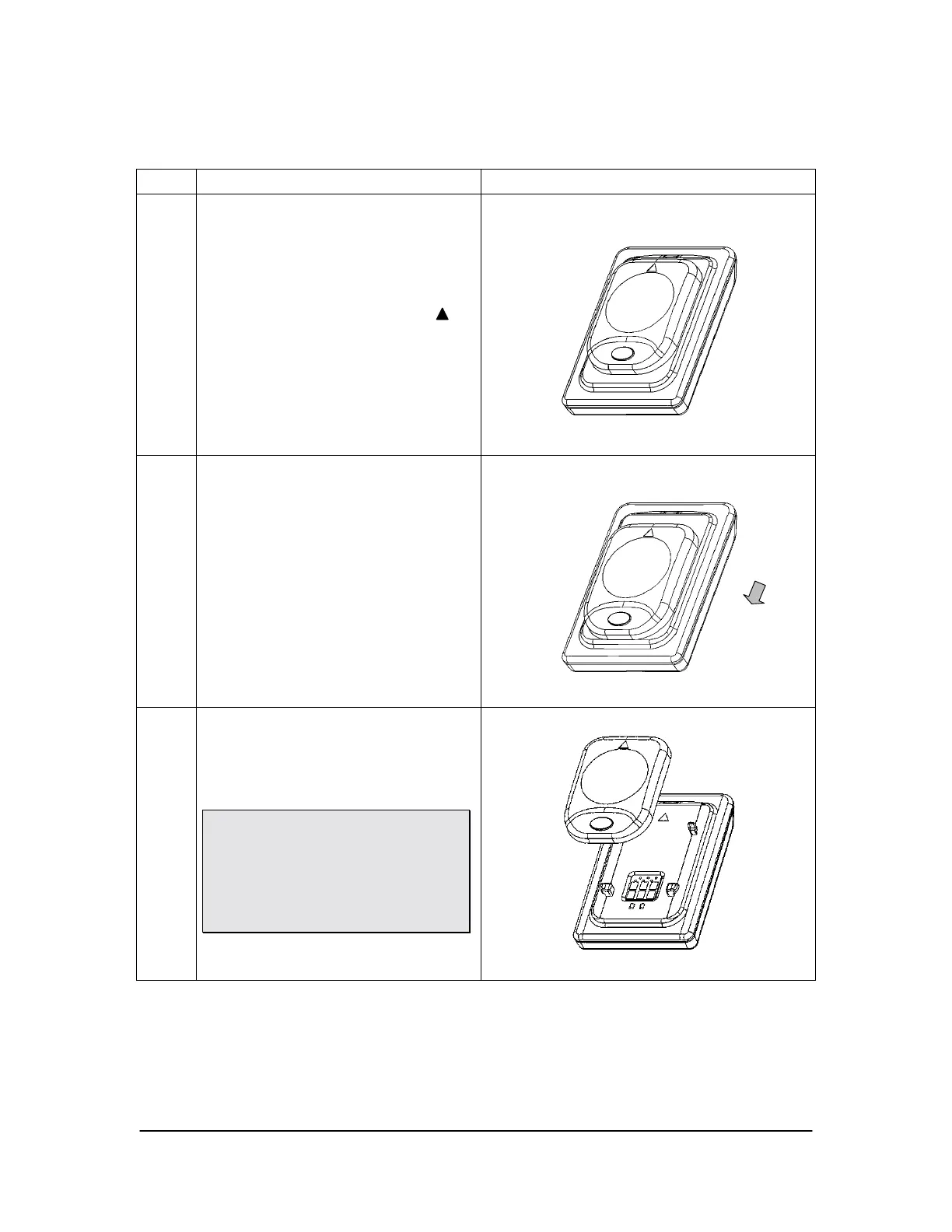
Table 1. Removing the Battery Pack from the Sensor
Step Instruction Illustration
1.
Locate the orientation symbol
on the battery package
2.
Slide battery along Sensor guides
in the opposite direction of the
orientation symbol
3.
Lift up and remove the battery pack
and store it in a proper location
Please note: When detached from the
Sensor, place the battery pack on its
back with the terminals facing upwards.
Ensure that no conductive object
contacts the battery terminals to
prevent accidental discharge.



 To Next Page