22 B1051302 Rev. B CDR Wireless Installation
6. Base Station Positioning
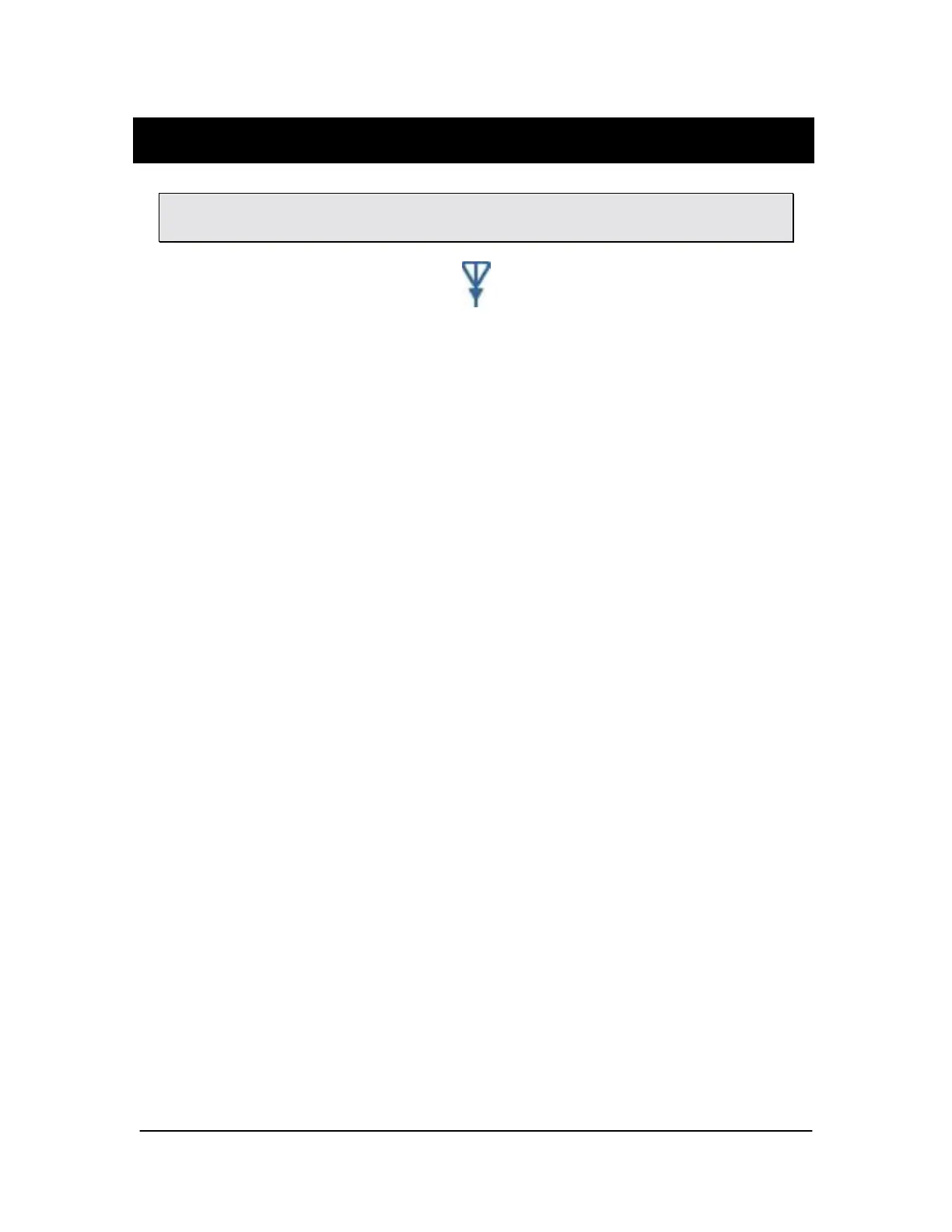
Please Note: The side of the Antenna indicated by the symbol shown in Figure 5
identifies the active side of the Antenna. This side must face the patient.
Figure 5. Symbol designating active side of Antenna
The USB Interface and Antenna / Receiver can be surface-, wall-, or ceiling-mounted as
one unit (docked) or separately (undocked) to achieve the best performance.
6.1. Mounting Options in the Docked Configuration
To position the USB Interface and the Antenna / Receiver in their shipped (docked)
arrangement, refer to Section 6.2.1.
6.2. Mounting Options in the Remote Confirguration
To release the USB Interface and the Antenna / Receiver from their docked arrangement
and to position them remotely, refer to Section 6.2.2.
6.2.1. Docked Mounting Option
1. Choose a convenient location for the USB Interface and the Antenna / Receiver,
keeping in mind that:
a. You may need to periodically access the Sensor cradle for channel
configuration.
b. The Antenna / Receiver must face the front of the patient and be within 6
feet (1.8 meters) of the area where the Wireless Sensor will be used (Figure
6).
2. Using the USB cable provided with your system, connect the cable from the USB
Interface to the PC workstation. If you need a different USB cable from the one
supplied with your system, refer to the CDR Wireless User Guide for compatible
cable lengths and markings.



 To Next Page