4 • Schlage • AD-300 user guide
Getting started
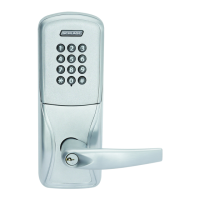
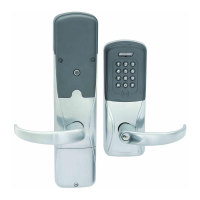
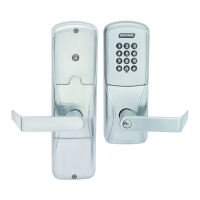
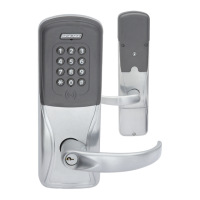
Follow these steps to set up a new lock.
1. Install the lock. See the installation guide that came with the lock, or visit
www.allegion.com/us for more information.
2. Make sure the power supply is properly connected. See Connect to an access control
panel on page 9 for more information.
3. Congure the Master Construction Credential (where applicable). See Construction
access mode on page 6 for more information. The lock should remain in construction
access mode until you are ready to set up the rest of the system.
4. Test the lock for proper mechanical and electronic operation. See Test lock operation on
page 11 for more information.
5. Connect the lock to the Access Control Panel (ACP). See Connect to an access control
panel on page 9 for more information.
6. Consult the SUS user guide for information about conguration of the lock.
7. Familiarize yourself with the information contained in this user guide.
Save this user guide for future reference.


 To Next Page