EasyManua.ls Logo

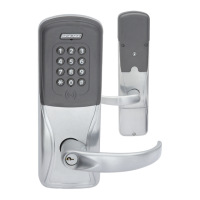
Schlage AD-200 - User Manual

Schlage AD-200
20 pages
Print Icon
To Next Page IconTo Next Page
Loading...
*P516-129*
P516-129
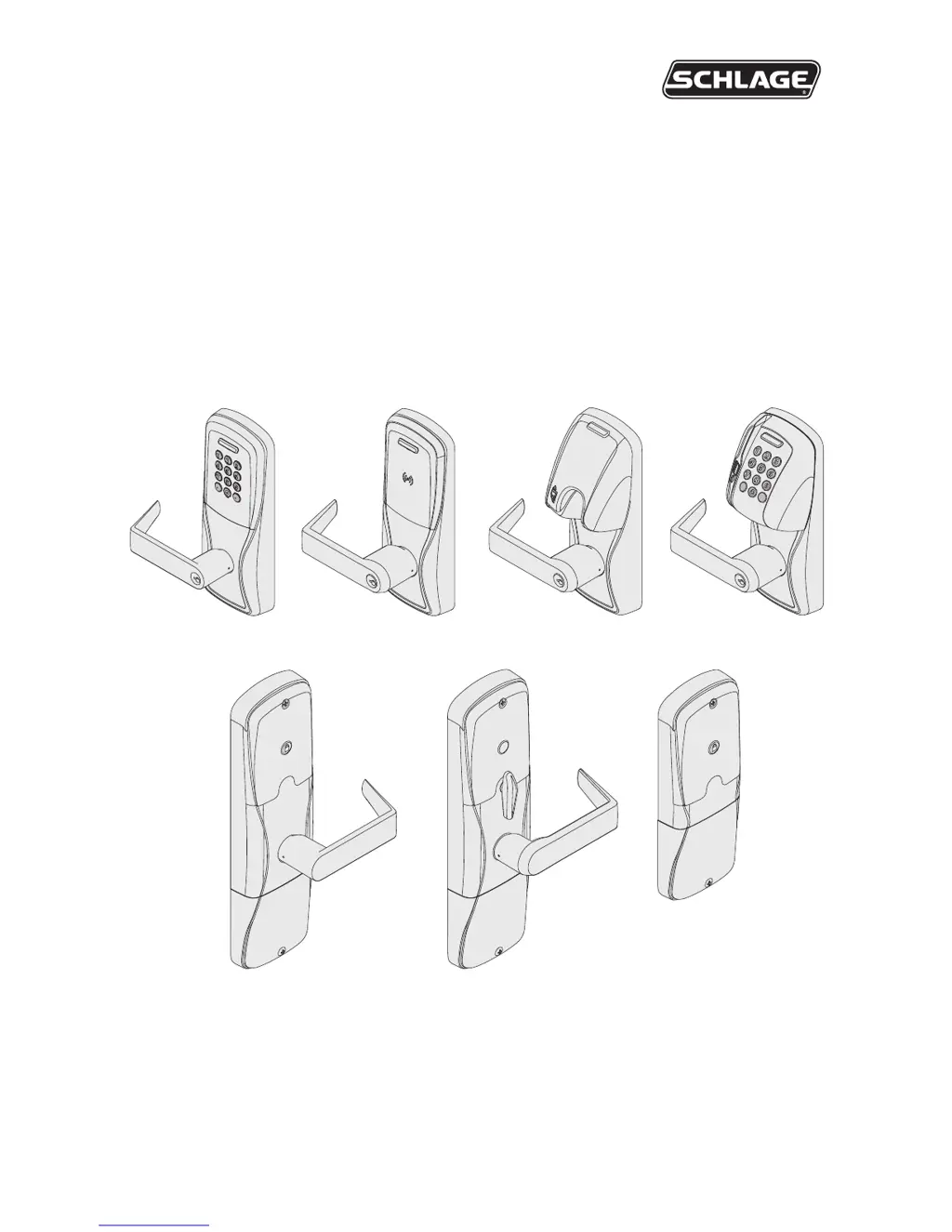
AD-200
AD-201
Ofine lock user guide
Instructions for AD-Series ofine locks
Para el idioma español, navegue hacia www.allegion.com/us.
Pour la portion française, veuillez consulter le site www.allegion.com/us.

Other manuals for Schlage AD-200

Questions and Answers

  • J
    Jenna MooneyJul 27, 2025
    What to do if the Schlage lock beeper doesn't sound and the keypad doesn't light?
    • E
      Edwin FinleyJul 27, 2025
      If the Schlage lock beeper doesn't sound and the keypad doesn't light when you press the Schlage button, here are a few things to check: * Make sure the reader is fully seated into the front escutcheon. * Check for bent pins in the reader connector. * Ensure the through door ribbon cable is correctly plugged in, with the red wire on the left and not pinched. * Verify the battery or wired power is properly connected. * Confirm the batteries are inserted with the correct polarity.
  • Q
    qkempAug 1, 2025
    Why is my Schlage lock reader not working and not reading my smart card or magnetic swipe card?
    • M
      Matthew OlsonAug 1, 2025
      If your Schlage lock reader isn't working and isn't reading your smart card or magnetic swipe card, consider the following: * Check that the through hole ribbon cable is not pinched. * If using a Smart card, the default format of the card reader may not be correct for the Smart card; change the Smart card format using the SUS. * For magnetic swipe cards, the default “Mag Track in Use” for all Magnetic Card Credential Readers is “Track2”. Use the SUS to change “Mag Track in Use”. Select AD-200 “Lock Properties”, “Reader” tab, and “MAG Card Track selection”.
  • M
    Marissa WilsonAug 7, 2025
    How to fix a Schlage lock when the beeper doesn't sound and the keypad doesn't light?
    • W
      Wendy HillAug 7, 2025
      If the Schlage lock beeper isn't sounding and the keypad isn't lighting up when you press the Schlage button, here are a few things to check: * Make sure the reader is fully seated into the front escutcheon. * Inspect the reader connector for any bent pins. * Ensure the through-door ribbon cable is correctly plugged in, with the red wire on the left and not pinched. * Verify that the battery or wired power is properly connected. * Confirm that the batteries are inserted with the correct polarity.
  • E
    edwardericksonAug 13, 2025
    What to do if the Schlage lock reader or card reader is not working?
    • D
      Daniel RobinsonAug 13, 2025
      If the reader on your Schlage lock isn't working, the smart card isn't reading, or the magnetic swipe card isn't reading correctly, start by checking that the through-hole ribbon cable isn't pinched. If you are using a Smart card, change the Smart card format using the SUS by selecting AD-200/AD-201 “Lock Properties”, “Reader” tab, and “Smart cards in use”. For magnetic cards, use the SUS to change “Mag Track in Use” by selecting AD-200/AD-201 “Lock Properties”, “Reader” tab, and “MAG Card Track selection.”
  • L
    Lisa MurilloAug 20, 2025
    Why is the wired remote release feature not working on my Schlage lock?
    • J
      Jason StanleyAug 20, 2025
      If the wired remote release feature is not working on your Schlage lock, first, ensure that your lock is the AD-200 storeroom function, as wired remote release is only available on this model. Next, verify that your hardware version is F or higher and that the lock is programmed with AD-200 version 2.45.1 firmware or higher. Also, check that the inside cover is completely and correctly installed. Finally, confirm that the remote release switch closes and provides less than 5 ohms resistance when activated.

Summary

Construction access mode

Locks with keypads

Default PIN and access for keypad locks during installation and testing.

Create master construction credential

Process for establishing a master credential for card reader locks.

Add construction access credentials

Steps to add user credentials to construction access mode.

Credential types and functions

Programming credential

Card or code for programming only; does not grant access.

Normal use credential

Unlocks lock momentarily upon valid presentation.

Toggle credential

Changes lock state between secured and unsecured.

Freeze credential

Locks the door in its current state until re-presented.

Manual programming instructions

Error codes

Test lock operation

Wired remote release feature

Reset to factory defaults

Level 1 factory default reset

Resets main controller settings and user codes.

Level 2 factory default reset

Resets all lock and reader configurations.

Batteries

Troubleshooting

Schlage AD-200 Specifications

General IconGeneral
BrandSchlage
ModelAD-200
CategoryLocks
LanguageEnglish

Related product manuals