4
ENGLISH
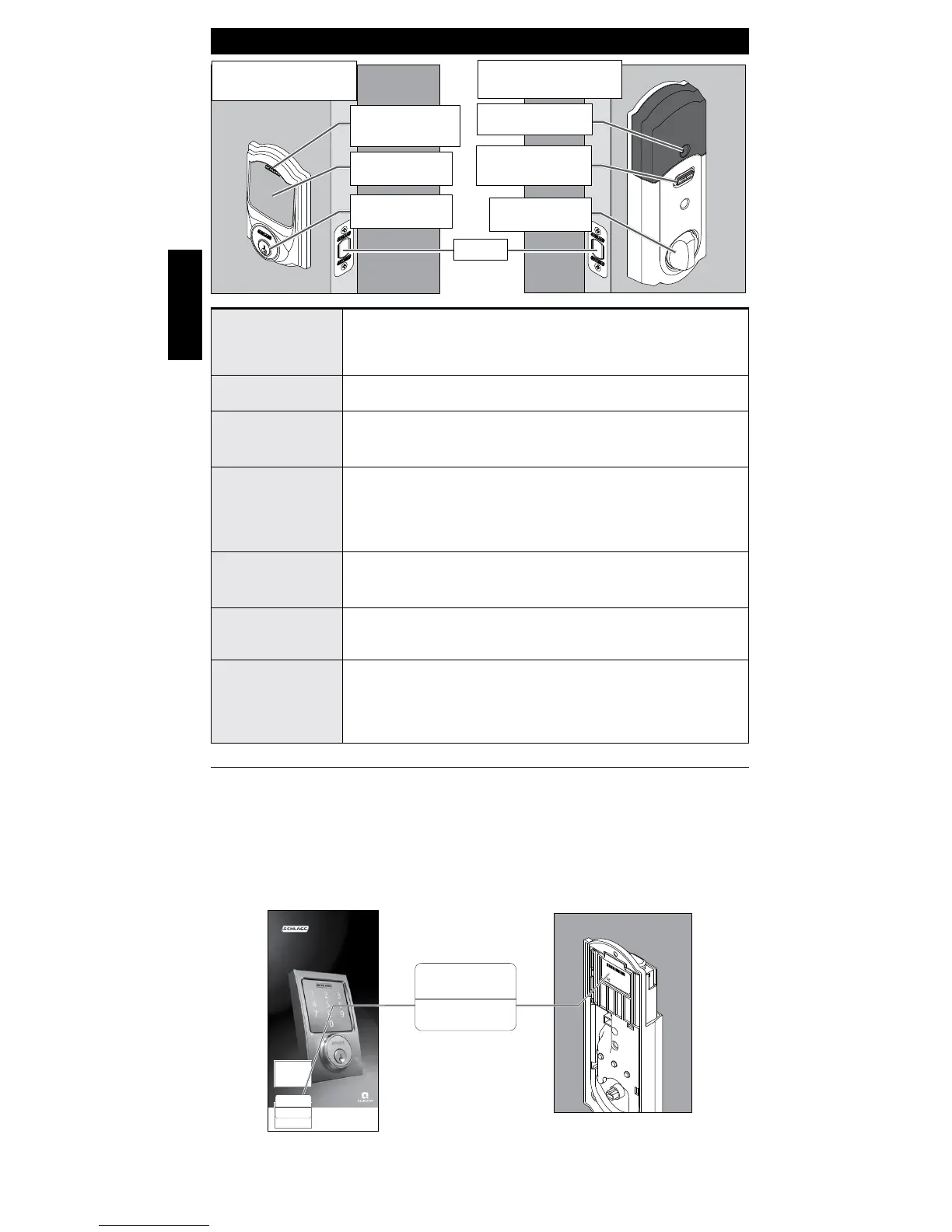
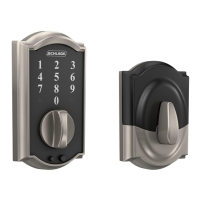
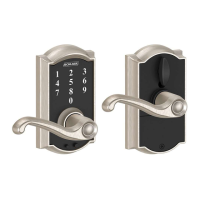
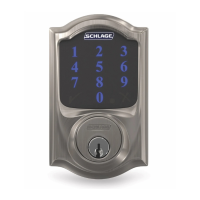
LOCK PARTS
DOOR INTERIOR
Alarm
DOOR EXTERIOR
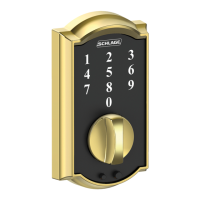
Touchscreen
Outside
Schlage Button
Touchscreen
Cylinder
Alarm Speaker
Inside Schlage
Button
Thumbturn
Bolt
Inside Schlage
Button
• Located on the inside of the door.
• Used to silence the alarm.
• Does not lock or unlock the door.
Thumbturn
• Used to lock and unlock manually from the inside.
Outside Schlage
Button
• Located on the outside of the door.
• Locks the deadbolt with 1-Touch Locking.
• Illuminate the lock’s touchscreen for access code entry.
Touchscreen
• Remains unlit until a button is pressed.
• Located on the outside of the door.
• Used to enter access codes.
• Used to lock door (default setup).
Cylinder
• Used to unlock in emergency situations.
See Emergency Key Override on page 14.
Alarm Speaker
• Sounds alarms based on the chosen settings.
Alarm can be programmed in the app.
Bolt
• Automatically extends and retracts when the lock’s
touchscreen is used.
• Manually extends and retracts when the thumbturn is
rotated.
Setup Code and Default Access Codes
The programming code and default access codes are located on one sticker, and the
HomeKit setup code is located on the other sticker.
Front of this user guide Back of the Alarm
»
You must remove the alarm from the
door to see these stickers.




 To Next Page