Operation Lab 850
50
ba75890e01 11/2009
4.7.4 Interval for automatic data transmission
The interval for automatic data transmission serves to transmit the
current measurement dataset to the interface at the specified interval.
Data transmission
interval
Data transmission interval
(Int.2)
OFF, 5 s, 10 s, 20 s, 30 s, 1 min, 2 min,
5 min, 10 min, 20 min, 30 min, 60 min
1 Press <SC_> to open the setting for the transmission interval.
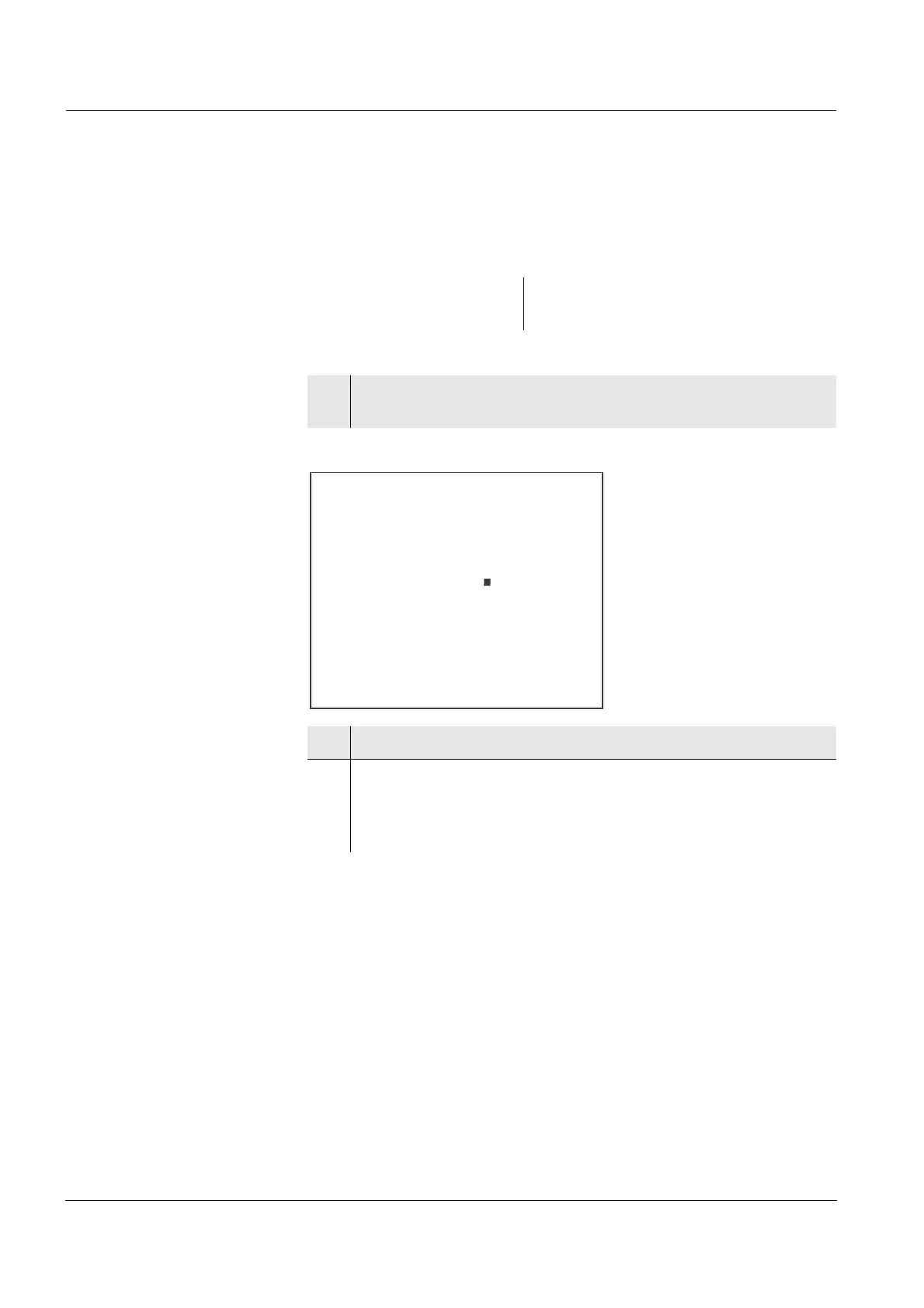
Int.2, the setting of the transmission interval is displayed.
2 Press <▲><▼> to select an interval.
3 Confirm with <OK>.
The setting of the interval for the data transmission to the
interface is completed.
The meter switches to the measuring mode.


 To Next Page