Date Code 20210715 SEL-2890 Instruction Manual
Section 5
Troubleshooting
Introduction
This section describes how to determine the operating status of your SEL-2890 and
how to troubleshoot SEL-2890 operation. This section contains information on the
following topics:
➤ Reading the SEL-2890 indicator LEDs
➤ Troubleshooting an SEL-2890 installation
SEL-2890 Indicator LEDs
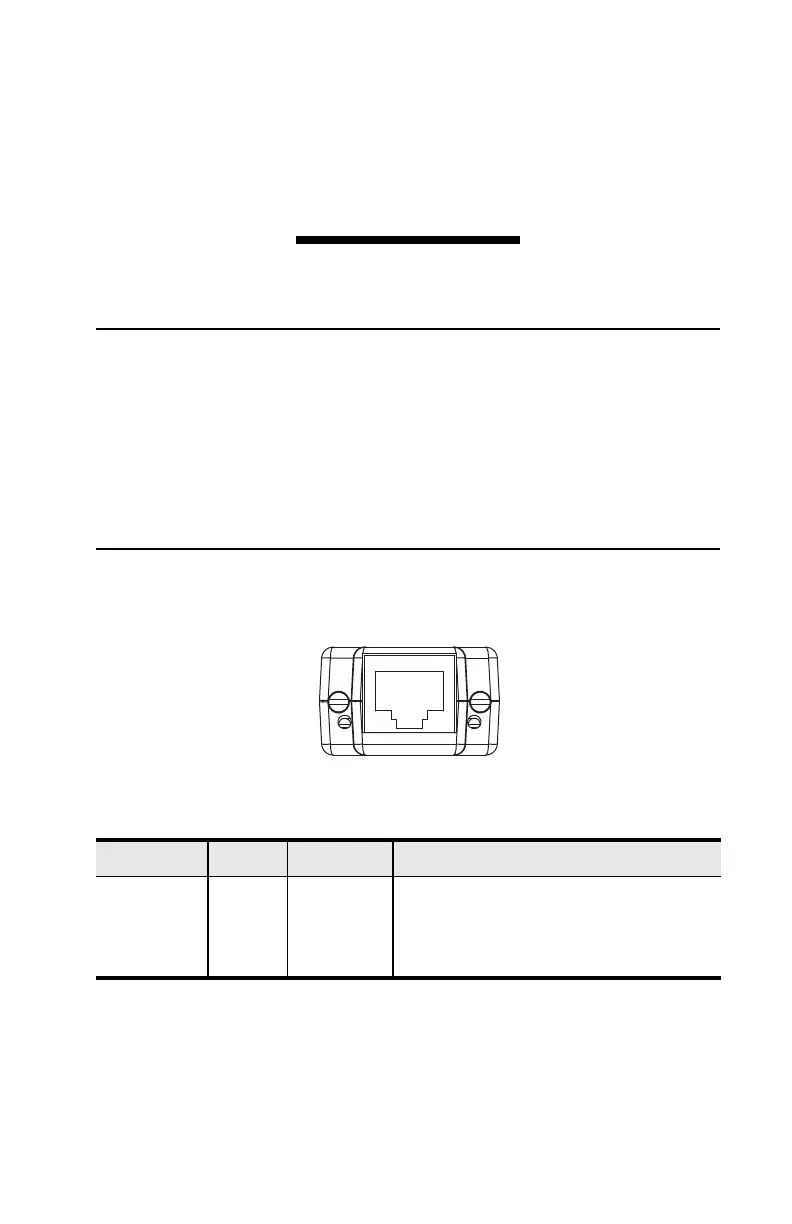
There are two indicator LEDs on the SEL-2890. The LEDs and panel label for the dual
twisted-pair SEL-2890 are shown in Figure 5.1. The operation of each LED is
explained in Tabl e 5 .1.
Figure 5.1 Example SEL-2890 Panel
The Tx/Rx LED flashes when data are being sent or received via the Ethernet port. The
Link LED illuminates and remains illuminated when properly connected to the
Ethernet.
Table 5.1 SEL-2890 LED Indicators
Location Color Description Operation
Left Red Tx/Rx Flashes when transmitting or receiving
Ethernet messages.
Right Green Link Illuminated when a good Ethernet link is
detected.



 To Next Page