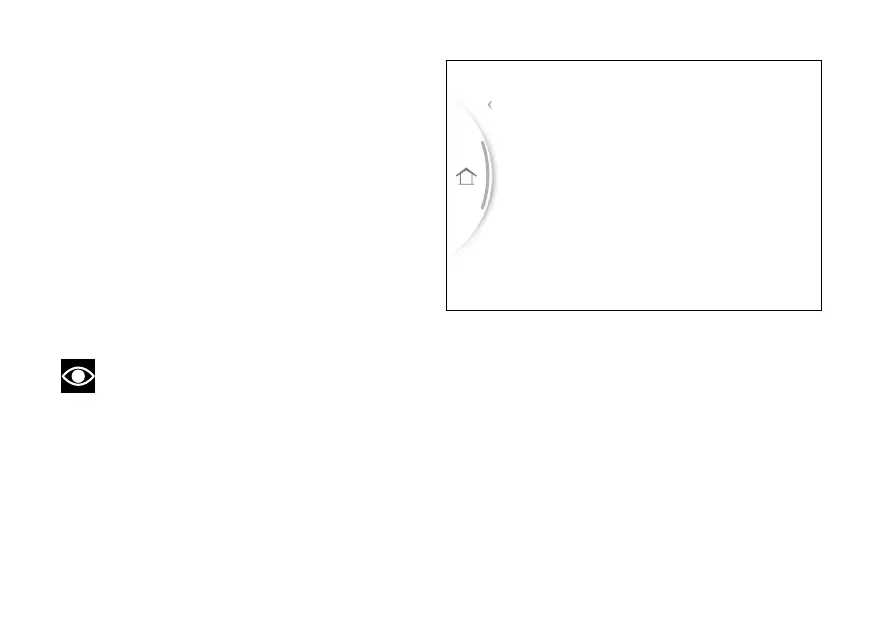
The instrument panel displays the dedicated page
listing the available
●
Service
●
Riding Mode
●
Info display
●
Fuel indicator
●
DRL
●
Display
●
PIN Code
●
Date and time
●
Bluetooth (if any)
●
Turn indicators
●
Language
●
Units
●
Info
Note
When entering the menu, the first item
selected is "Riding Mode".
When the Menu is displayed, (1), (2)
and (3) can be used as follows:
●
(1) and (2) to scroll and select the
available items;
●
ENTER (3) to confirm the selected item.
To exit the sub-menus of the menu, select
the "Back" item and press the ENTER (3).
To exit the menu and return to the main
screen, select the "Exit" item and press the ENTER
(3).
Fuel indicator
Info display
Riding Mode
Service
Exit
Fig 86
113


 To Next Page