If you need to edit or correct the information, click [Edit],
and then repeat steps # 3-7 to reprogram the label.
Verify label after reprogramming.
9
17
Verifying the Label
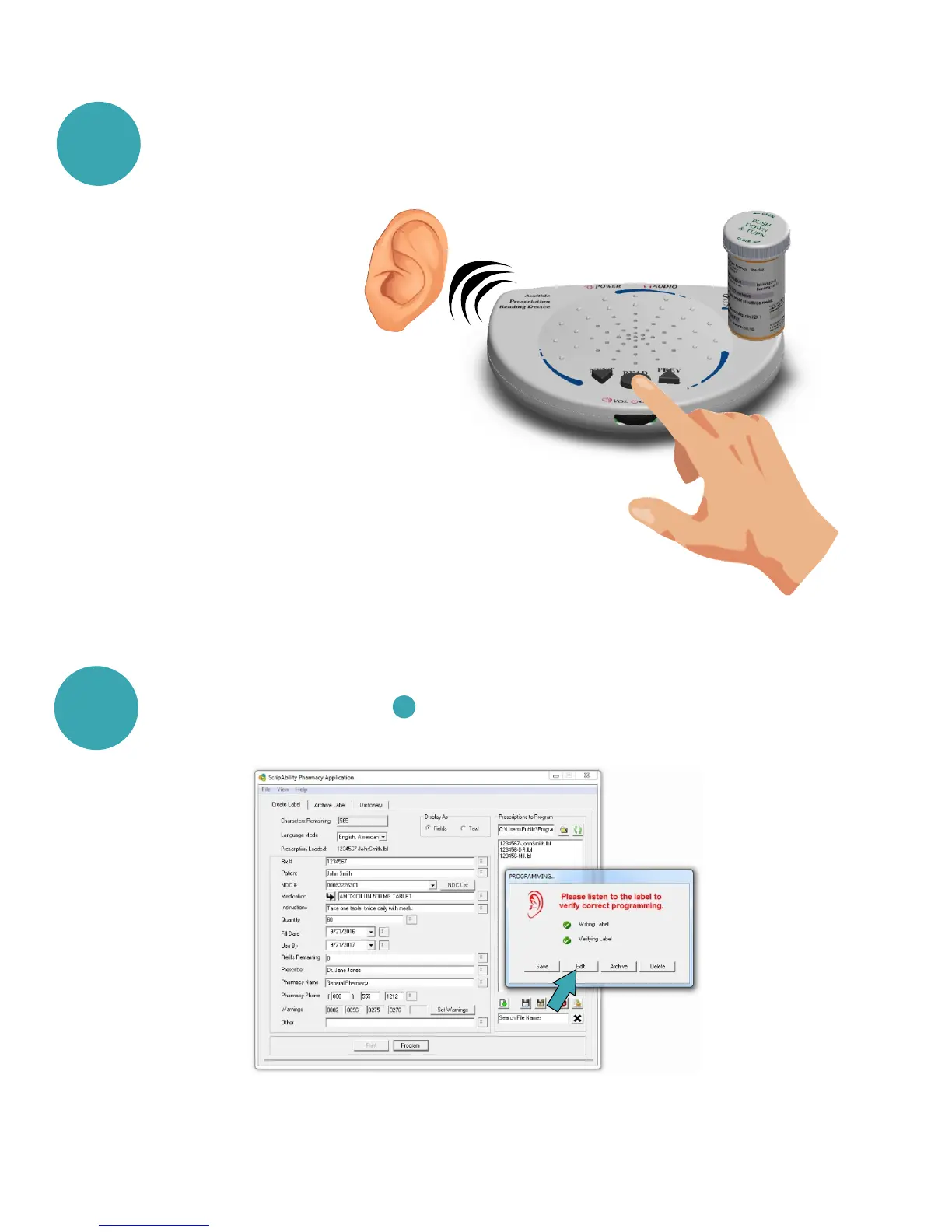
Press [READ] once. Place the prescription container on the top of
the ScripTalk unit.
Remember: You can remove the
label and container once the reader
begins to speak the information.
The station will not keep the information
in its memory after 15 seconds of inactivity.
8
This will leave the fields populated with data,
but does not save the information for the label.
[Edit]:


 To Next Page