3 Installation
All unused wires of the TRX control cable must not be twisted or soldered together.
All unused wires have to be insulated seperately avoiding to touch each others.
3.6.1 Connection to KENWOOD transceivers
Many KENWOOD radios use a 6 pin DIN socket for remote control. With some
equipment types however, the serial interface has to be modified. Please read the
equipment handbook or consult your dealer.
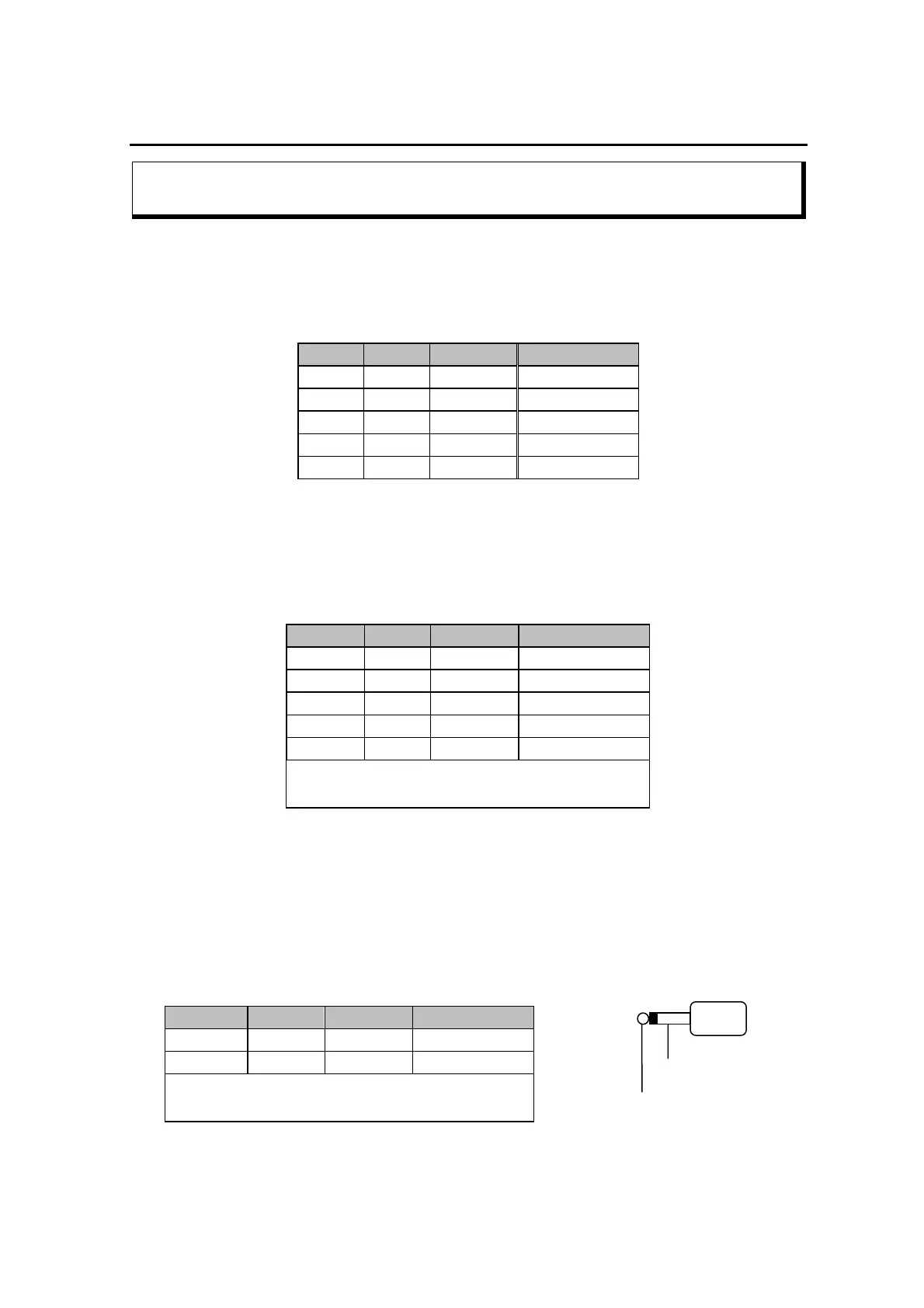
Signal PTC Color KENWOOD
TxD PIN 9 pink PIN 3
RxD PIN 1 violet PIN 2
CTS PIN 5 blue PIN 5
RTS PIN 10 light blue PIN 4
GND PIN 13 orange PIN 1
Table 3.12: KENWOOD TTL
Newer Kenwood transceiver (since TS-570) have a 9-pole-sub-D connector and operate
with V24 levels for transceiver control. It´s indended for direct connection to a COM port
of a PC. Also these transceivers can easily be controlled by the PTC-IIIusb. Just solder a
9-pole connector to the attached cable as shown in the following table below.
Signal PTC Color KENWOOD
TxD PIN 3 yellow PIN 3
RxD PIN 8 red PIN 2
CTS PIN 4 green PIN 8
RTS PIN 2 white PIN 7
GND PIN 13 orange PIN 5
This cable is available completely
assembled. Refer to chapter 16 on page 193.
Table 3.13: KENWOOD V24
3.6.2 Connection to ICOM transceivers
Nearly all ICOM equipment has a 3.5 mm jack socket for remote control. Bi-directional
communication is carried out over a single wire, in order that data can be both sent and
received. Various equipment carries different addresses, so it is possible for more than
one piece of equipment to be connected to the remote control cable. Further information
can be found in the appropriate literature from ICOM.
Signal PTC Color ICOM
ICOM PIN 6 black inner
GND PIN 13 orange outer
This cable is available completely assembled.
Refer to chapter 16 on page 193.
GND
ICOM-Signal
Figure 3.5: ICOM plug
Table 3.14: ICOM
22


 To Next Page