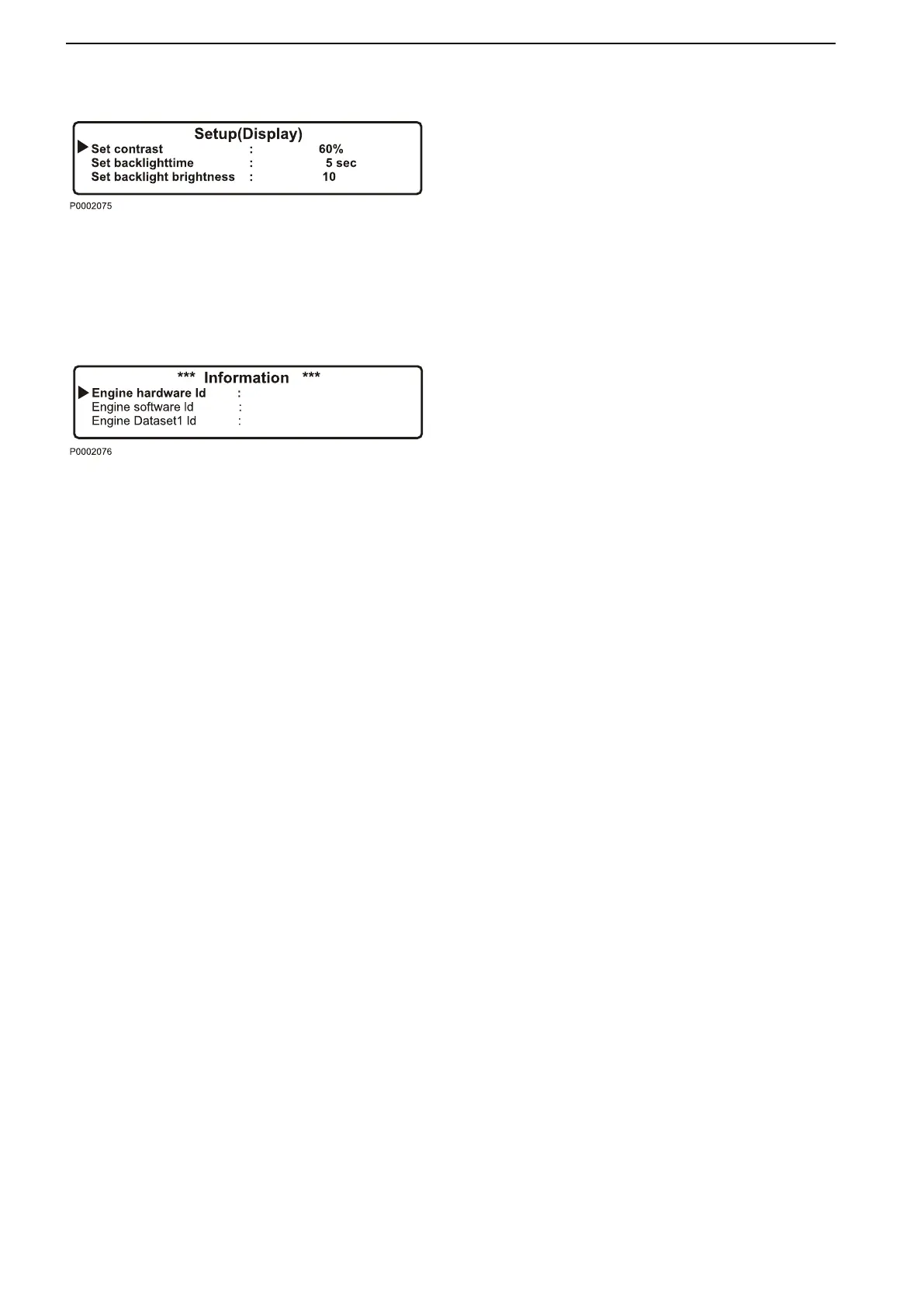
Display setting
settings for the display. Adjustment is made with the
7 and 9 buttons; see DCU panel illustration.
•
Set contrast (%) - contrast setting.
•
Set
backlight
time
(sec)
- time setting (in seconds)
for display backlighting on, lighting is then shut off if
the panel is not used.
•
Set backlight brightness - display backlighting
brightness setting.
Information
shows the data for the engine and DCU.
•
Engine hardware Id - engine control unit part num-
ber.
•
Engine software Id - engine control unit software
part number.
•
Engine dataset1 Id - engine data set 1 part number.
•
Engine dataset2 Id - engine data set 2 part number.
•
Vehicle Id - chassis number.
•
DCU hardware Id - DCU part number.
•
DCU software Id - DCU software part number.
•
DCU dataset1 Id - DCU data set 1 part number.
•
DCU dataset2 Id - DCU data set 2 part number.
Instruments and Controls
16 7748681 12-2011


 To Next Page