r3bEL mini User Manual
34
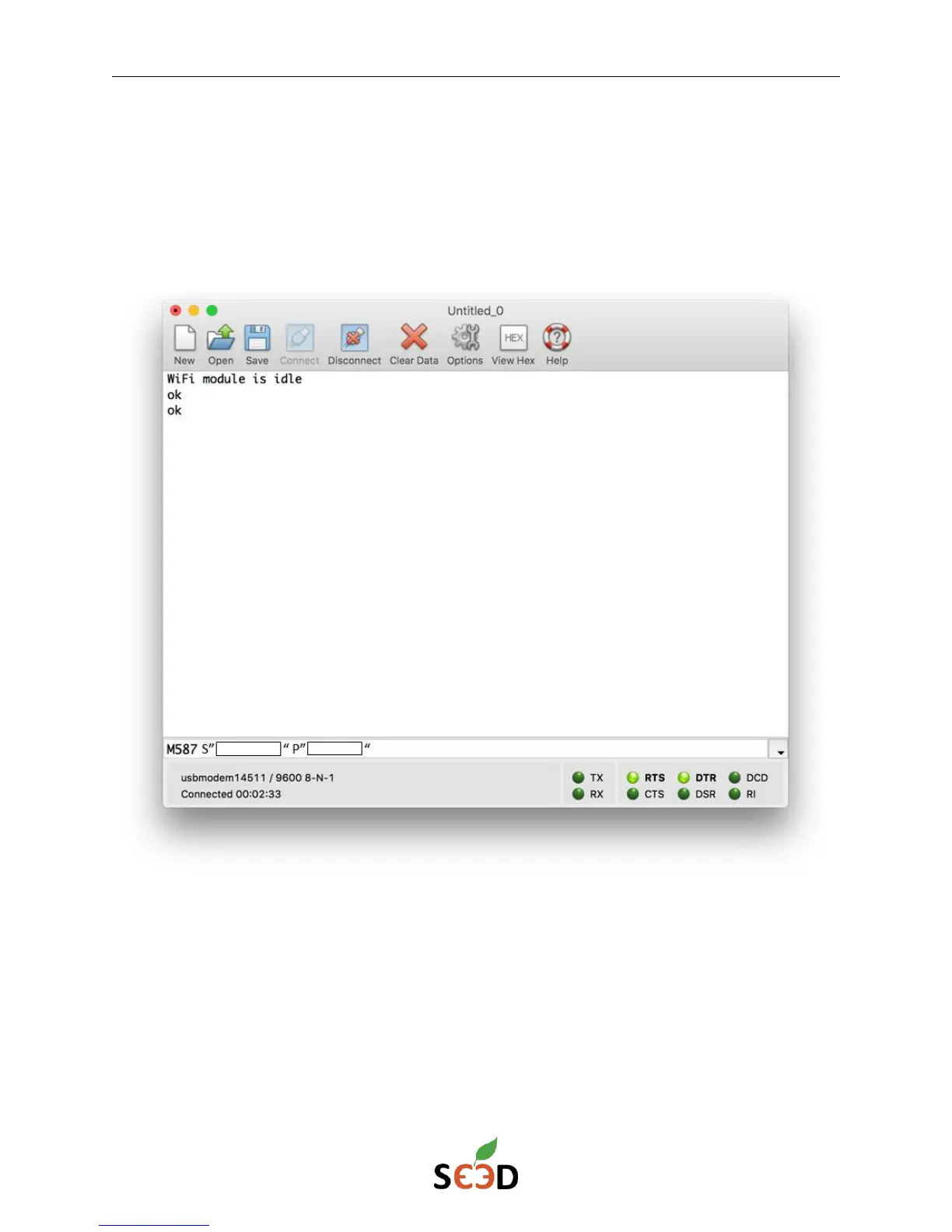
6. Next, send the following command to save the access point parameters:
M587 S”Name of the Wi-Fi you want to connect to” P”Password for the network”
Note: The Wi-Fi module operates at 2.4 Ghz not 5 Ghz. Make sure you enter the details
for the 2.4 Ghz network. The Name and Password for the network are case sensitive make
sure that you enter the details carefully.


 To Next Page