r3bEL mini User Manual
39
7 Your First Print
You are now ready to run your first test print. Follow the instructions below to perform the first
print on your new r3bEL mini. We recommend doing this via USB connection using Pronterface
since this will be your first time.
Required Items:
● r3bEL mini bioprinter
● Petri dish (100 mm diameter)
● 5 mL plastic syringe
● 22-gauge blunt-tip needle with Luer lock
● Lotion
Procedure:
1. Turn on the r3bEL mini bioprinter and connect via Pronterface.
2. Home the bioprinter using the Home All button.
3. Fill a 5 mL syringe with ~4 mL of lotion.
4. Load the syringe in the extruder.
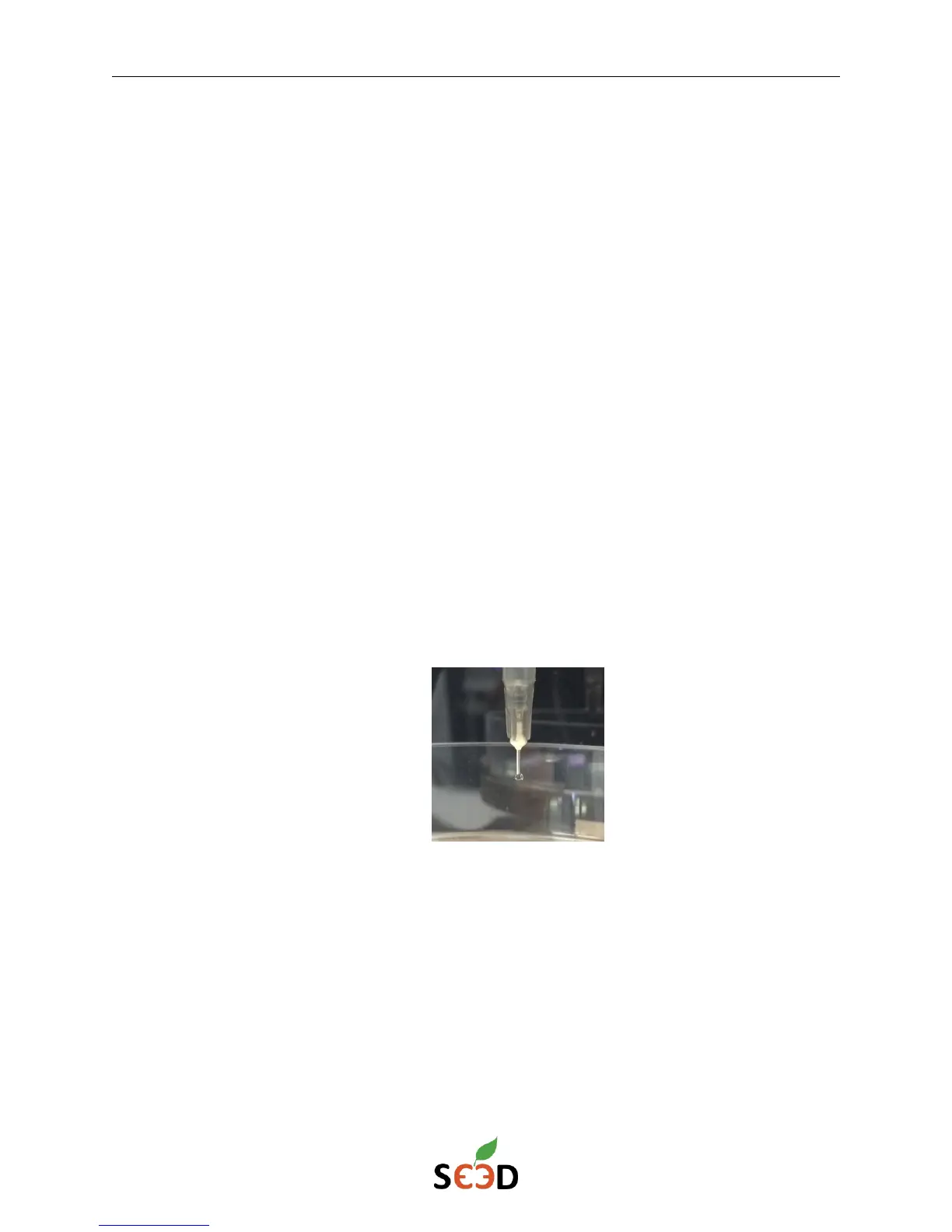
5. Prime the syringe, which will help ensure print consistency. Manually extrude in small
increments using the “Extrude 5 mm” or “Extrude 1 mm” button until lotion is pushed out
of the needle tip. Wipe excess lotion away as necessary from the needle tip.
6. Set the Z0 position using the Set Z0 custom button. Manually move the bioprinter bed using
the Z axis control buttons until it is almost in contact with, but not touching, the needle tip.
Verify the positioning by sliding a piece of paper between the needle tip and bed. Adjust
the bioprinter bed until the piece of paper can slide between the needle tip and bed with
only minimal resistance, then click the Set Z0 button.
7. Download the Bone mini-5ml-22g.gcode file from the SE3D portal if you haven’t already
done so. This file can be found in the G-codes files section in the Startup Guide – r3bEL mini.


 To Next Page