Is the small green light on the power supply turned on?
NO
1. Contact SE3D technical support for replacement power
supply.
YES
1. Check wires connecting the V+ and V- terminals on the
power supply to the controller board. Secure any loose
connections.
2. Contact SE3D technical support.
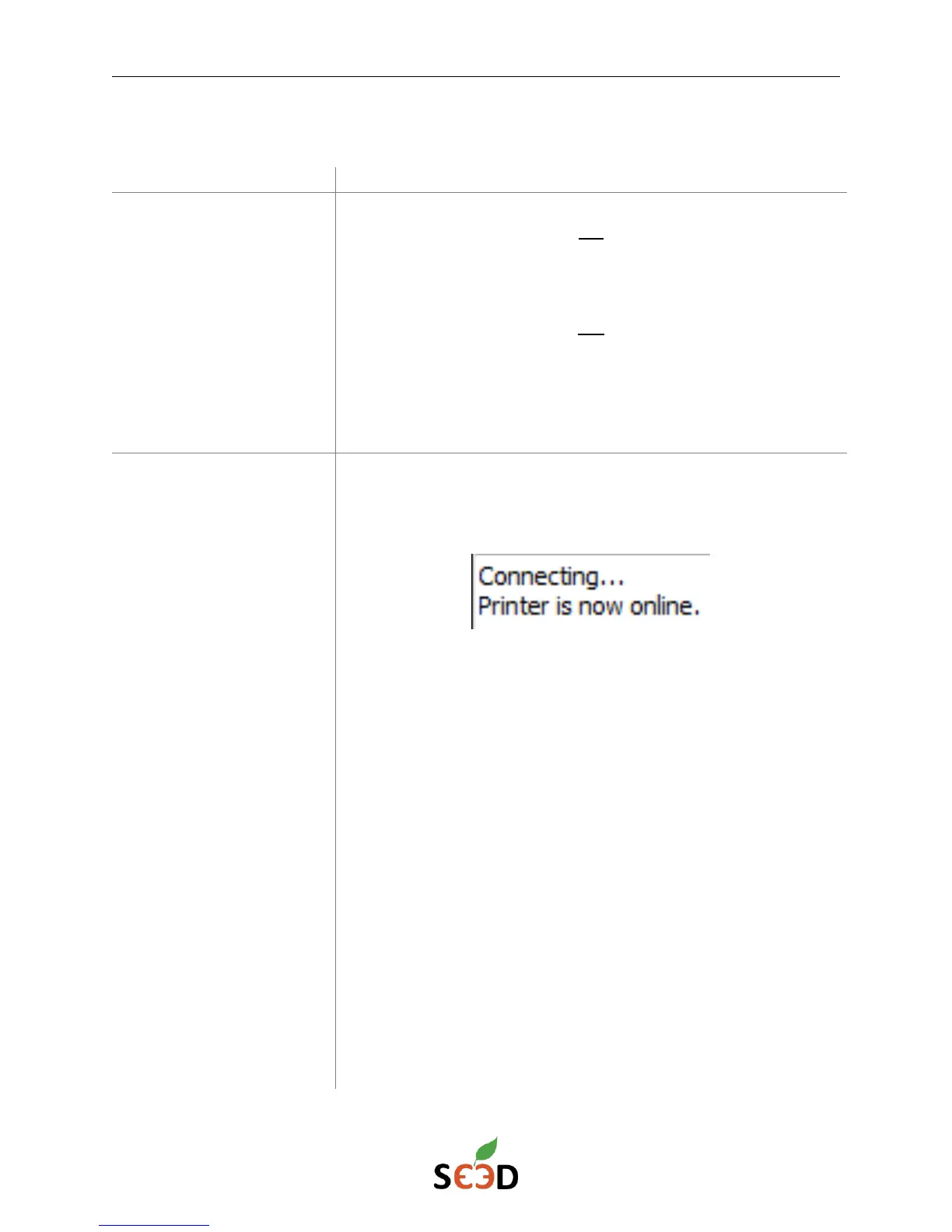
To check if your computer is connected to the controller board,
check the red light behind the Micro USB connector is lit up. The
Pronterface application should also display the following:
Almost all connection problems can be solved by following these
steps in order:
1. Turn off printer
2. Unplug USB cable from computer
3. Close Pronterface application
4. Plug USB cable into printer and computer
5. Open Pronterface application
6. Connect to printer
If the problem is still not solved, check the following settings in
Pronterface:
1. The correct port is selected
2. The Baudrate is set to 115200 (250000 should also work)


 To Next Page