Section 2: ELECTRICAL INSTALLATION
4. 24 VDC POWER SOURCE REQUIREMENTS
a. 24 VDC, 10 Amps.
b. A separate breaker should be used for each Seakeeper.
5. DC POWER CONNECTION INSTRUCTIONS
Reversing polarity on the DC power input to the Seakeeper can
result in damaging the electronics in the control system.
a. 24 VDC, 10 Amps. 2 x 12AWG (3 x 4.0 mm
2
CSA) customer supplied.
i. Install Seakeeper provided DC Power Input Cable, P/N: 20248 as CABLE 1.
1. Route CABLE 1 to DC Power Distribution Panel.
2. Terminate RED conductor to +24 VDC. Terminate BLACK
conductor to 24V Rtn or Zero VDC.
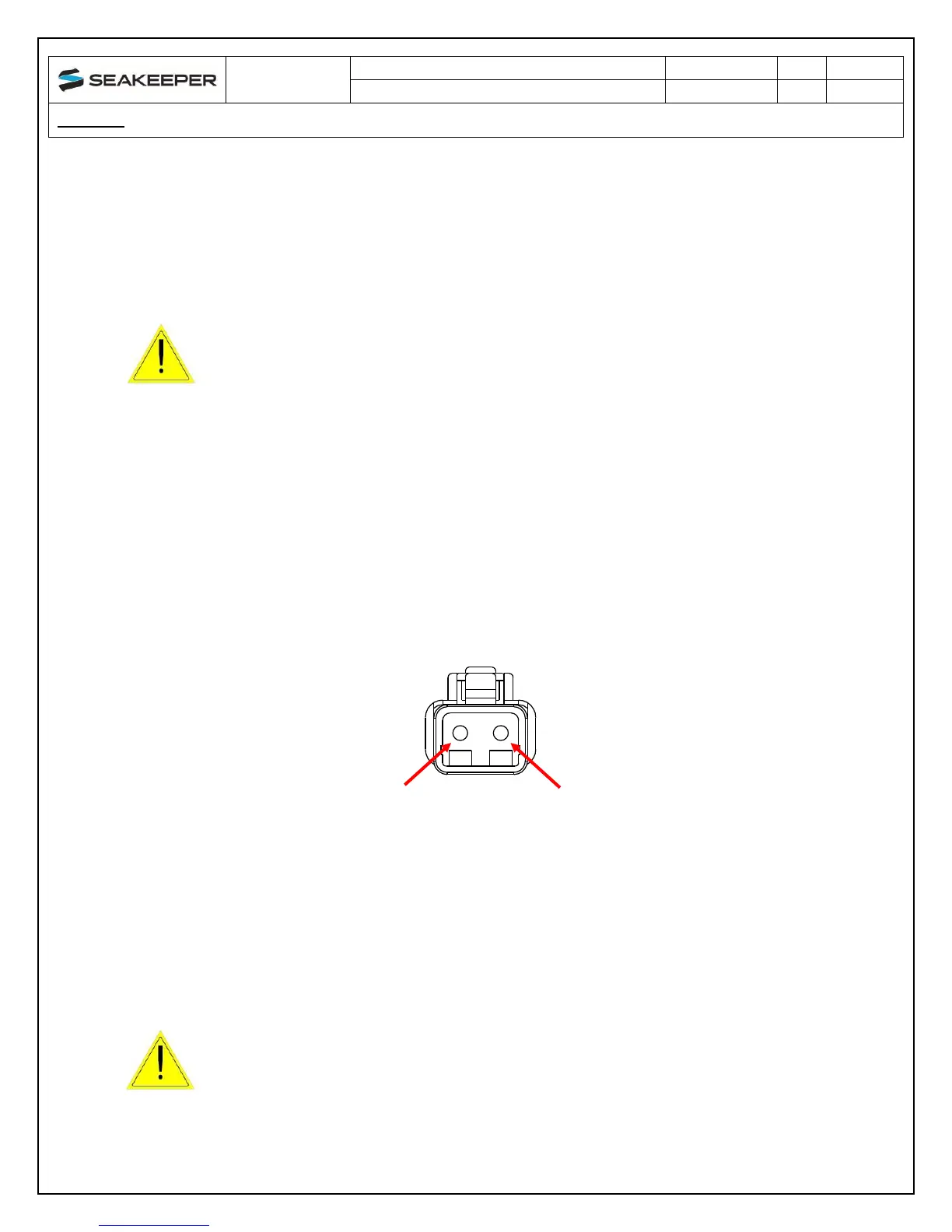
ii. Before connecting CABLE 1 to Seakeeper, check for proper voltage and
polarity with a DC multimeter using Figure 7 below.
iii. Connect CABLE 1 to 24VDC input receptacle on the Seakeeper.
When energizing DC power the first time, if display does not power
up immediately then disconnect and inspect connector polarity.
FIGURE 7 – DC POWER INPUT CONNECTOR
CONTACT ASSIGNMENTS (front)


 To Next Page