Overview • 63
4
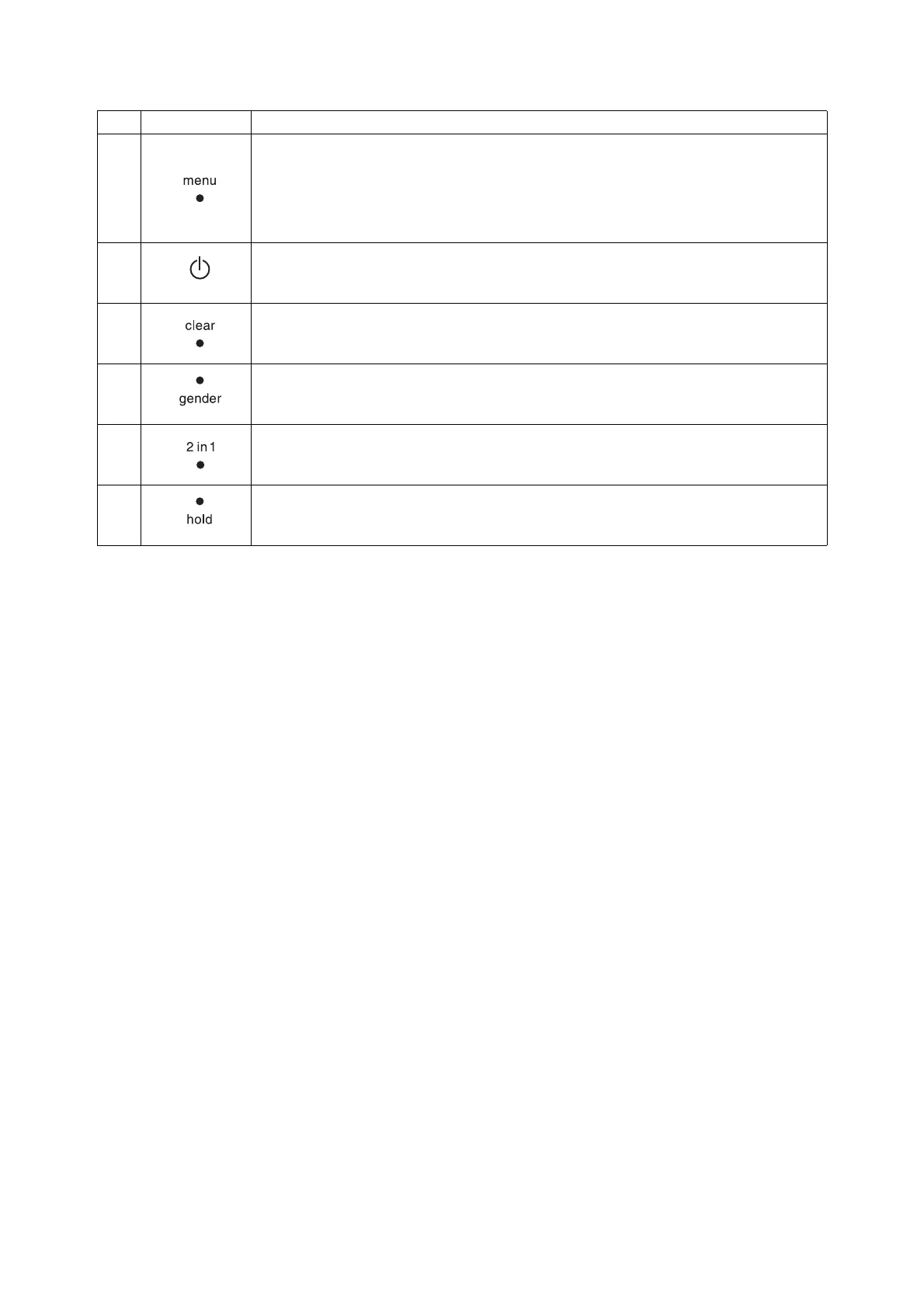
menu key:
• During weighing:
- call up control unit menu.
•In the menu:
- press briefly: go back one menu level
- press and hold: exit menu
5
Start key, multifunctional display:
switch multifunctional display and scale on and off
6
clear key:
for deleting data (patient data, height, BMI, BFR) entered manually or received wirelessly
7
gender key:
for entering patient's gender
8
2 in 1 key:
for starting the 2 in 1 function to weigh babies and toddlers
9
hold key:
for activating the hold function
No. Control Function



 To Next Page