Operation • 81
Keep the weight permanently in the
display (HOLD)
When you activate the HOLD function, the weight value continues to be dis-
played after the load is removed from the scale. This enables you to attend to
the patient before recording the weight.
NOTE:
The HOLD function can only be activated manually for the weight
value. The height value is displayed until the patient leaves the
weighing platform.
1. Ensure that there is no load on the scale.
2. Switch on the device (see "Switching on the device" on page 79).
3. Ask the patient to step onto the scale.
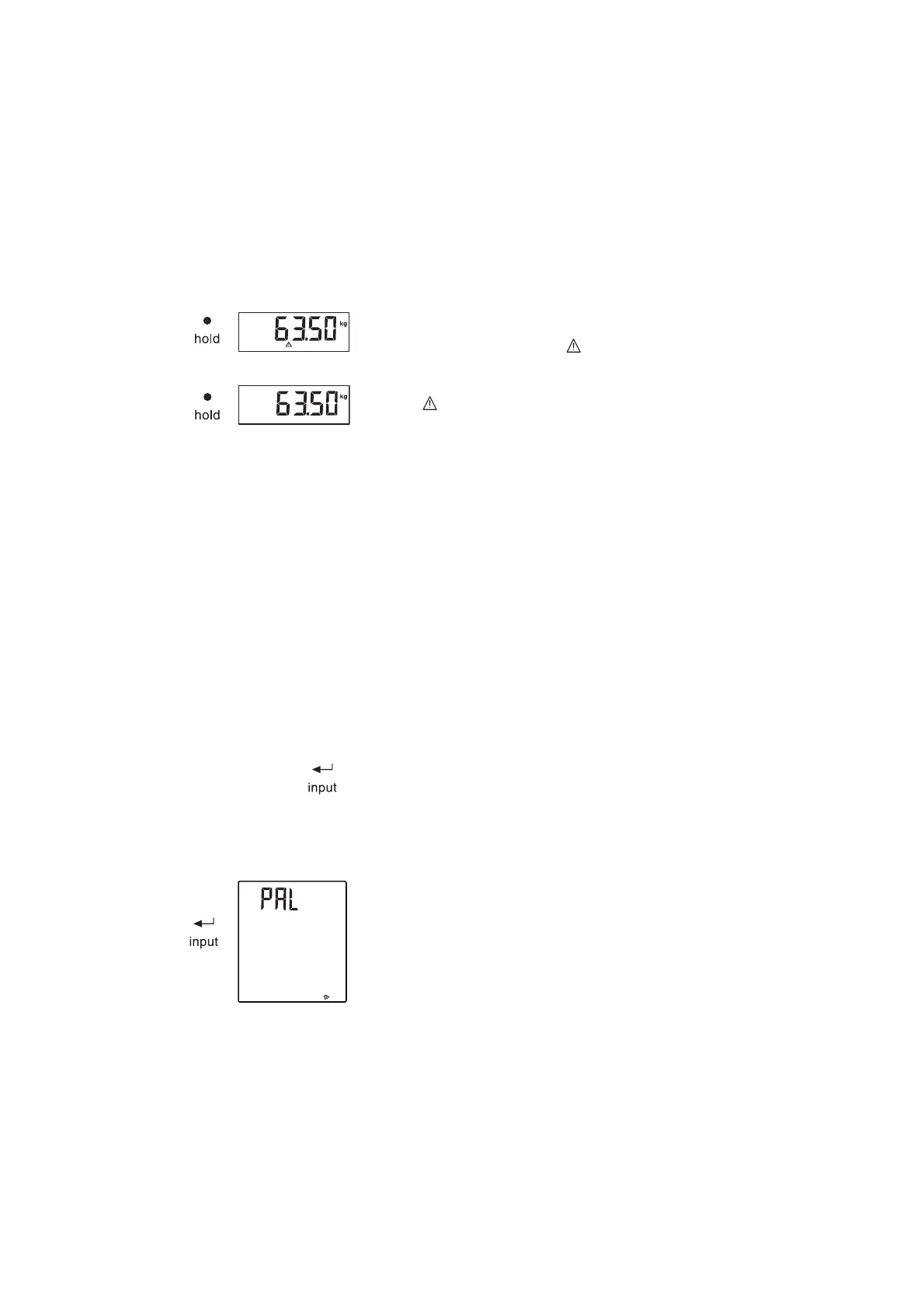
4. Press the hold key.
The display flashes until a stable weight is measured. The weight is then
continuously displayed. The symbol (non-verifiable function) and the
message "HOLD" are displayed.
5. To deactivate the HOLD function, press the hold key.
The symbol and the "HOLD" message are no longer displayed.
NOTE:
When the Autohold function is activated, the weight value is automati-
cally displayed permanently as soon as a stable measured result has
been achieved (see "Activating the Autohold (AHOLd) function" on
page 91).
Entering patient data (input) You can enter age, gender and physical activity level (PAL) directly on the
multifunctional display as patient data. The patient data are sent with the
measured results when you transmit the latter to a wireless printer from the
seca 360° wireless system.
The wireless printer evaluates the measured results on the basis of the patient
data. Depending on the configuration of the wireless printer, it will print out
measured results and the evaluation. This makes it significantly easier to
reach a diagnosis.
NOTE:
For details on how to configure the wireless printer, see the printer's
Instructions for Use.
1. Switch on the device (see "Switching on the device" on page 79).
2. Press the Enter key (input).
The first time this menu is called up after the device is started, the menu
item "PAL" (physical activity level) appears in the display.
If you call this menu up again whilst the device is switched on, the last
menu item selected will appear in the display.
3. Use the arrow keys send or print to select a menu item:
– PAL: physical activity level
–AGE: age
–GEn: gender
HOLD



 To Next Page