Operation • 91
Activating the Autohold (AHOLd)
function
When you activate the Autohold function, the measured result for every mea-
suring operation continues to be displayed after the load has been removed
from the scale. It is then no longer necessary to activate the Hold function
manually for each individual measuring operation.
NOTE:
Regardless of the setting selected here, the weight of the child is
always determined by Autohold in the
2 in 1 function.
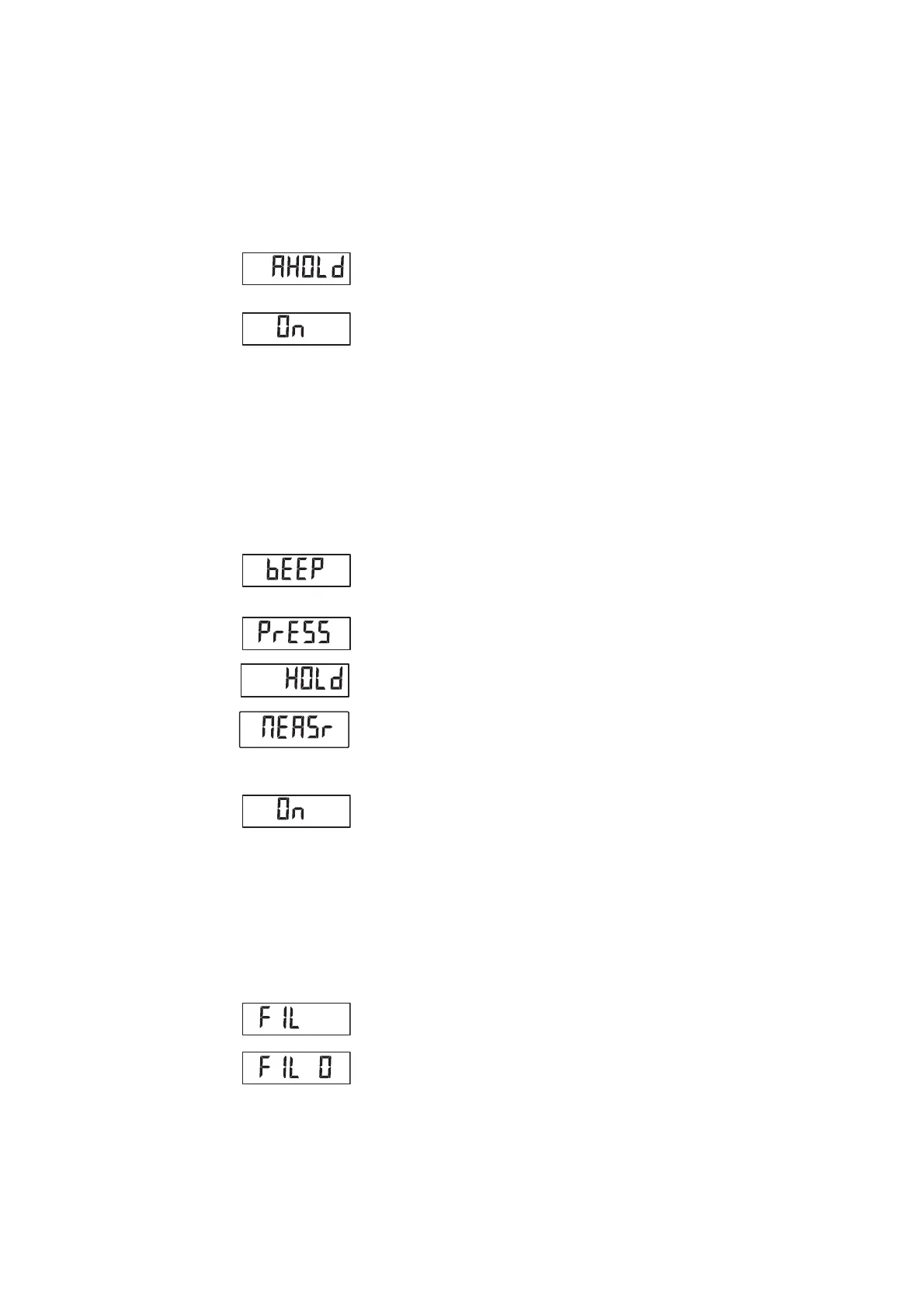
1. Select the item "AHOLd" from the menu.
2. Confirm your selection.
The current setting is displayed.
3. Select the desired setting:
–On
–Off
4. Confirm your selection.
You exit the menu automatically.
Activating/deactivating beeps
(bEEP)
You can set the following beeps:
• when a key is pressed
• when a stable weight value is reached
• at the start and end of a measuring operation
The beep when a stable weight value is reached is important for the hold/
Autohold function.
1. Select the item "bEEP" from the menu.
2. Confirm your selection.
3. Select a menu item.
– PrESS: beep when key is pressed
– HOLd: beep when weight value is stable
– MEASr: beeps during the measuring operation
4. Confirm your selection.
The current setting is displayed.
5. Select the desired setting:
–On
–Off
6. Confirm your selection.
You exit the menu automatically.
7. If you also want to activate beeps for the second function, repeat the
process.
Setting filtering (FIL) Filtering (FIL) allows you to reduce interference when determining weight. The
selected setting affects the sensitivity with which the weight display reacts to
patient movements and the time until the "HOLd" function displays a weight
value permanently.
1. Select the item "FIL" from the menu.
2. Confirm your selection.
The current setting is displayed.



 To Next Page