Operation • 83
2. Press the gender key to switch between "male" and "female".
3. Ask the patient to step onto the measuring station.
The patient's height, weight and BFR are displayed (see "Performing the
measuring operation" on page 79).
4. Press the hold key.
The patient's weight is displayed permanently.
NOTE:
When the Autohold function is activated, the weight value is automati-
cally displayed permanently as soon as a stable measured result has
been achieved (see "Activating the Autohold (AHOLd) function" on
page 91).
5. Ask the patient to step off the measuring station.
6. Read off the measured results. If a seca wireless printer is connected,
take the printed ticket.
7. Press the clear key.
Patient data, height and BFR will be deleted. This avoids out-of-date data
leading to an incorrect BFR for the next patient.
NOTE:
If the "Autoclear" function is activated, measured results and BFR will
be deleted automatically after 5 minutes (see "Deleting values auto-
matically (ACLr)" on page 88).
Sending measured results to
wireless receivers
If the measuring station is integrated in a seca 360° wireless network, you
can send the measured results to reception-ready devices (e.g. PC with USB
wireless adapter) at the touch of a button.
► Press the send arrow key.
NOTE:
If automatic transmission (ASEnd) is on, measured results will be sent
to the wireless receiver automatically after each measuring operation
(see "Activating automatic transmission (ASEnd)" on page 96).
The measured results are sent to reception-ready devices.
Printing measured results If the measuring station is connected to a seca wireless printer, you can print
out the measured results directly.
► Press the print arrow key.
NOTE:
If the automatic print function is activated, measured results will be
sent to the wireless printer automatically after each measuring opera-
tion (see "Selecting print option (APrt)" on page 97). You will then hear
the announcement: "Take your printed ticket."
The measured results are printed.
Switching weighing range
automatically
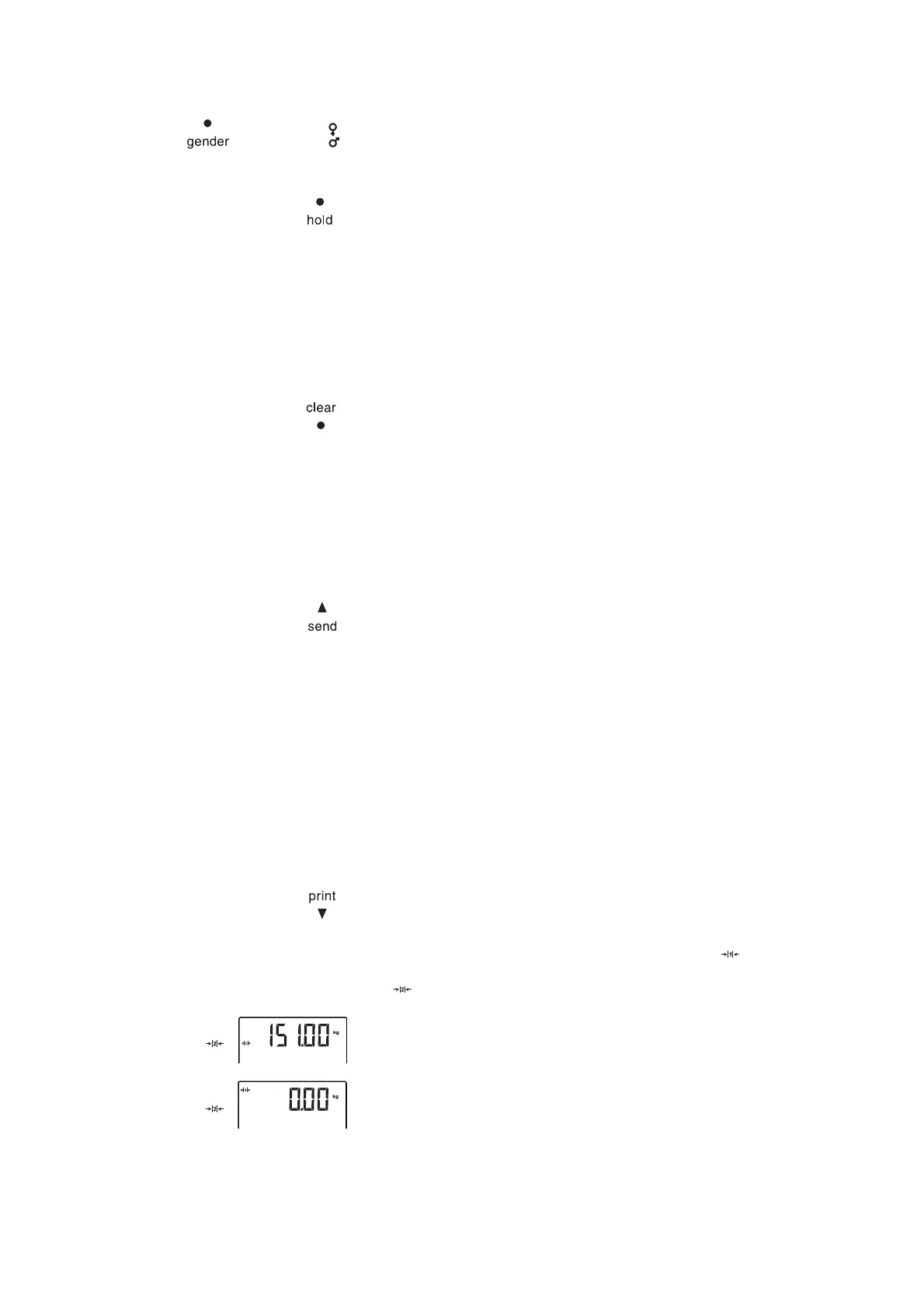
The scale has two weighing ranges. In weighing range 1 ( ), capacity is
reduced, but the increments in the weight display are finer. In weighing range
2 ( ), you can use the maximum capacity of the scale.
After the scale is switched on, weighing range 1 is active. If a particular weight
is exceeded, the scale automatically switches to weighing range 2.
To switch back to weighing range 1, proceed as outlined below.
► Completely remove the load from the scale.
Weighing range 1 is active again.



 To Next Page