92 •
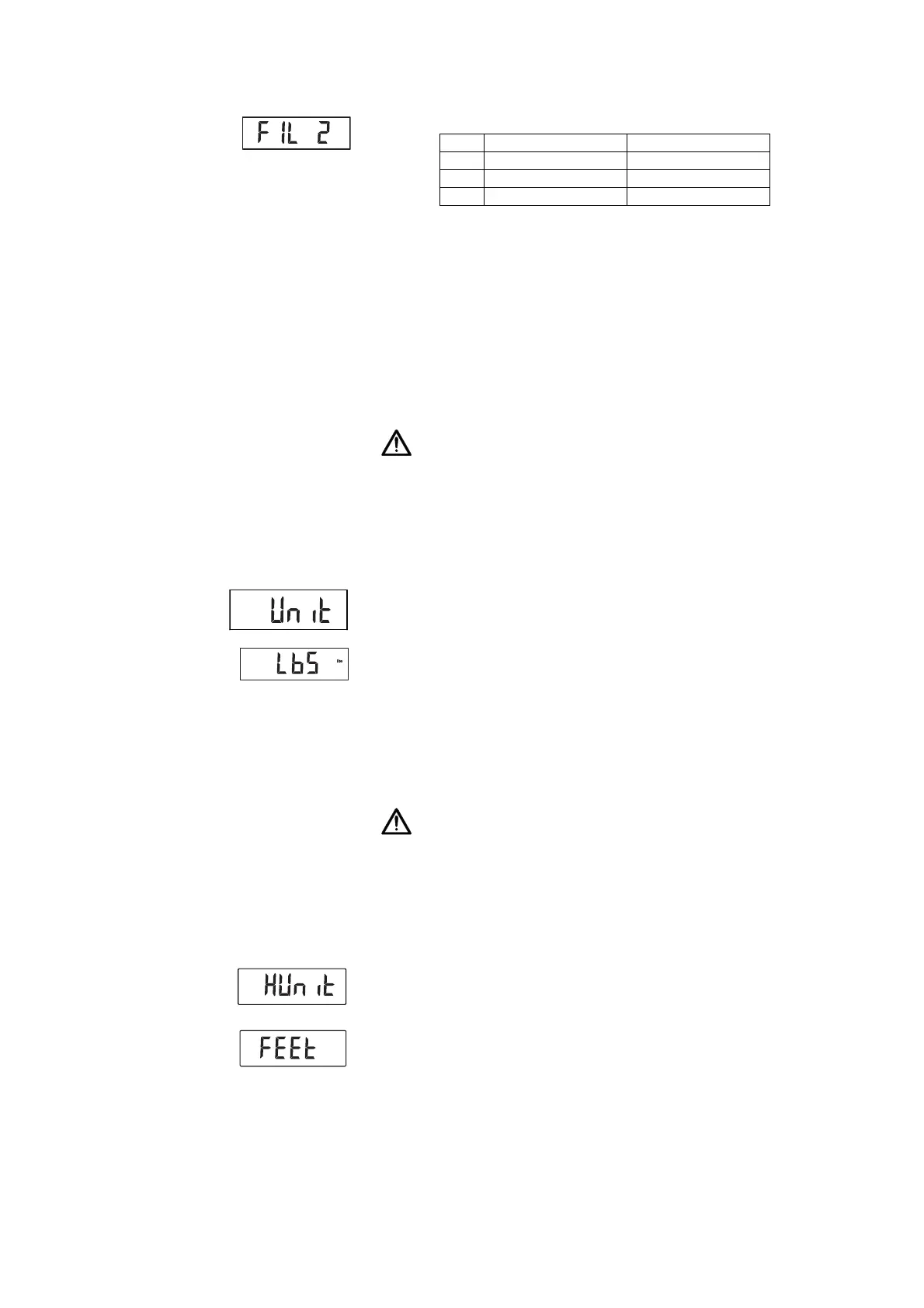
3. Select a filtering level.
NOTE:
• If "0" is set, then if you are weighing patients who are not very steady
on their feet, it is possible that despite the"Hold" function being acti-
vated, no weight value will be permanently displayed.
• The greatest deviation between the weight value displayed and the
actual value occurs with setting "2".
4. Confirm your selection.
You exit the menu automatically.
Switching unit of weight (Unit) On non-verified scales, you can select the unit (Unit) in which you want weight
to be displayed.
CAUTION!
Hazard to patient
To prevent misinterpretations, measured results for medical purposes
may only be displayed and used in SI units (weight: kilograms, height:
meters). Some devices have the option of displaying measured results
in different units. This is purely an additional function.
► Only use measured results in SI units.
► The user takes sole responsibility for the use of measured results in
non-SI units.
1. Select the item "Unit" from the menu.
2. Confirm your selection.
The current setting is displayed.
3. Select the unit in which you want weight to be displayed:
– kilograms (kg)
– pounds (lbs)
4. Confirm your selection.
You exit the menu automatically.
Switching unit of height (HUnit) You can select the unit (HUnit) in which you want height to be displayed.
CAUTION!
Hazard to patient
To prevent misinterpretations, measured results for medical purposes
may only be displayed and used in SI units (weight: kilograms, height:
meters). Some devices have the option of displaying measured results
in different units. This is purely an additional function.
► Only use measured results in SI units.
► The user takes sole responsibility for the use of measured results in
non-SI units.
1. Select the item "HUnit" from the menu.
2. Confirm your selection.
The current setting is displayed.
3. Select the unit in which you want height to be displayed:
– centimeters (cm)
– feet and inches (ft:in)
4. Confirm your selection.
You exit the menu automatically.
FIL Weight display Hold
0Sensitive Slow
1 Medium Medium
2Slow Fast
ft:in



 To Next Page