Operation • 95
5.3 Other functions (menu)
Other functions are available to you in the menu for the
scale. This enables you to configure the scale to suit
your conditions of use perfectly.
*The description of menu item "rF" can be found in
the section entitled "Operating the scale in a wireless
group (menu)" on page 103.
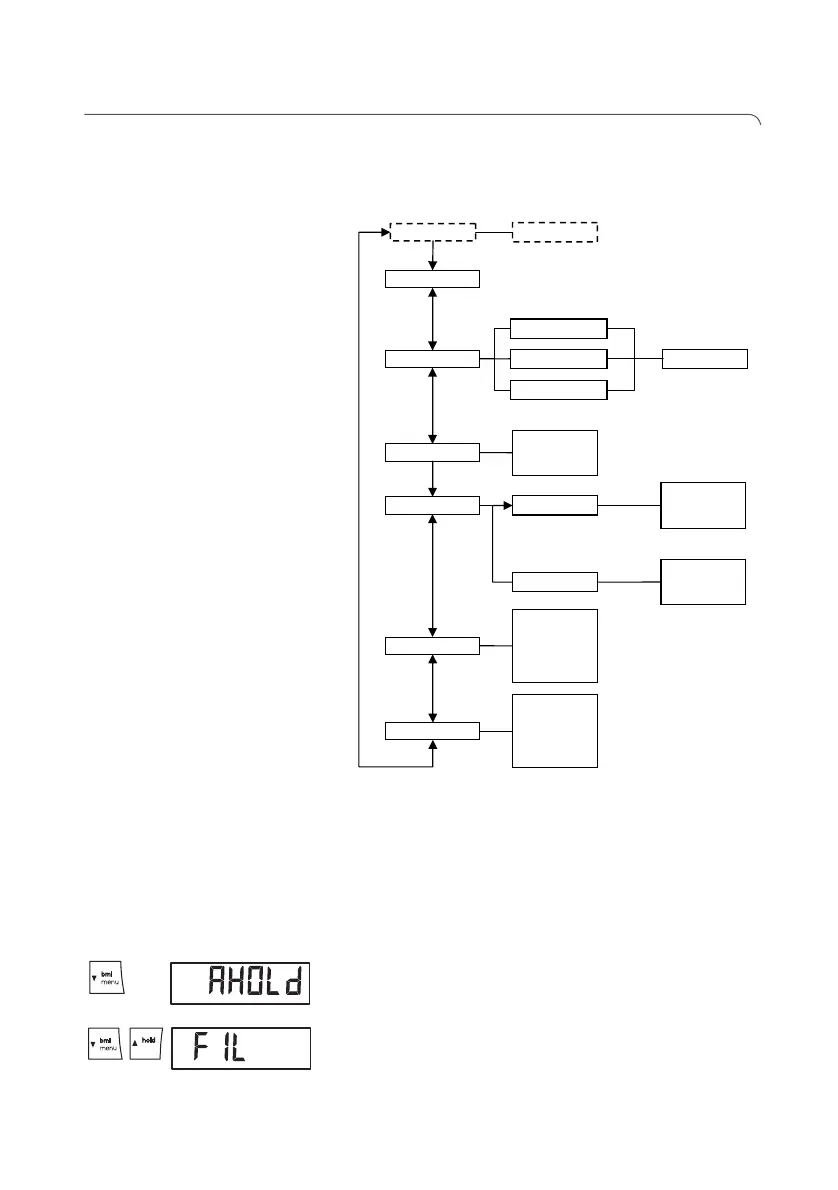
Navigating in the menu 1. Switch on the scale.
2. Keep arrow key (bmi/menu) pressed until the
menu is called up.
The last menu item selected (in this case: auto hold
"AHOLd") appears in the display.
3. Press one of the arrow keys until the desired menu
item appears in the display (in this case: filtering
"FIL").
rF ….
Reset
Autohold
6U
6Ɉ
FIL
Beep
6U
6Ɉ
6U
6Ɉ
Press
Hold
<UP[
RN
SIZ
Z[
:[V >LPNO[
PT
5L[>LPNO[
:[V >LPNO[
:[V >LPNO[
tare



 To Next Page