The seca 360° wireless network • 103
6.2 Operating the scale in a wireless group (menu)
All the functions you need to operate the device in a
seca wireless group can be found in the "rF" submenu.
Information for navigating in the menu can be found on
page 95.
Activating the wireless
module (SYS)
The device is supplied with the wireless module deacti-
vated. You have to activate it before you can set up a
wireless group.
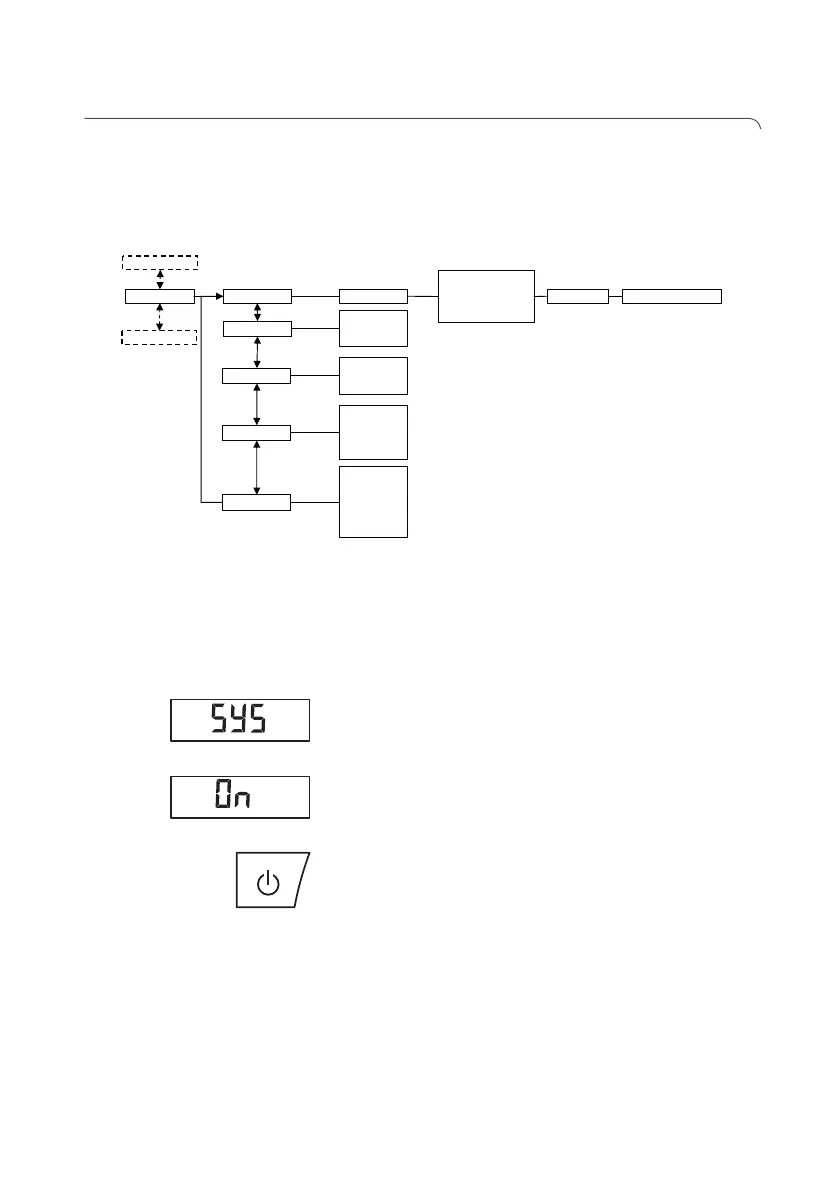
1. Switch on the device.
2. Select the "SYS" menu item from the "rF"
submenu.
3. Confirm your selection.
4. Select the "On" setting.
5. Confirm your selection.
You exit the menu automatically.
6. If you do not wish to make any more settings, press
the Start key.
The settings will be saved.
The device switches off.
Setting up a wireless
group (Lrn)
To set up a wireless group, follow the instructions
below.
1. Switch on the device.
2. Call up the menu.
Reg. Devices (MO)
• Channel 1 (C1)
• Channel 2 (C2)
• Channel 3 (C3)
StoprF Group (ID)
Autosend
• On
• Off
Autoprint
• HI
• MA
• HI_MA
• Off
Time
• Year
• Month
• Day
• Hour
• Minute
……
System
• On
• Off
……
learn



 To Next Page