106 •
4. If you do not wish to make any more settings, press
the Start key.
The settings will be saved.
The device switches off.
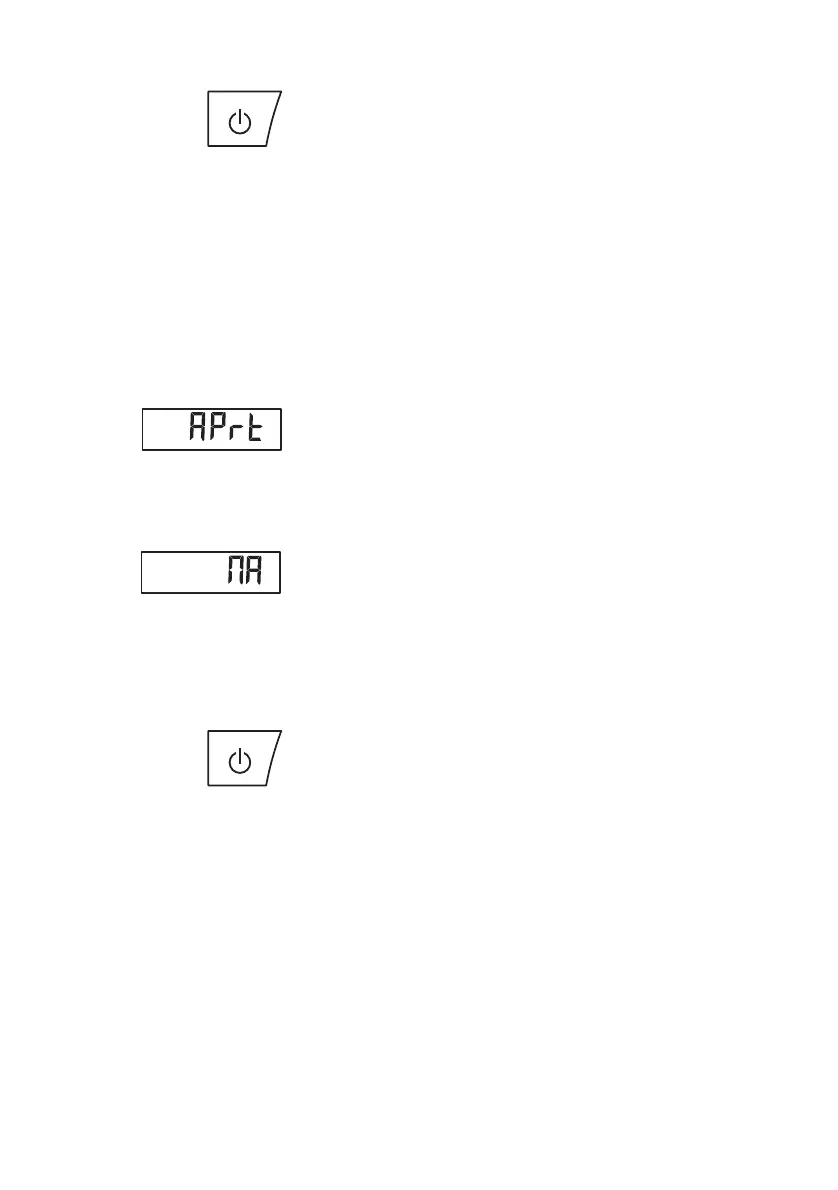
Selecting print option
(APrt)
You can configure the device so that the measurement
results are automatically printed out on a wireless
printer registered to the wireless group.
NOTE
This function is only accessible if a
seca wireless printer has been integrated in the
wireless group via the "Learn" function.
1. Switch on the device.
2. Select the "APrt" menu item from the "rF" submenu
and confirm your selection.
3. Select the setting relevant for your device
combination:
– HI: measurement results from length
measuring devices
– MA: measurement results from scales
– HI_MA: measurement results from length
measuring devices and scales
– Off: no automatic printing, printing only pos-
sible by pressing and holding the Enter key
during the weighing procedure.
4. Confirm your selection.
You exit the menu automatically.
5. If you do not wish to make any more settings, press
the Start key.
The settings will be saved.
The device switches off.
Setting the time (tIME) You can configure the system so that the wireless
printer automatically adds a date and time to your
measurement results. To do this, you have to set date
and time once on this device and transmit it to the
internal clock of the wireless printer.
NOTE
This function is only accessible if a
seca wireless printer has been integrated in the
wireless group via the "Learn" function.
1. Switch on the device.



 To Next Page