Function check • 109
8. FUNCTION CHECK
► Perform a function check before each use.
A complete function check includes:
• a visual inspection for mechanical damage
• a visual inspection and function check of the display
• function check of all the controls shown in the
section entitled "Overview" on page 71
•a function check of the optional accessories
If you find faults or deviations during the function
check, as a first step try to remedy the fault with the aid
of the section entitled "Troubleshooting" from
page 109.
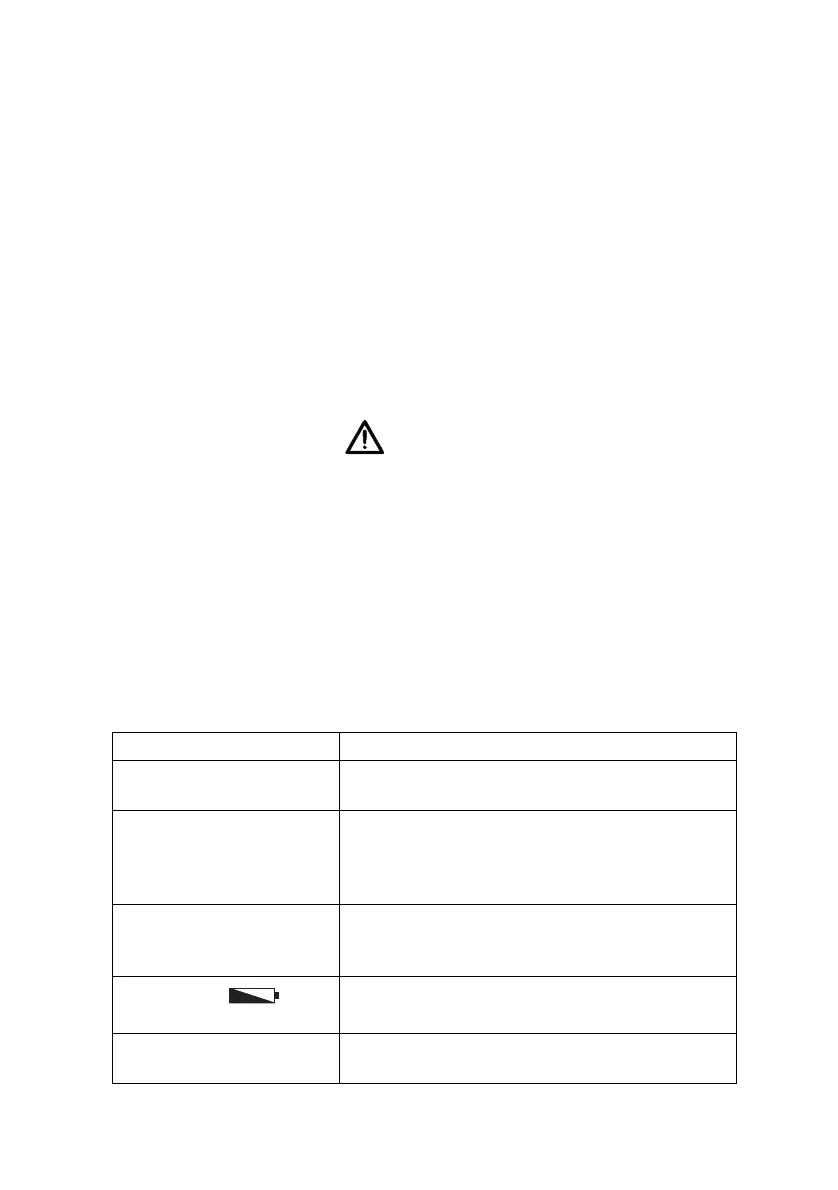
CAUTION!
Bodily injury
If you find faults or deviations during the func-
tion check which you are unable to remedy with
the aid of the section entitled "Troubleshooting"
from page 109, you may not use the device.
► Have servicing and repairs carried out
exclusively by seca service or by an
authorized service partner.
► Please see the section entitled "Servicing" on
page 111.
9. TROUBLESHOOTING
Problem Cause / Solution
No weight displayed
with a load on the scale.
The scale has no power supply.
-Check whether the scale is switched on
0.00 does not appear
before weighing.
A load was already on the scale before it was
switched on.
-Remove the load from the scale
-Switch the scale off and back on again
One segment is illumi-
nated either continu-
ously or not at all.
The corresponding point has a fault.
-Inform the service department
The display
appears.
Battery block power is running down.
-Recharge battery block as soon as possible
The display "bAtt"
appears.
Battery block discharged.
-Charge battery block



 To Next Page