Replacement instructions
seca 703
05.10.12 /MRE 7 30-34-00-849_E
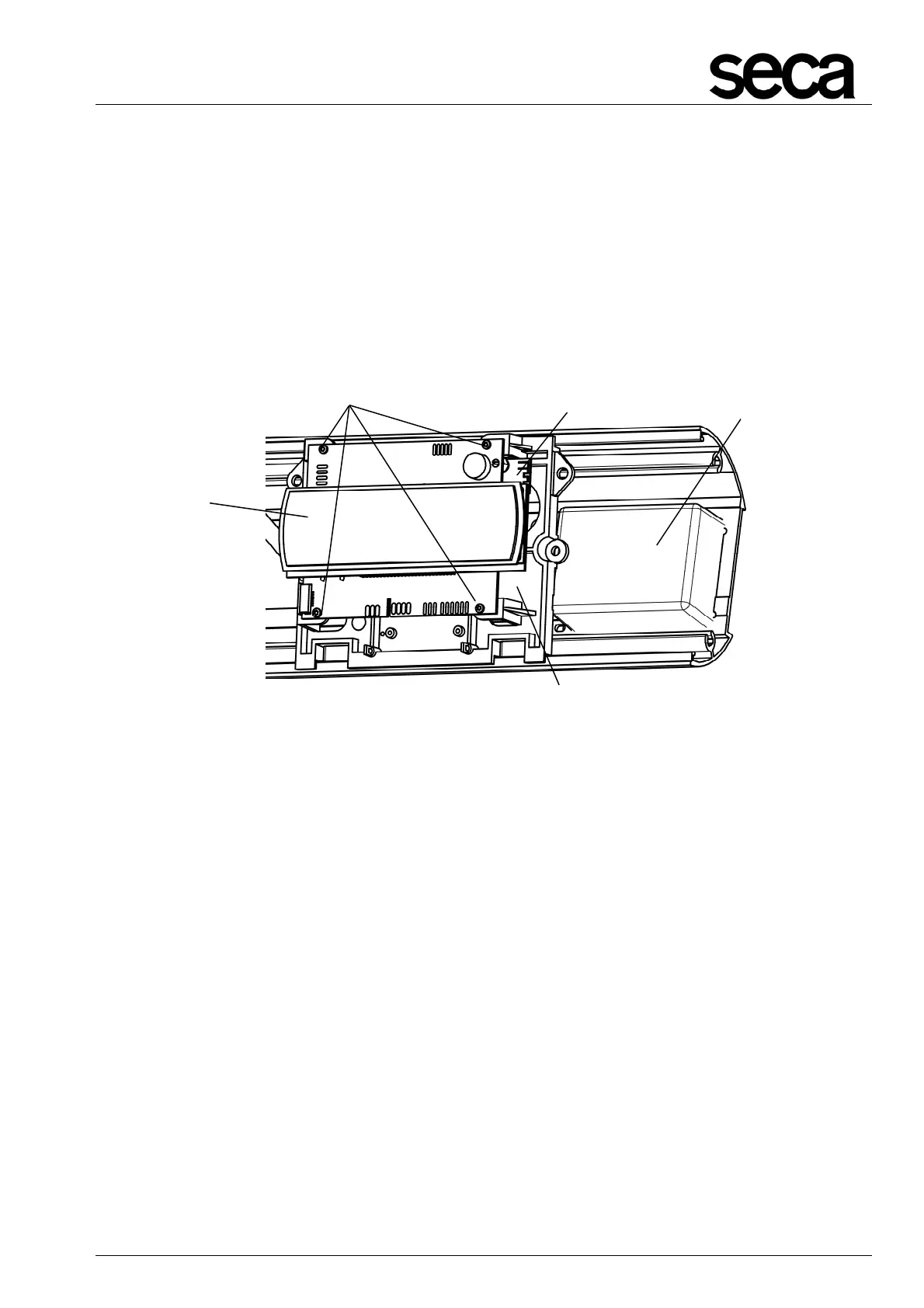
2.2 Replacing battery compartment, NEC2 display and radio module
First proceed as described in section 2.1.
Remove the right operating housing.
Unscrew the screw on the bottom housing profile which secures the board holder (E)
and push the holder slightly to the left – lift out the battery compartment (M) to remove.
Unscrew the 4 Torx screws (F), unsolder the cable connections and remove the NEC2
display (B) with radio module (G).
Unscrew the radio module (G) from the NEC2 display (B).
Re-assemble in reverse order.
Figure 5: Replacing battery compartment, NEC2 display and radio module
G



 To Next Page