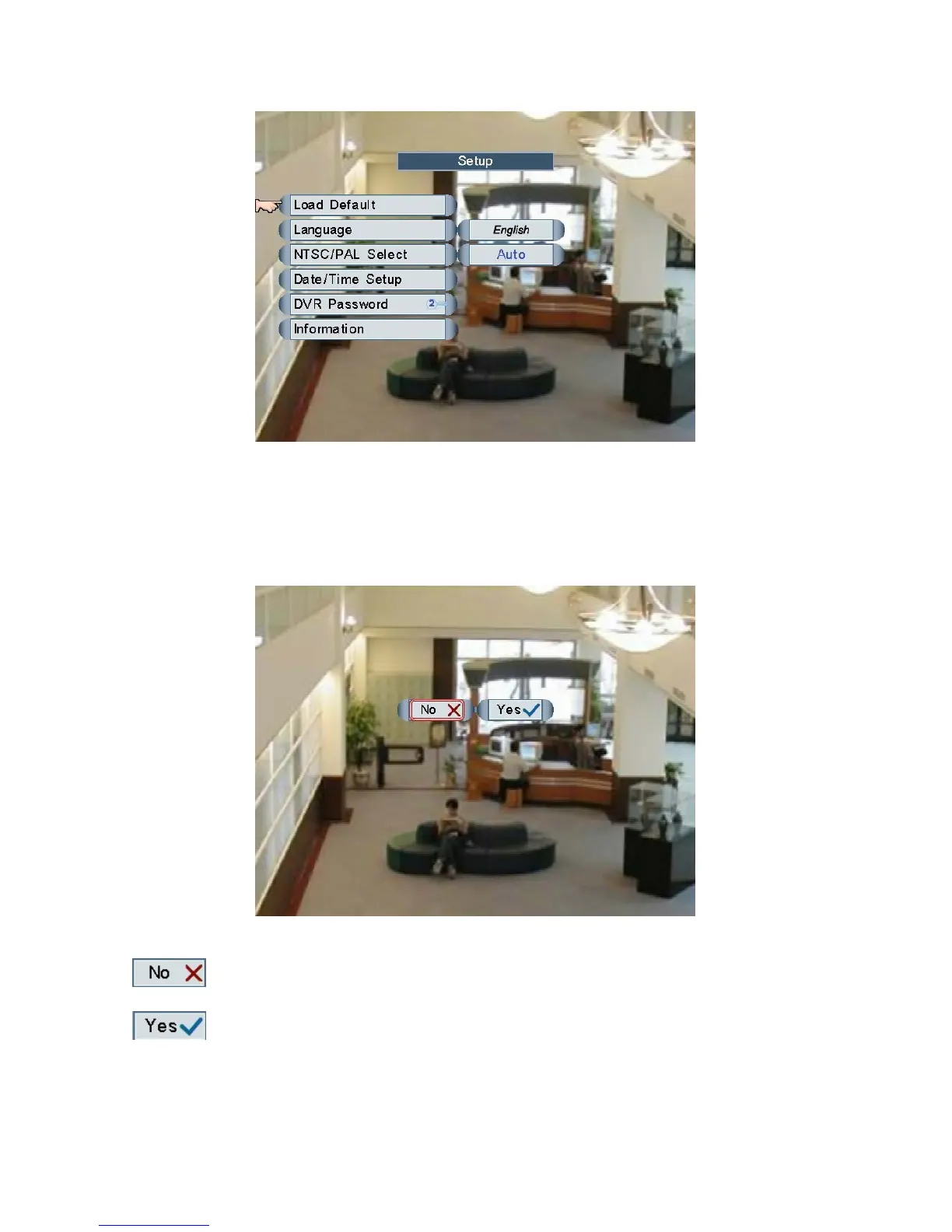
Move and click the mouse to select one of the items, or roll the mouse to adjust the
settings.
Load Default
Load factory’s default configuration.
Left click the mouse to select “No” or “Yes”.
Do not load factory’s default settings.
Load factory’s default settings.
NOTE: Load Default function will not change password, and the setting of “password
Page 22



 To Next Page