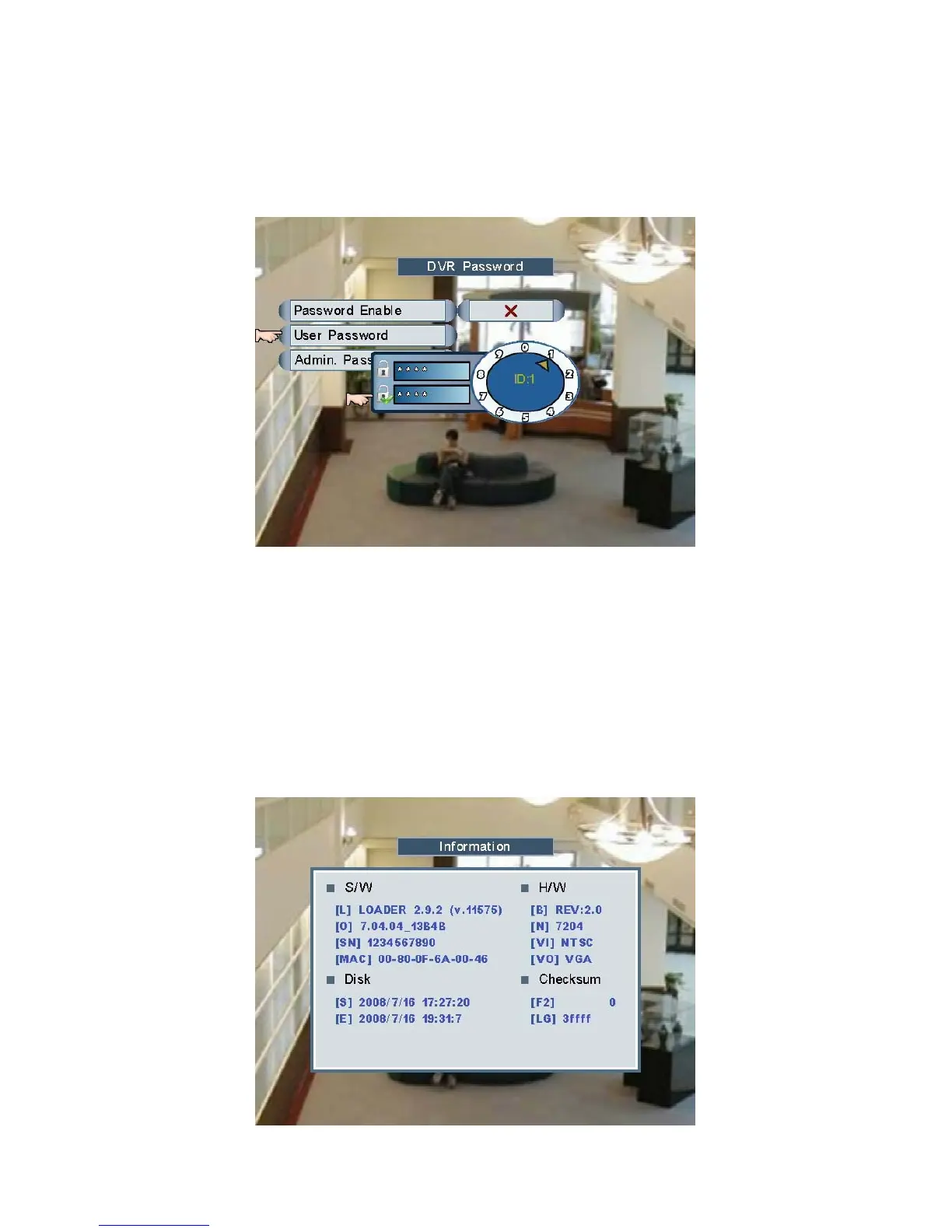
2. User Password (ID: 1): users can change the password of ID: 1.
(Default password: 1111)
3. Admin Password (ID: 2): users can change the password of ID: 2.
(Default password: 2222)
Click the numerals to set and confirm the value of password.
NOTE: ID: 2 (Admin: user of level 2) is the administrator of DVR, who has the rights to
manage passwords. ID 1 (Normal: level 1 users) is a normal user who can neither
enable/disable password checking nor manage passwords.
Information
Users can check the DVR information including software, hardware, start/stop recording
time of HDD and checksum.
Page 25



 To Next Page