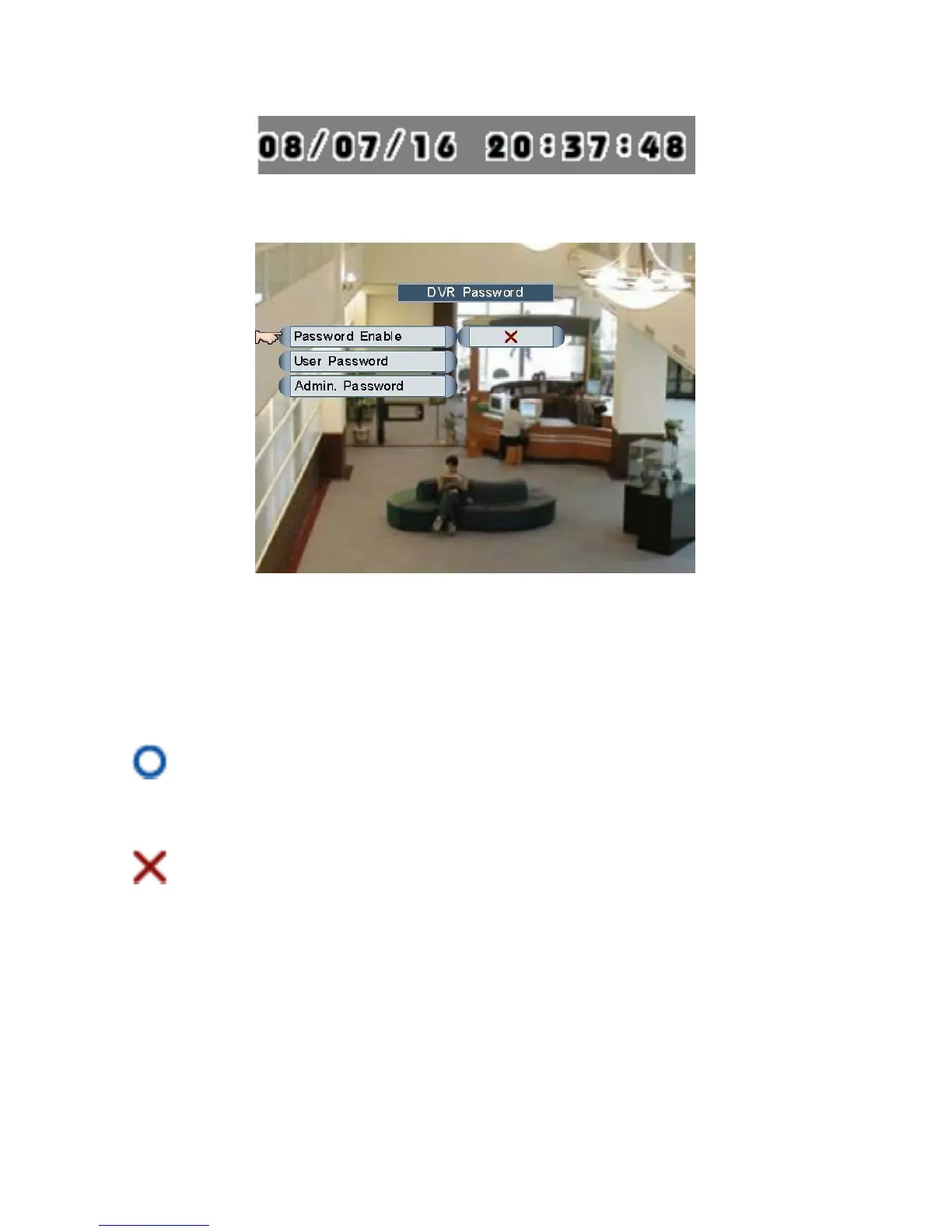
DVR Password
Move and click the mouse to select one of the items, or roll the mouse to enable/disable
password.
1. Password Enable: Only users of “ID: 2” are able to enable/disable password
authority.
Password Enable: the DVR will request password (ID: 1 or ID: 2) to enter Main
Menu, users without password (ID: 0) are allowed live monitoring only.
Password Disable: the DVR will NOT request password to enter Main Menu.
Page 24



 To Next Page