1. Create a free DDNS account and host name from DynDNS
Step 1
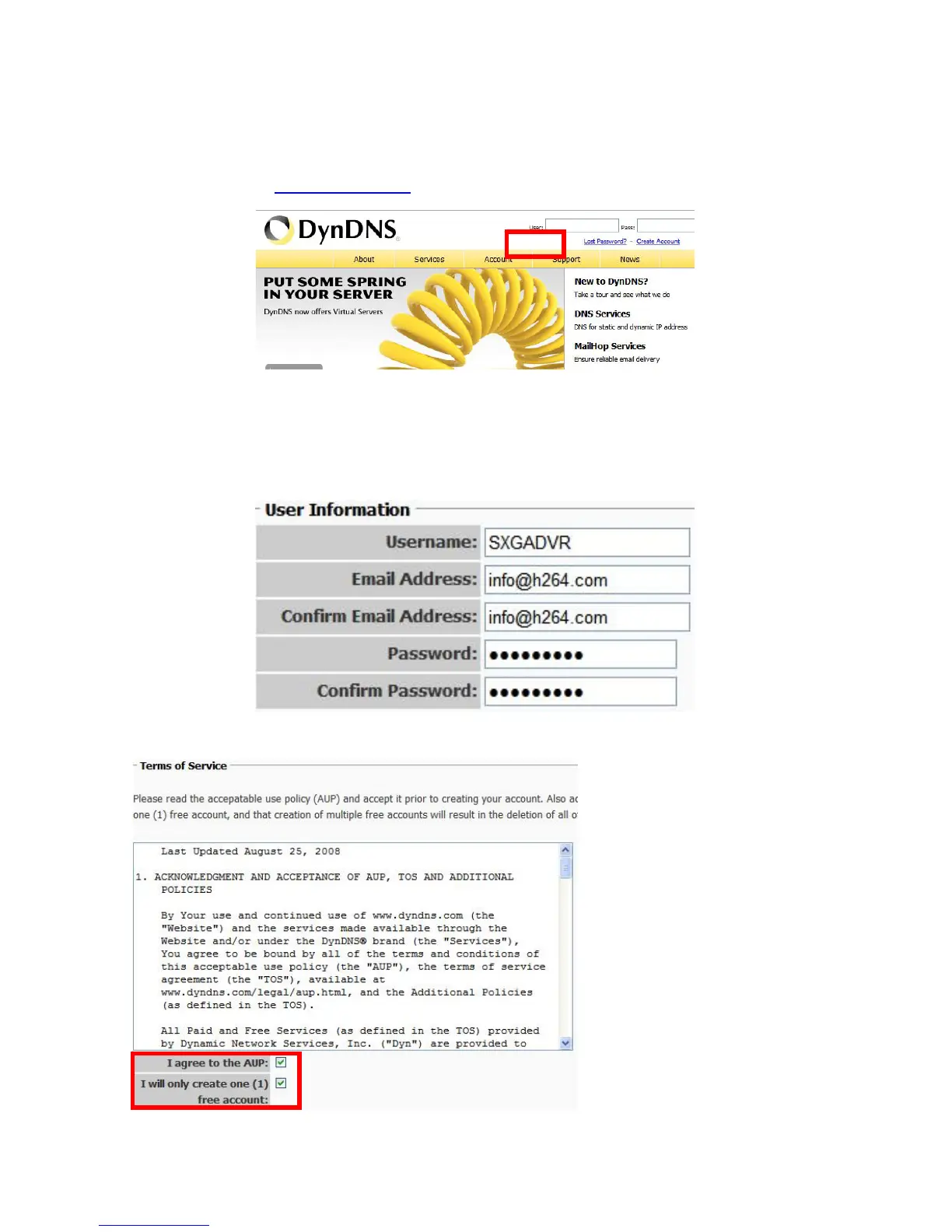
Go to the website www.dyndns.com and click [Create Account].
Step 2
Enter the [User Information]: [Username], [Email Address] and [Password] to create a
DDNS account. Please be minded that it is necessary to put on an effective IP address,
and remember the password, as it will be confirmed and noticed by email.
Check the two boxes below the [Terms of Service]
Create Account
Page 54



 To Next Page