10S
34
4. Now you (A), non-Sena Bluetooth headset (B), and the other 10S
(C) are having a three-way conference intercom.
(A )
(B ) (C )
5. You may disconnect three-way Universal Intercom using the
same way as you do in normal three-way intercom. Please refer to
section 8.2.2, “Ending Three-way Intercom”.
11.4 Four-way Universal Intercom
You may make a four-way Universal Intercom connection with a couple
of different congurations,
1) three 10Ss and one none-Sena Bluetooth
headset
or
2) two 10Ss and two non-Sena Bluetooth headsets.
You may have a couple of other Four-way Universal Intercom
congurations,
1) your headset (A), a non-Sena Bluetooth headset (B),
another 10S (C), and a non-Sena Bluetooth headset (D), 2) your
headset (A), a non-Sena Bluetooth headset (B), and two other 10S
headsets (C and D).
You may make the four-way Universal Intercom
call the same way as a normal four-way intercom call.
11.4.1 Four-way Universal Intercom Case 1
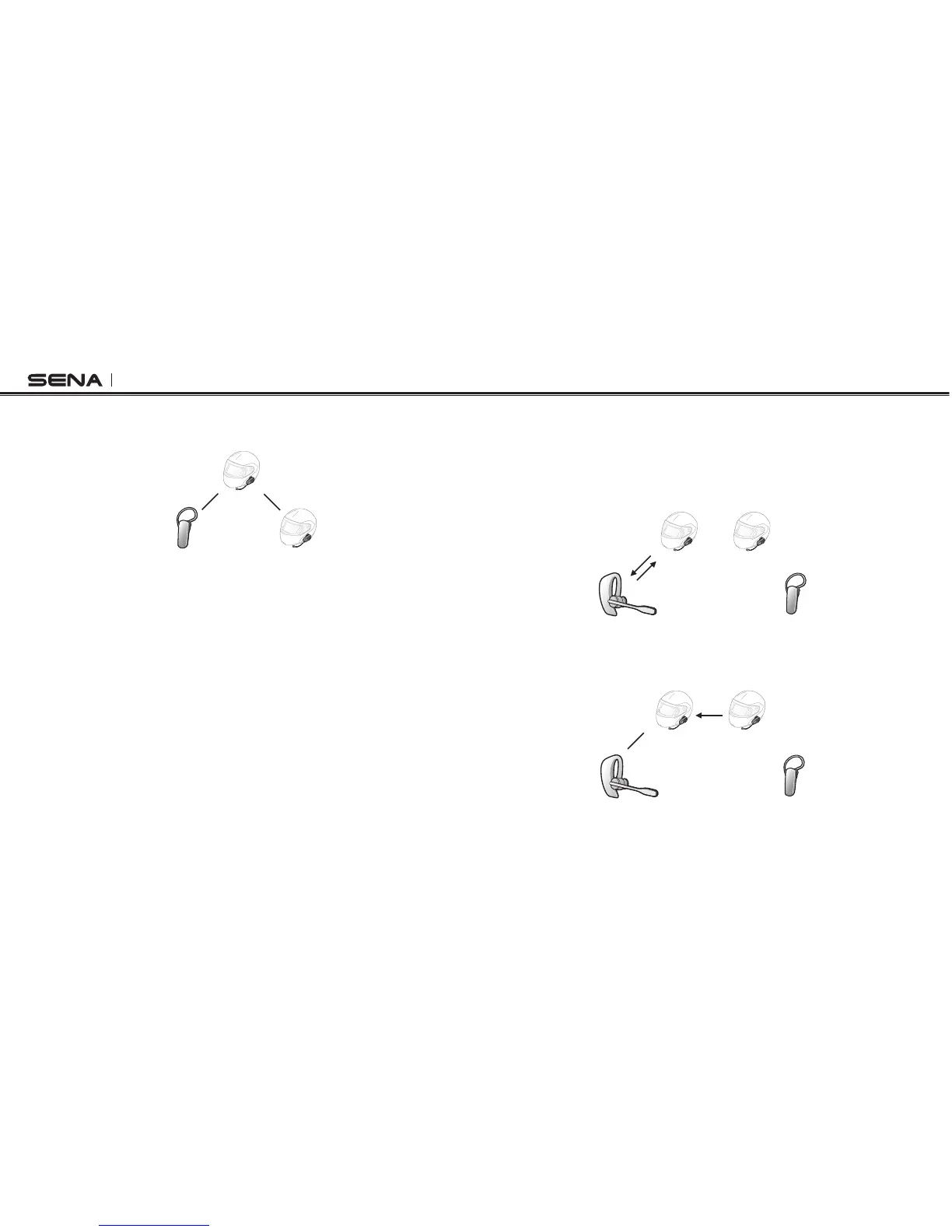
Two 10S headsets (A and C) and two non-Sena Bluetooth headsets (B
and D)
1. You (A) may start an intercom conversation with the non-Sena
Bluetooth headset (B).
(B )
(D )
(A )
(C )
2. The other 10S (C) may join the intercom by making an intercom
call to you (A).
(B )
(D )
(A )
(C )



 To Next Page