10S
12
3.3 Installing the Microphones
3.3.1 Using the Wired Boom Microphone
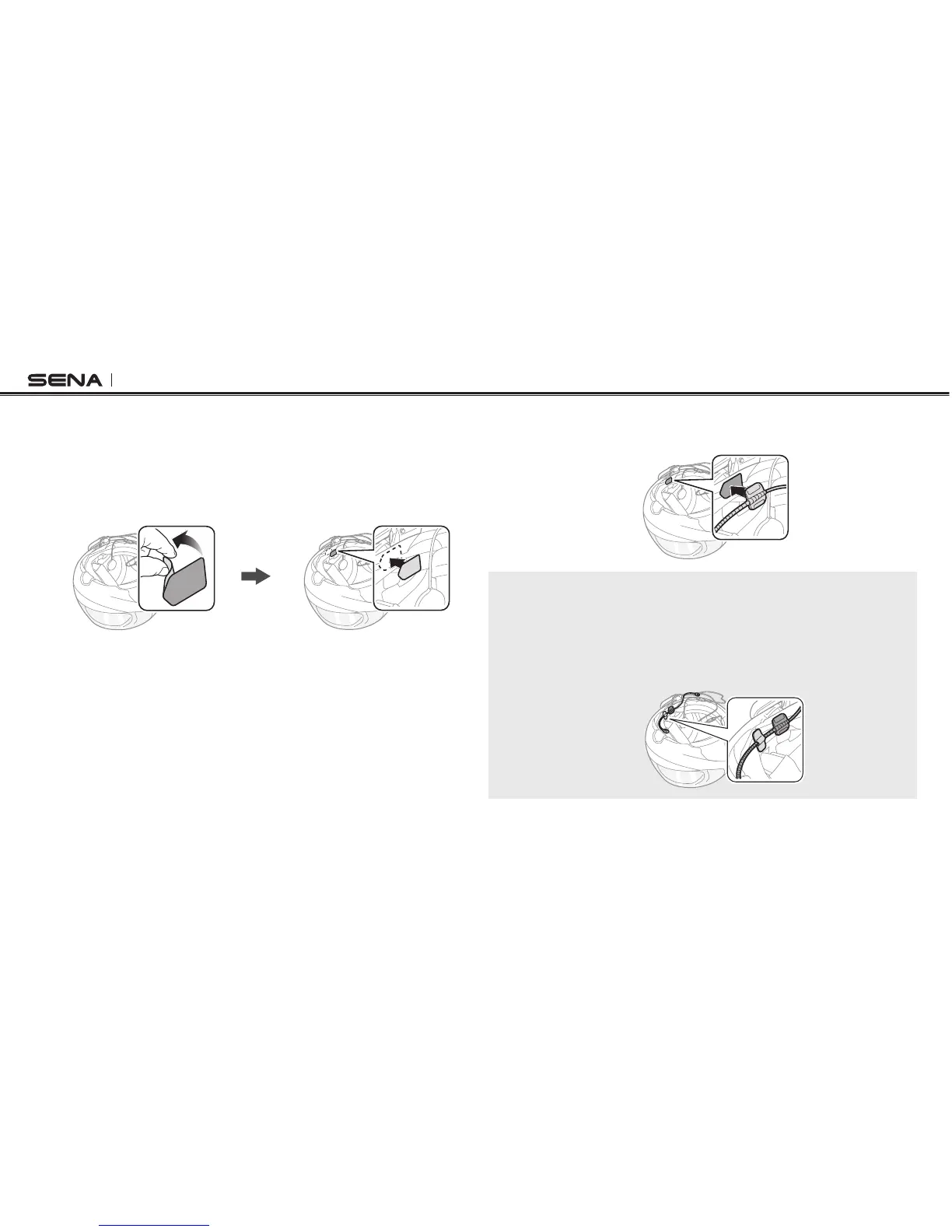
1. Peel off the cover of the hook and loop fastener for wired boom
microphone to expose the adhesive tape. Then, attach the hook
and loop fastener on the inside surface of the left external shell.
2. Attach the wired boom microphone’s mounting plate to the hook
and loop fastener.
Note:
1. After you install the wired boom microphone, make sure you reinstall the
helmet’s internal padding.
2. You can use the boom microphone holder after attaching the hook and
loop fastener for boom microphone holder on it to ensure secure
installation.
3. Make sure that the microphone’s receiver is located near your
mouth.



 To Next Page