10S
9
English
3.1 Installing the Main Unit
3.1.1 Using the Clamp Unit
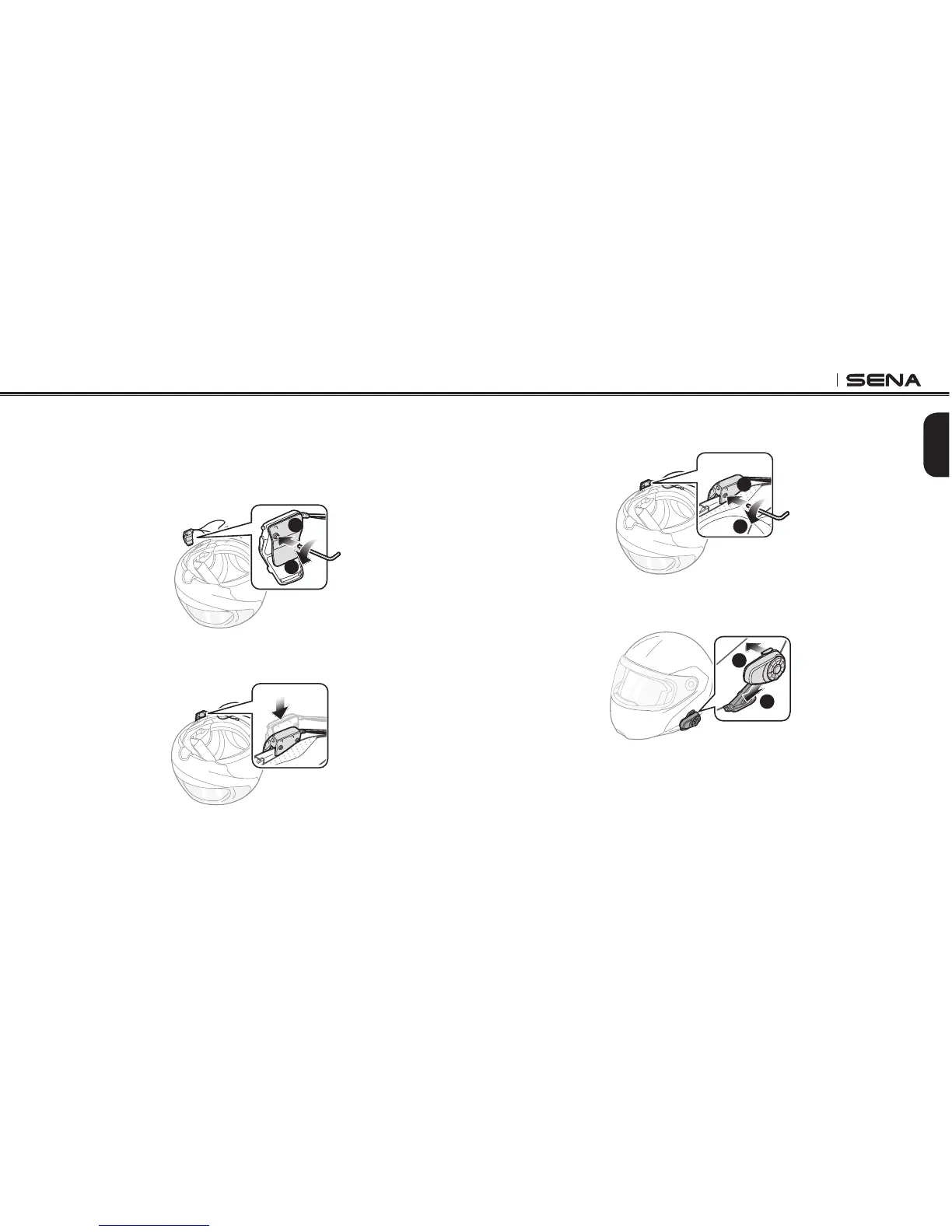
1. Loosen the two screws on the back plate of the clamp unit with the
included allen wrench.
1
2
2. Insert the back plate of the clamp unit between the internal
padding and external shell of the left side of the helmet.
3. Tighten the two screws until the clamp unit is fastened rmly to
the helmet.
1
2
1
2
4. Attach the main unit to the clamp unit until you hear a click. The
main unit is now fastened to the clamp unit.
1
2



 To Next Page