50R Low Profile Motorcycle Bluetooth
®
Communication System with Mesh Intercom™
| 16
3 GETTING STARTED
3.2.2 Sena Device Manager
The Sena Device Manager allows you to upgrade firmware and
configure settings directly from your PC.
Sena Device Manager
• Download the Sena Device Manager at sena.com.
3.3 Powering On and Off
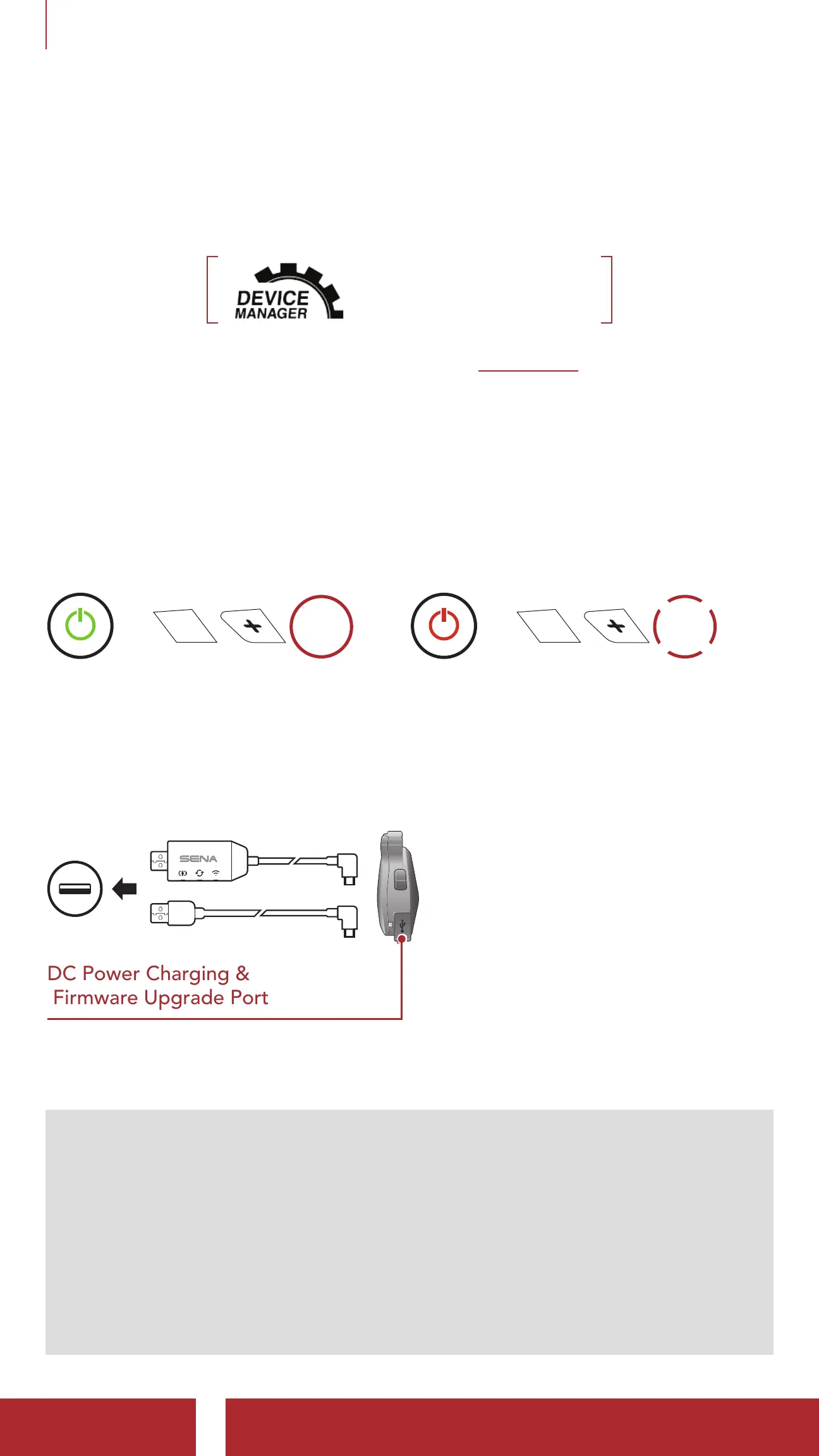
Press and hold the Center Button and (+) Button for 1 second at the
same time to turn the headset on or off.
Powering On
=
1s
HOLD
Powering Off
=
1x
TAP
3.4 Charging
Charging the Headset
DC Power Charging &
Firmware Upgrade Port
You can charge the headset by
connecting the WiFi Adapter
or a USB Power & Data Cable
(USB-C).
A USB Power & Data Cable
(USB-C) is not included in the
package.
The headset will be fully charged in about 1 hour. (The charging time
may vary depending on the charging method.)
Note:
• The headset includes a Fast Charging feature which allows it to
charge quickly over a short period of time. For example, a user can
get up to 3.5 hours of Mesh communication or 6 hours of Bluetooth
intercom after charging the headset for 20 minutes.
• Any 3rd party USB charger can be used with Sena products if the
charger is approved by either the FCC, CE, or IC.
• The 50R is compatible with 5 V input USB-charged devices only.



 To Next Page