50R Low Profile Motorcycle Bluetooth
®
Communication System with Mesh Intercom™
| 26
6. STEREO MUSIC
6.1 Playing Music with Bluetooth Devices
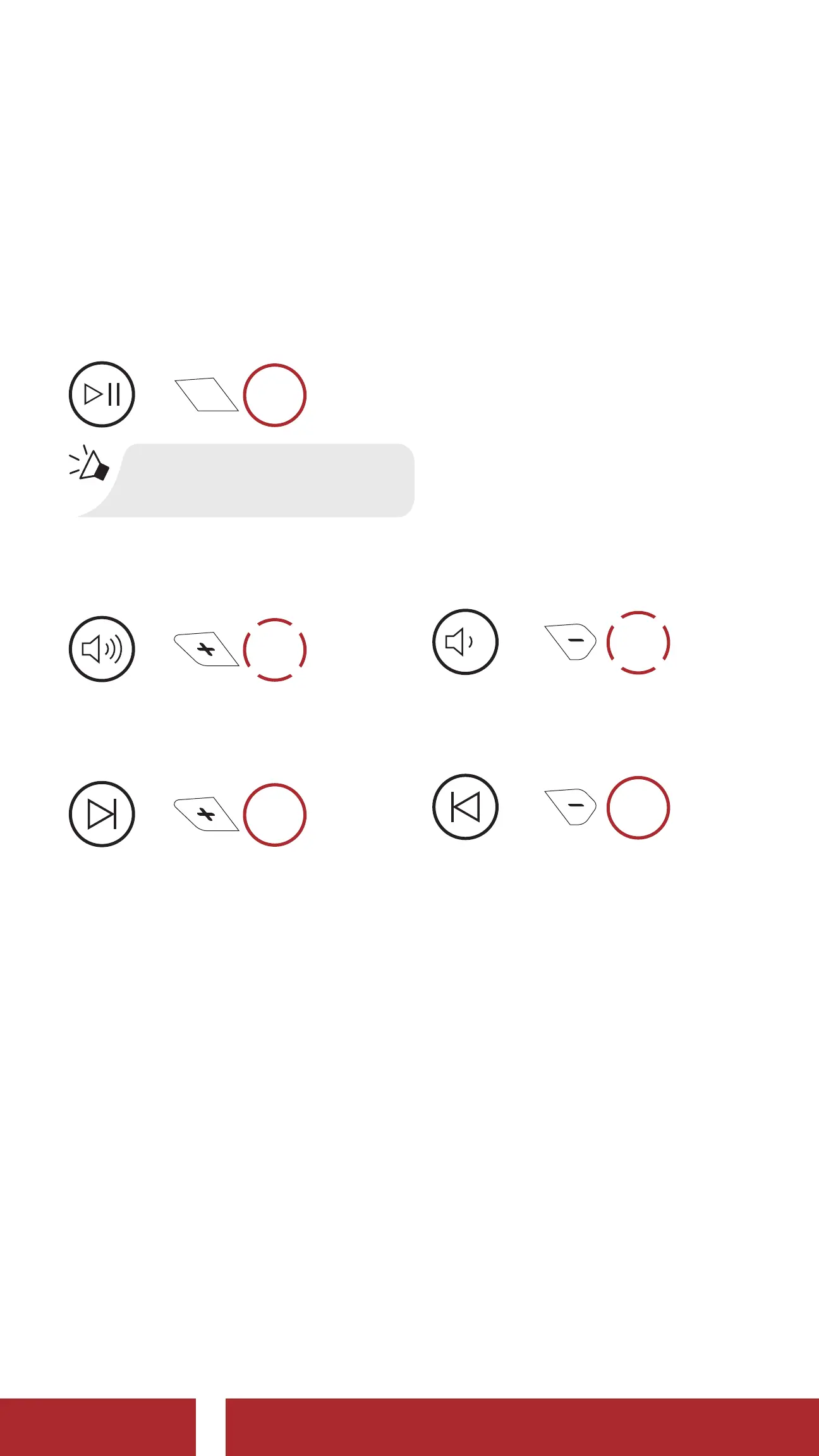
1. Play or pause music.
Play/Pause Music
=
1s
HOLD
“[Beep, Beep]”
2. Adjust the volume.
Volume Up/Down
=
1x
TAP
or
=
1x
TAP
3. Track forward or back.
Track Forward/Backward
=
1s
HOLD
or
=
1s
HOLD
6.2 Music Sharing
You can start sharing music with one intercom friend using Bluetooth
stereo music during a two-way intercom conversation and one
participant of a Mesh. Both you and your intercom friend can remotely
control music playback such as track forward and track back. If you start
sharing music while Bluetooth intercom and Mesh Intercom are running
at the same time, then music shared during Bluetooth intercom will take
priority over music shared during Mesh Intercom. The Creator will send
a request message to a headset connected during Mesh Intercom and
will share music with the first participant that accepts the request.
CHAPTER



 To Next Page