50R Low Profile Motorcycle Bluetooth
®
Communication System with Mesh Intercom™
| 31
7 MESH INTERCOM
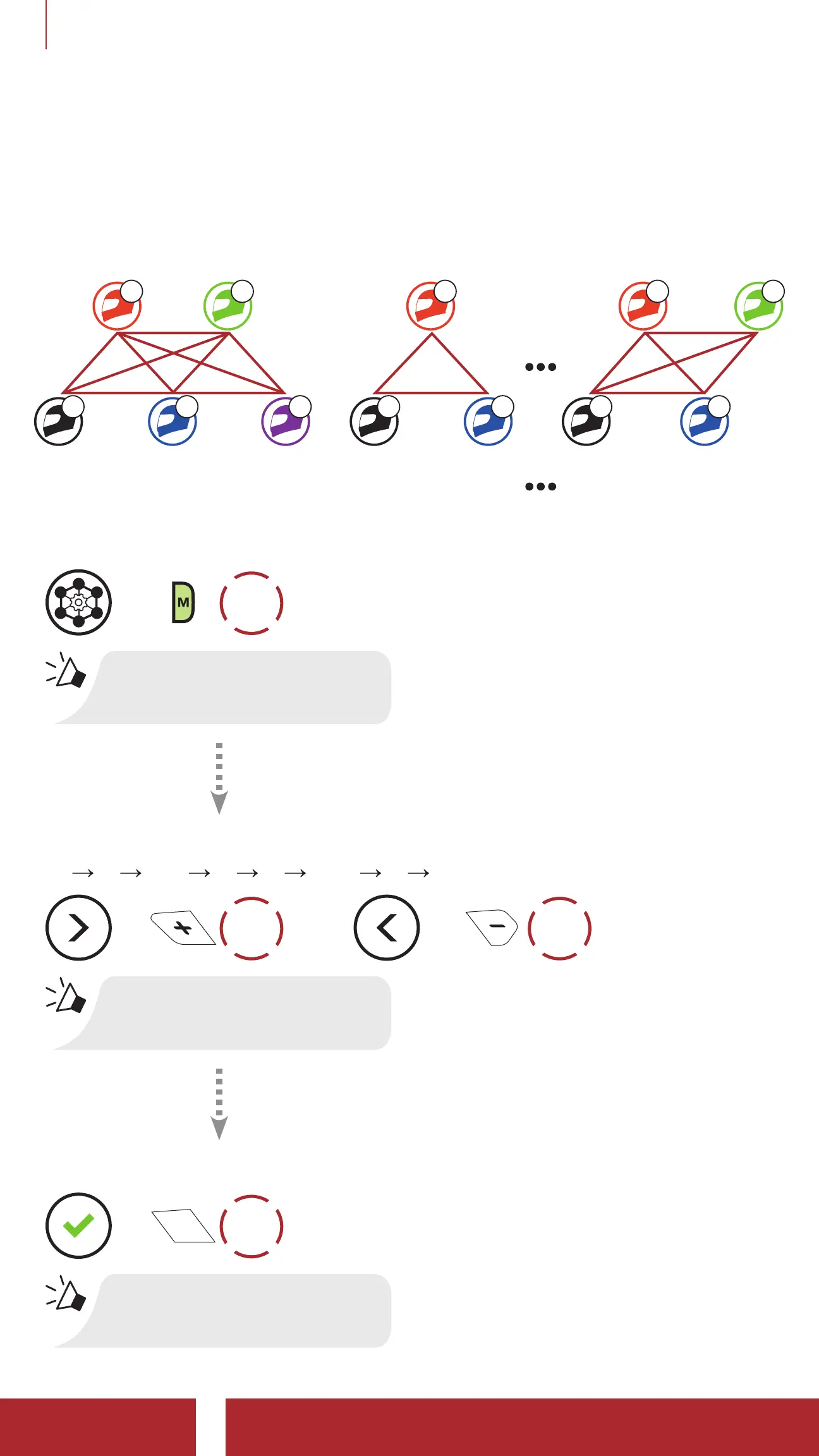
7.3.1 Channel Setting (Default: channel 1)
If the Open Mesh communication experiences interference because
other groups are also using channel 1 (default), change the channel.
You can select from channels 1 to 9.
Channel 1 Channel 2 Channel 9
B
A C E A C A C
D B B D
Enter into the Channel Setting
=
2x
TAP
“Channel setting, 1”
Navigate Between Channels
(1
2 ••• 8 9 Exit 1 •••)
=
1x
TAP
or
=
1x
TAP
“#”
Save the Channel
=
1x
TAP
“Channel is set, channel #”



 To Next Page