SF Series
13
English
4.4 Checking the Battery Level
4.4.1 LED Indicator
When the headset is powering on, the red LED ashes rapidly
indicating the battery level.
4 ashes = High, 70 ~ 100%
3 ashes = Medium, 30 ~ 70%
2 ashes = Low, 0 ~ 30%
4.4.2 Voice Prompt Indicator
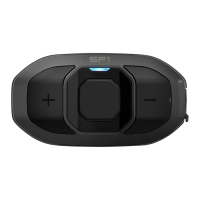
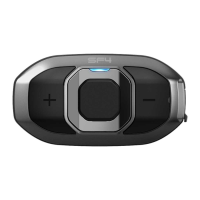
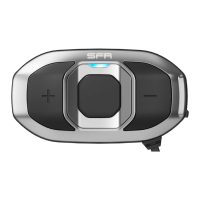
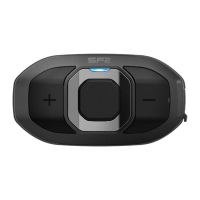
When you power on the headset, keep pressing the Center Button and
the (+) Button simultaneously for about 5 seconds. Then you will hear
a voice prompt indicating the battery level. However, if you release the
buttons as soon as the headset turns on, you will not hear a voice
prompt for the battery level indication.
4.5 Volume Adjustment
You can easily adjust the volume by tapping the (+) Button or the (-)
Button. The volume is set and maintained independently at different
levels for each audio source even when you reboot the headset. For
example, once you set the volume for mobile phone hands-free, it will
not change even if you adjust the volume for your Bluetooth MP3
music. However, if you adjust the volume during stand-by mode, it will
affect volume levels of every audio source.
4.6 Muting the Microphone
To mute or unmute the microphone, press and hold the Center Button
and the (-) Button for 1 second. When the microphone is muted, you
will hear descending beeps every 10 seconds. When you unmute the
microphone, you will hear ascending beeps and the microphone will
be active.



 To Next Page