SF Series
36
Note:
If you select music as the audio source priority, the order of priority will
change as below:
(highest) Mobile phone
Bluetooth stereo music
Intercom
Music sharing by Bluetooth stereo music
(lowest) FM Radio*
*Only available in SF4
14 HEADSET CONFIGURATION SETTINGS
You can set the conguration of the SF Series by the voice menu
instruction described below.
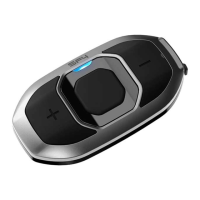
1. To enter into voice conguration menu, press and hold the Center
Button for 10 seconds until you hear high-toned double beeps.
You will also hear a voice prompt, “Conguration menu.”
2. Tap the (+) Button or the (-) Button to navigate between the
menus. You will hear voice prompts for each menu item as below.
3. You can enable/disable a feature or execute a command by
tapping the Center Button.
4. If no button is pressed within 10 seconds, the SF Series will exit
the conguration and go back to stand-by mode.
5. If you want to exit the conguration immediately, tap the (+) Button
or the (-) Button until you hear a voice prompt, “Exit”, and tap the
Center Button.



 To Next Page