SPIDER RT1 Motorcycle Mesh Communication System | 25
7 MESH INTERCOM
7. 2 Starting Mesh Intercom
When Mesh Intercom is enabled, the SPIDER RT1 will automatically
connect to nearby SPIDER RT1 users and allow them to talk to each
other by pressing the Mesh Intercom Button.
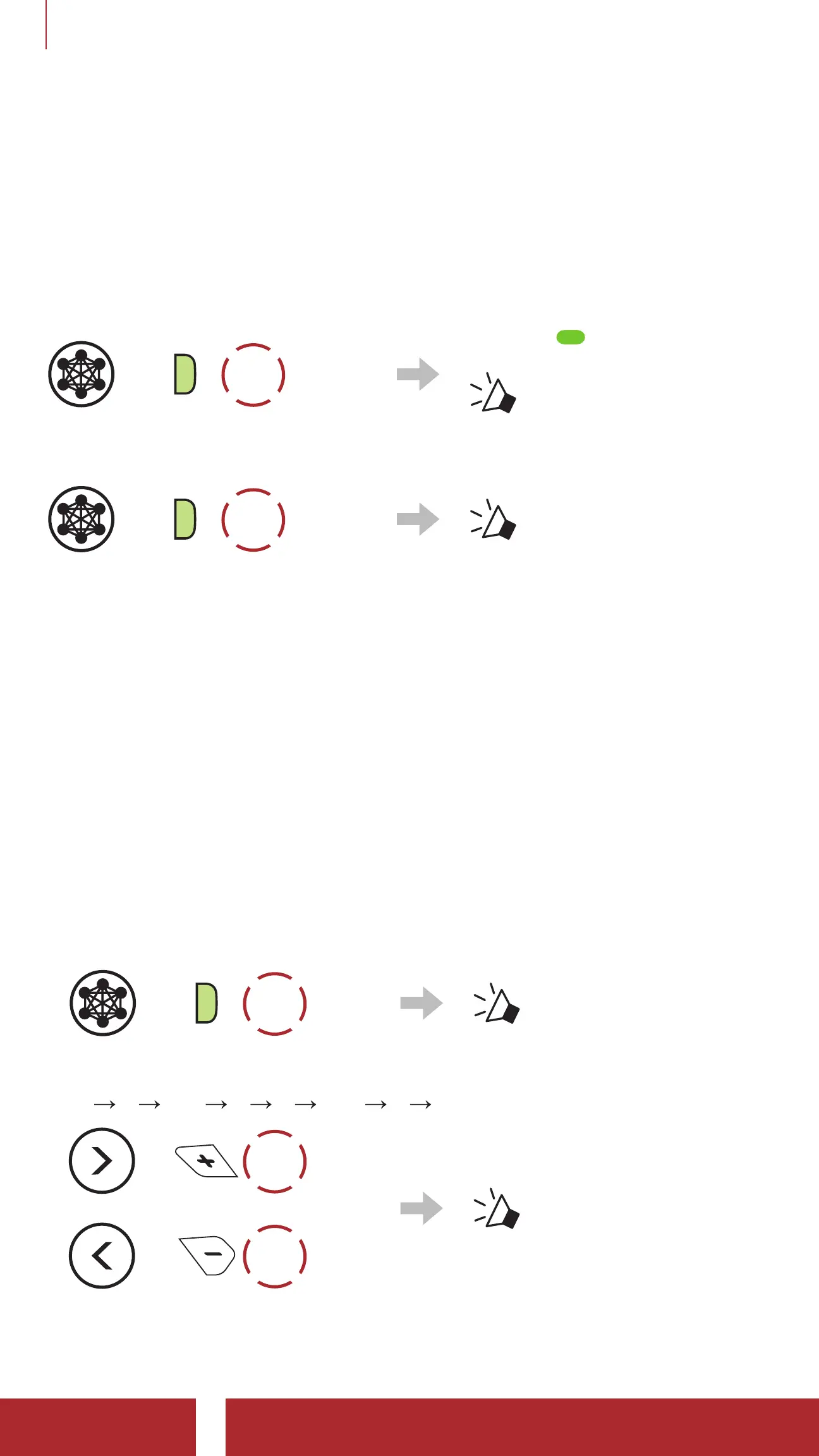
Mesh Intercom On
=
M
1x
TAP
Blinking
“ Mesh intercom on,
Open Mesh,
Channel 1”
Mesh Intercom Off
=
M
1x
TAP
“ Mesh intercom off”
7.3 Using the Mesh in Open Mesh
When Mesh Intercom is enabled, the headset will be in Open Mesh
(default: channel 1) initially.
7.3.1 Channel Setting (Default: channel 1)
If the Open Mesh communication experiences interference because
other groups are also using channel 1 (default), change the channel.
You can select from channels 1 to 9.
1. Double tap the Mesh Intercom Button.
=
M
2x
TAP
“ Channel setting, 1”
2. Navigate between channels.
(1
2 ••• 8 9 Exit 1 •••)
=
1x
TAP
or
=
1x
TAP
“#”



 To Next Page