SRL2
58
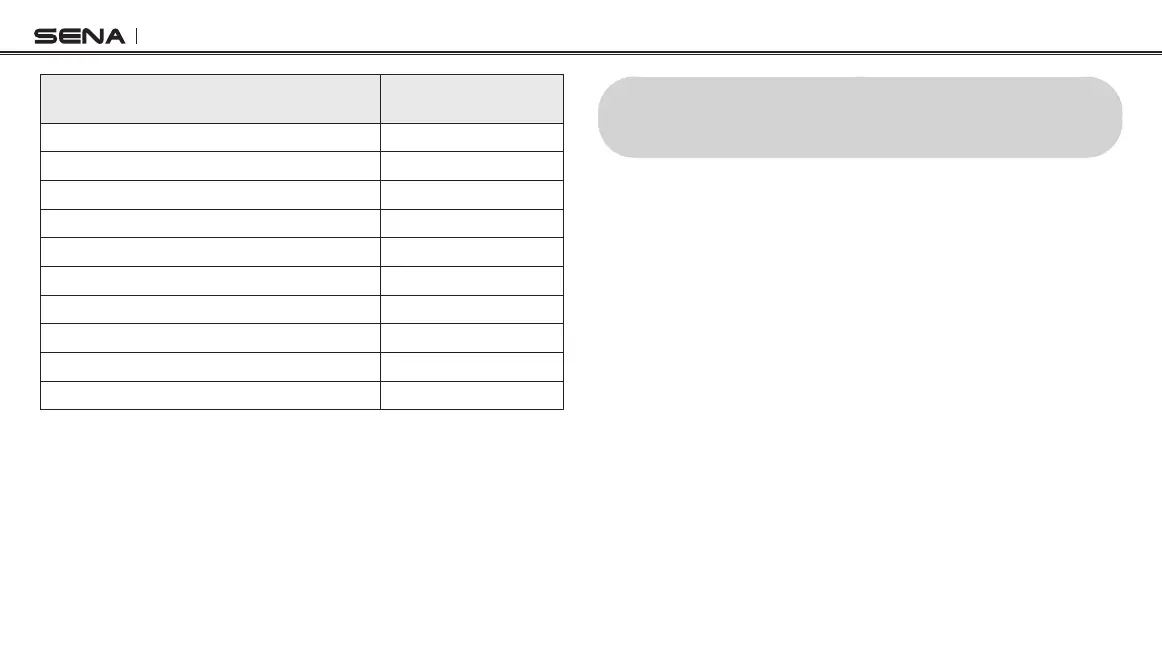
Appuyersurlebouton(+)ou
lebouton(-)
Appuyersurle
boutoncentral
Couplagetéléphone
Aucun
Couplaged’unsecondtéléphonemobile
Aucun
CouplageGPS
Aucun
Couplagesélectiftéléphone
Aucun
Couplagemédia
Aucun
Annulationcouplages
Exécuter
Couplagedelacommandeàdistance
Exécuter
Couplageintercomuniversel
Exécuter
Réinitialisation
Exécuter
Sortirdumenuconguration
Exécuter
23 RÉINITIALISATION SELON LES
PARAMÈTRES D’USINE
1. Pour restaurer les paramètres d’usine par défaut du SRL2, appuyez
sur le bouton central pendant 12 secondes jusqu’à ce que vous
entendiez un double bip à volume élevé. Vous entendez également
l’instruction vocale «Conguration».
2. Appuyez à deux reprises sur le bouton (-) jusqu’à ce que vous
entendiez l’instruction vocale «Réinitialisation».
3. Dans les 5 secondes, appuyez sur le bouton central pour conrmer
la réinitialisation. Les paramètres d’usine sont rétablis et le casque
audio s’éteint automatiquement. Vous entendez alors l’instruction
vocale «Réinitialisation,aurevoir».



 To Next Page