ALL RIGHTS RESERVED. NO PART OF THIS PUBLICATION MAY
BE REPRODUCED WITHOUT PRIOR PERMISSION.
In this cases the R-KEY-LT will not be able to communicate from the ethernet port.
5.3. TIPS FOR CONFIGURING IP FOR MULTIPLE R-KEY-LT DEVICES
If in a network there are multiple R-KEY-LT devices to be installed, for speed up the installation follow this tips:
Install all the R-KEY-LT with the SW2 DIP1 = OFF and SW2 DIP2=OFF. If the devices are not used before
the ip is set to DHCP, if not force the device to DHCP with the dip switch.
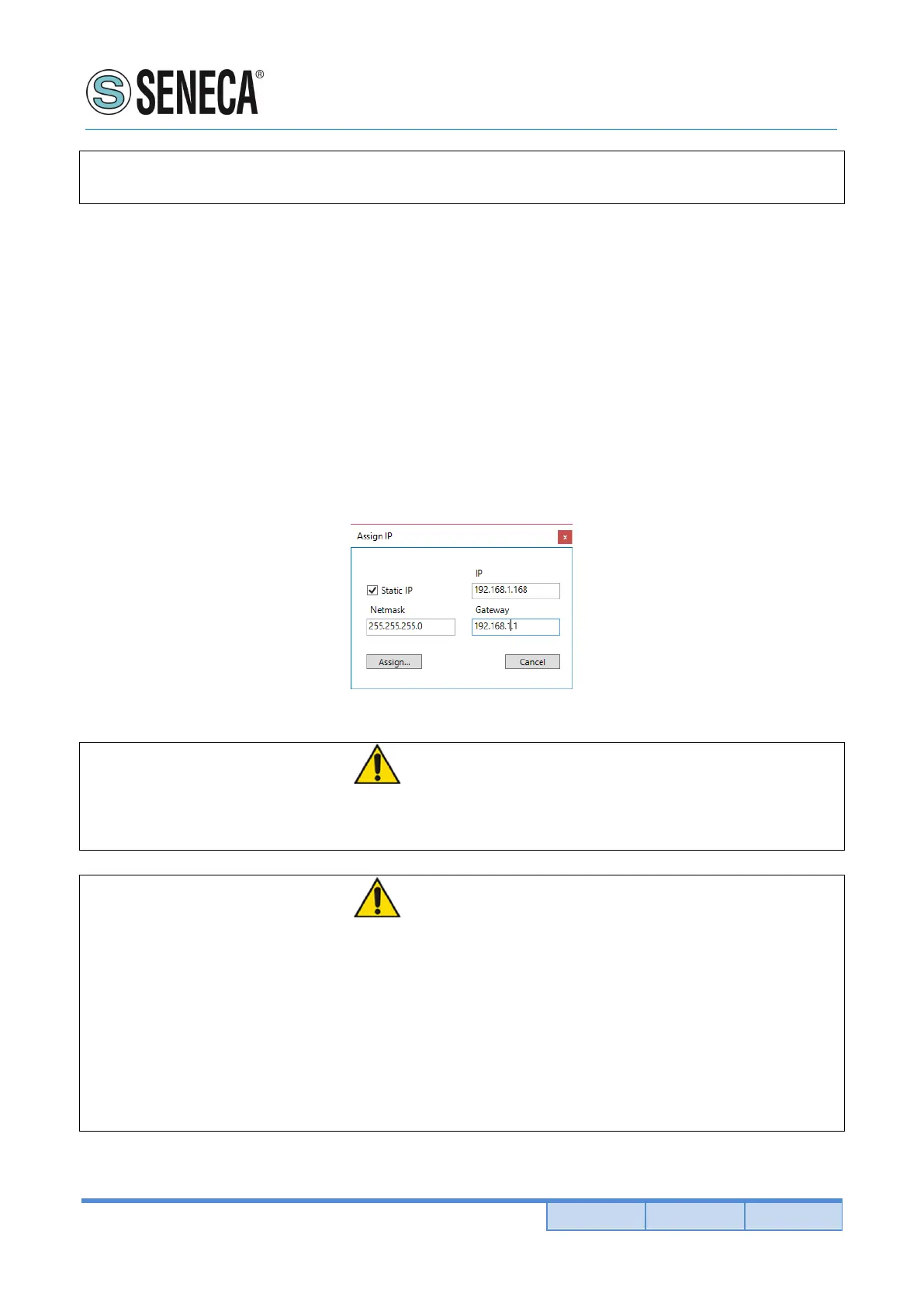
If you have a DHCP server, all the devices can be found and configured with the Device Discovery tool.
If you don’t have a DHCP server after 5 minutes from the power up the devices will set a different static ip
169.254.x.y ,where x.y depends form the mac address and can once again can be found and configured
with the Device Discovery tool (without changing the PC ip configuration).
WARNING!
As long as the dhcp server does not provide a valid ip address (PWR led is flashing), the R-KEY-LT will
not be visible from the Discovery Device tool.
WARNING!
If R-KEY-LT is configured with the ip set to DHCP but the DHCP server is not active,
after 5 minutes from the power up the R-KEY-LT will force the following fault ip address:
169.254.x.y
Where x.y are the last 2 MAC address values.
For example:
R-KEY-LT mac address = C8:F9:81:11:1A (hexadecimal values)
Fault ip address = 169.254.17.26


 To Next Page