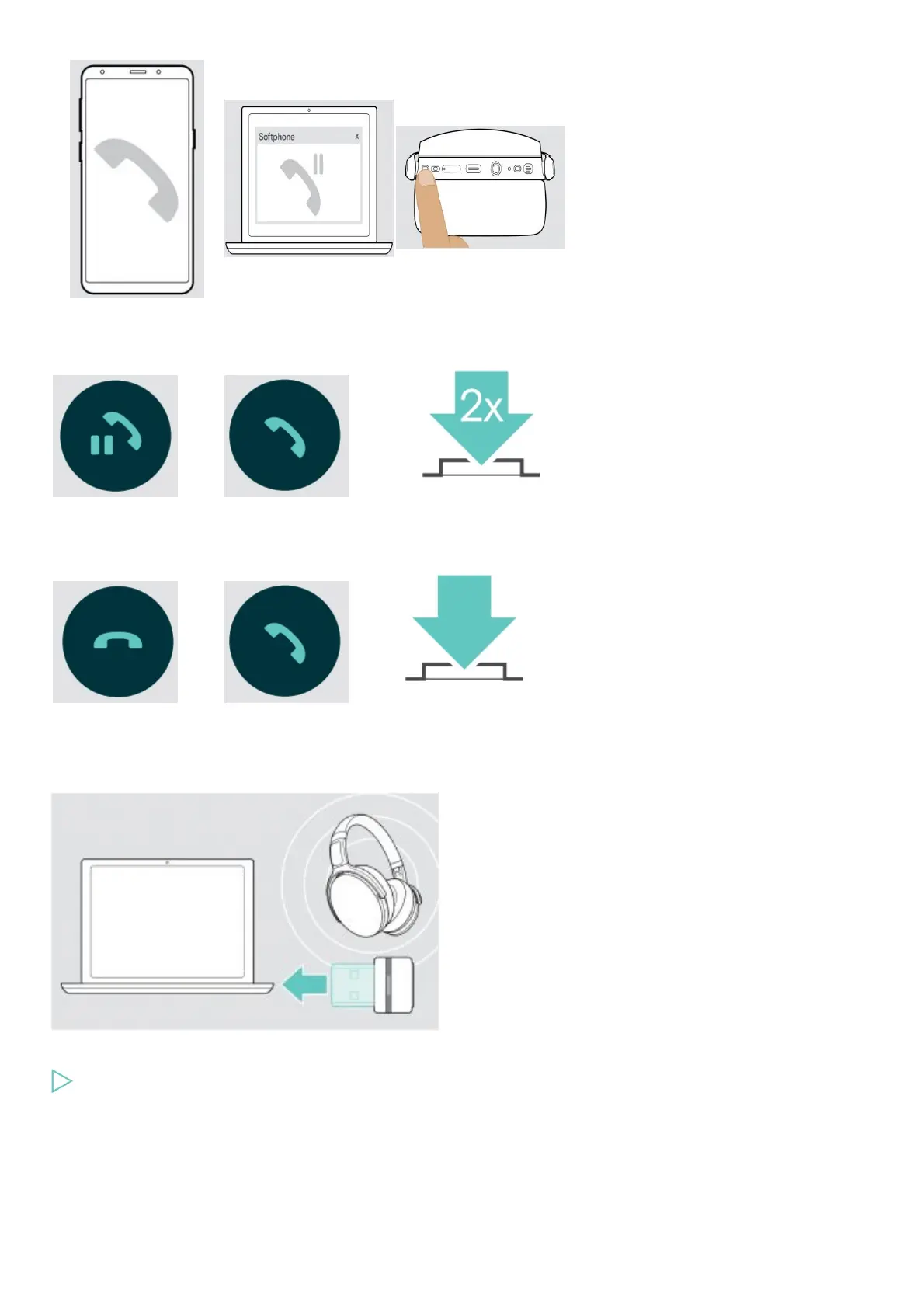
Active call
2nd held call
Toggles between the active
and held call
Ends
the active call and makes
the held call active
Using headset and dongle with Microsoft® Teams / Cortana
To use Microsoft Teams and Cortana with the headset:
Plug the dongle into the USB port of your computer.
If Microsoft Teams is already running, the blue LED changes to purple automatically
Invoking Microsoft® Teams and check notifications











 To Next Page