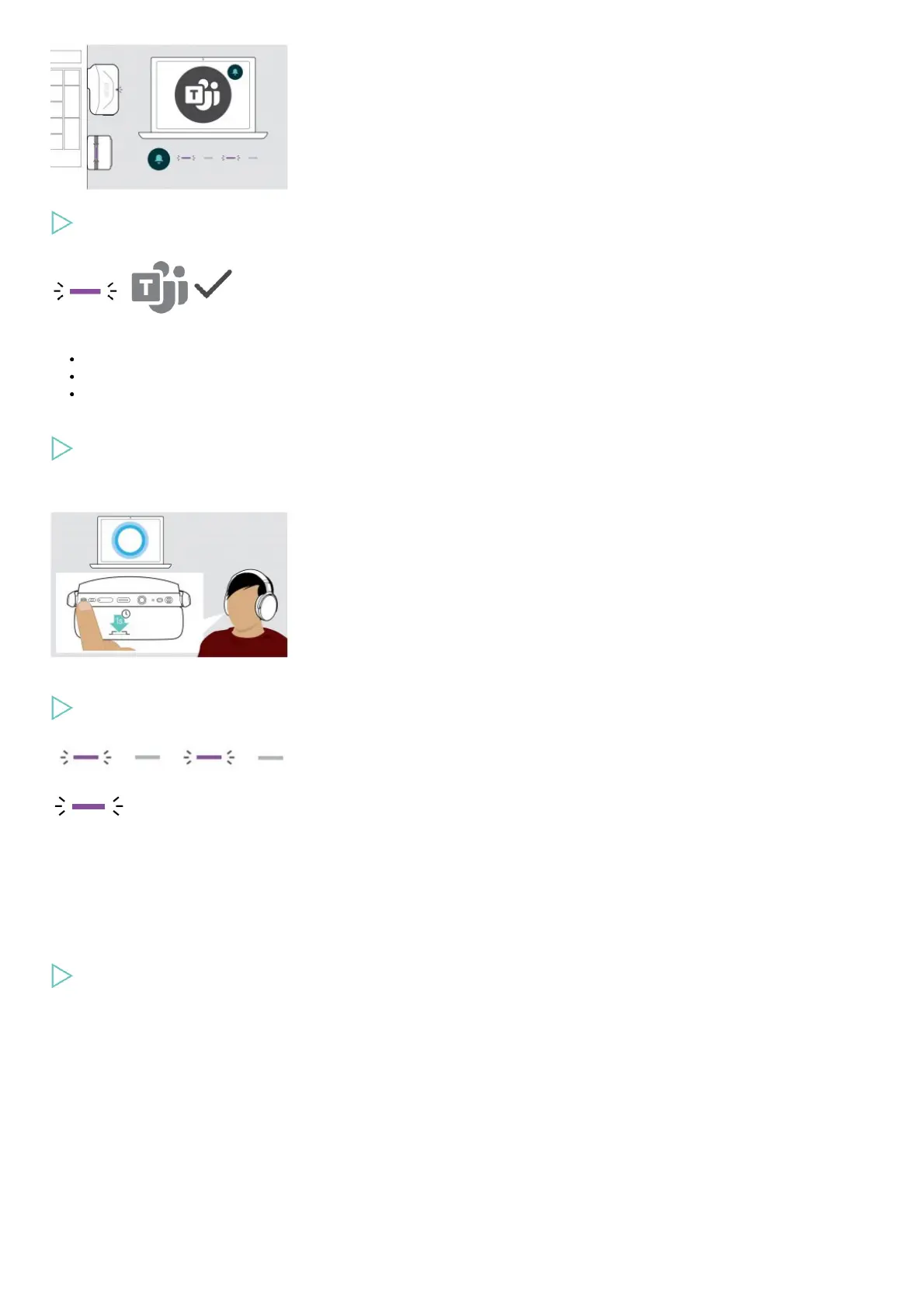
Start Microsoft Teams on your computer.
The dongle connects to Microsoft Teams and the LED blue LED changes to purple.
The LED pulses purple to indicate:
Meeting Join Notification
Voice Mail Notification
Missed Call Notification
To check these Notifications on your screen:
Press the Hook button.
Activating and using Microsoft® Cortana
You can activate and use Cortana – Microsoft’s Personal Digital Assistant using Voice command technology – with the headset.
Press the Hook button.
The Dongle LED flashes purple while activating Cortana.
The LED lights up purple and Cortana is ready to use.
Listening to audio using the headset
You can listen to audio via a connected device.
Controlling media playback
The following functions depend on the connected device.
Play the media on your connected Bluetooth device.
The LED on the dongle lights up blue.











 To Next Page