Additional functions
Charging the headset battery
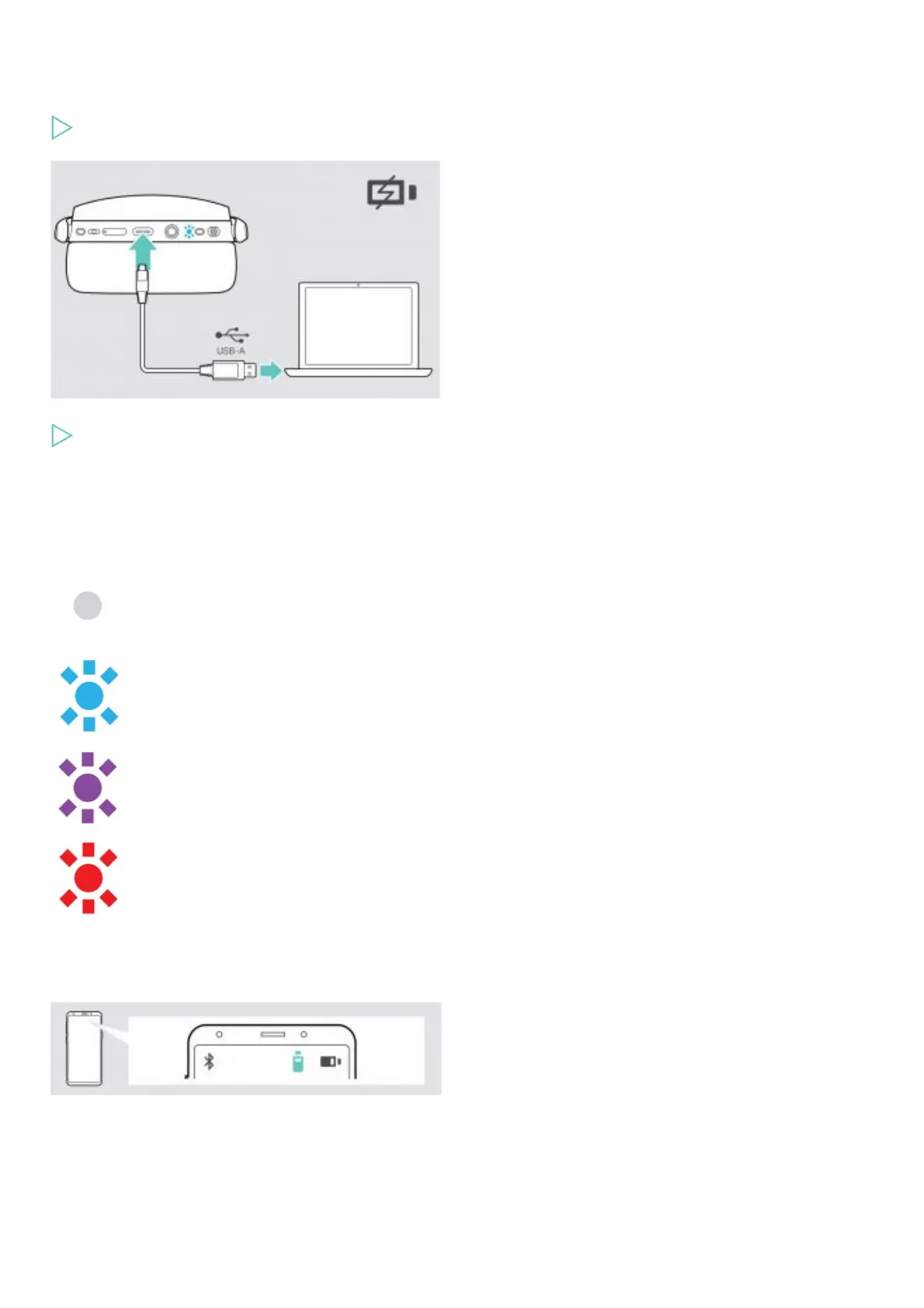
Connect the supplied USB cable to the USB socket of the headset and a USB socket of your computer.
To end charging:
Disconnect the USB cable from the headset.
The battery is being charged. The LED lights up depending on the battery status of the headset and turns off when the battery is fully
charged.
LED Battery status
100% – Battery fully charged
more than 60%
more than 20%
less than 20%
NOTE: When the battery is flat, the headset turns off automatically.
Verifying remaining battery power
Some mobile devices indicate the battery status of the headset.











 To Next Page