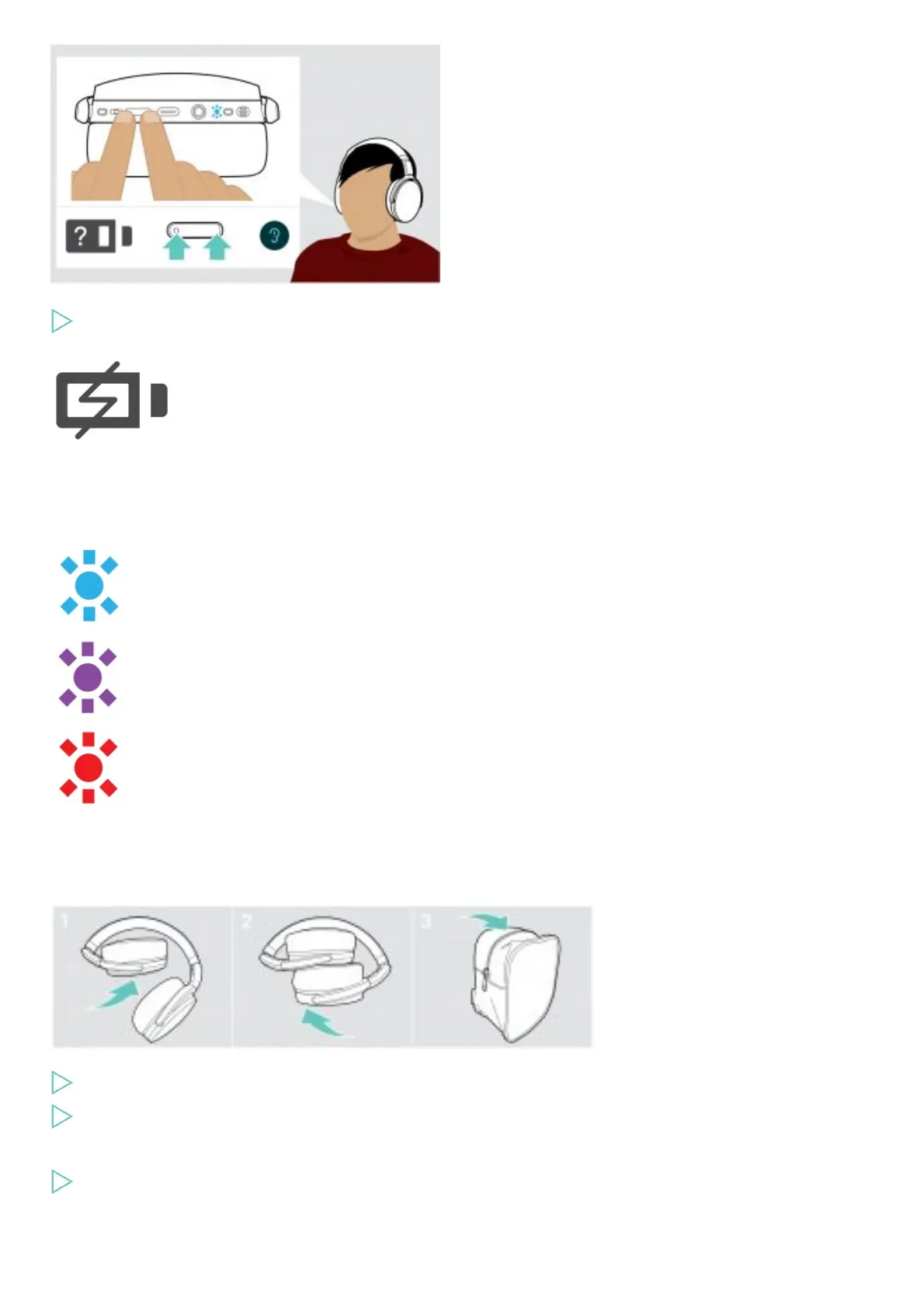
You can retrieve information on the remaining battery power at any time – except while you are in a call:
Press both Volume buttons.
The LED flashes shortly and a voice prompt is announced.
When the battery power drops below 20%,
the LED flashes red and “Recharge headset”
is announced several times.
LED Remaining battery power
more than 60%
more than 20%
less than 20% – automatic voice prompt
Storing and transporting the headset
To avoid nicks or scratches on the headset:
Fold the ear cups inwards towards the headband.
Store the headset in the case when not in use or when carrying it around. Keep it in a clean and dry environment.
If you do not use the headset for extended periods of time:
Charge the built-in rechargeable battery every 3 months for about 1 hour.
If you leave the Bluetooth range
The range between headset and Bluetooth device is device dependent. The transmission range largely depends on environmental











 To Next Page