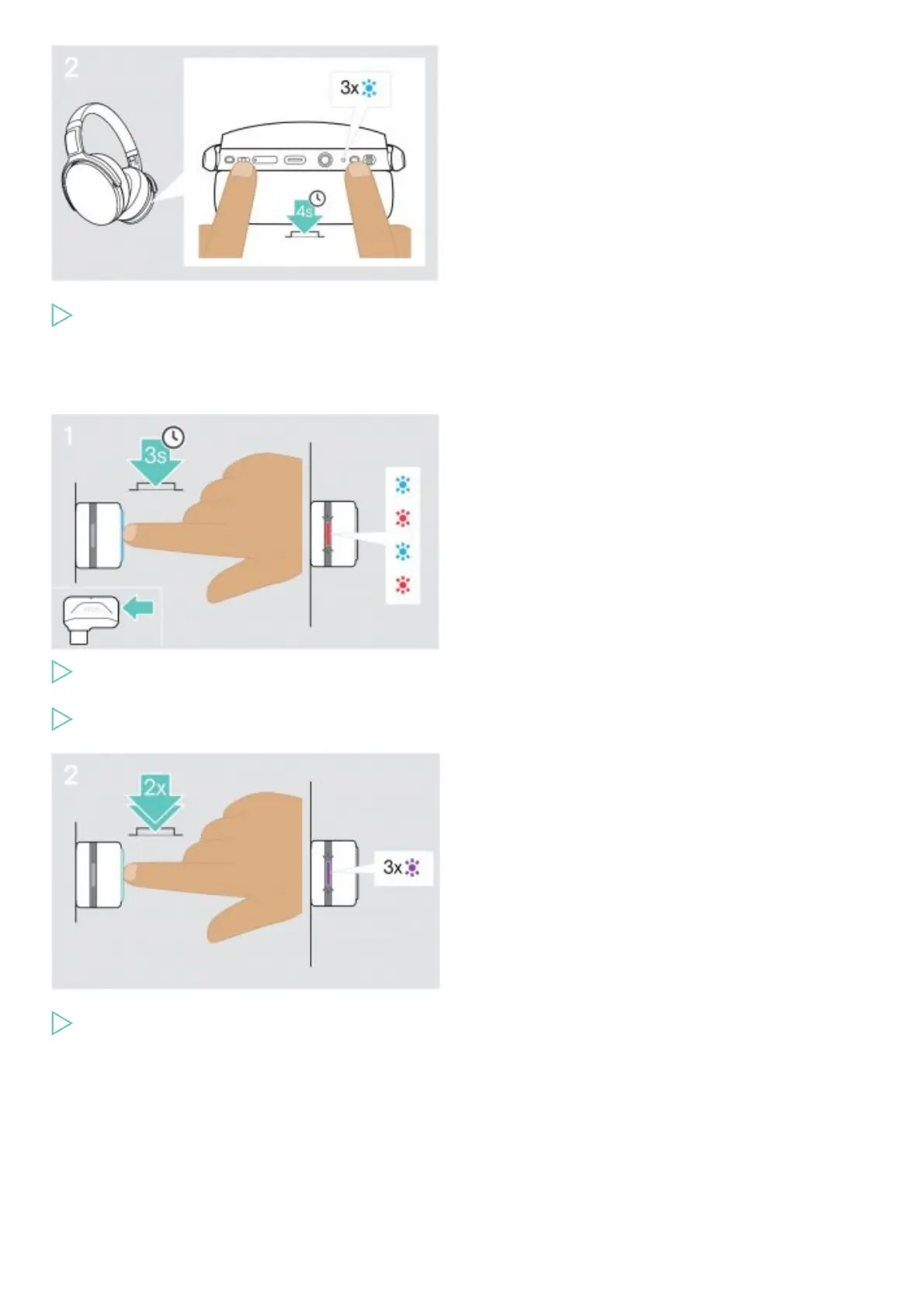
Simultaneously press the Media control button and the Power button.
The LED flashes blue 3 times. The pairing list is cleared.
The headset searches for Bluetooth devices to pair with.
Clearing the pairing list of the dongle (Reset)
Plug the dongle into the USB port of your computer.
Press and hold the button until the LED flashes blue and red.
Double press the dongle’s button.
The LED flashes purple 3 times. The pairing list is cleared. The dongle searches for Bluetooth devices to pair with.
Specifications
Headset – General
Wearing style Over-ear, double-sided headband











 To Next Page